> ## Documentation Index
> Fetch the complete documentation index at: https://docs.nemu.com.br/llms.txt
> Use this file to discover all available pages before exploring further.
# Guru
> How to connect your Guru account to Nemu Dashboard
## Generating the Account Token
1. Access the [Guru admin](https://digitalmanager.guru/admin/auth/login?utm_term=docs\&utm_content=autenticacao-autenticacao) with your username and password.
2. In the top right menu, click on **My Account**.
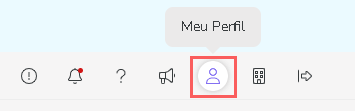 3. In **API**, copy and store the **API Token**.
 ## Setting Up the Webhook in Nemu
4. In Nemu, go to **Settings** > **Webhooks**, search for **Guru** and click on **Connect**.
## Setting Up the Webhook in Nemu
4. In Nemu, go to **Settings** > **Webhooks**, search for **Guru** and click on **Connect**.
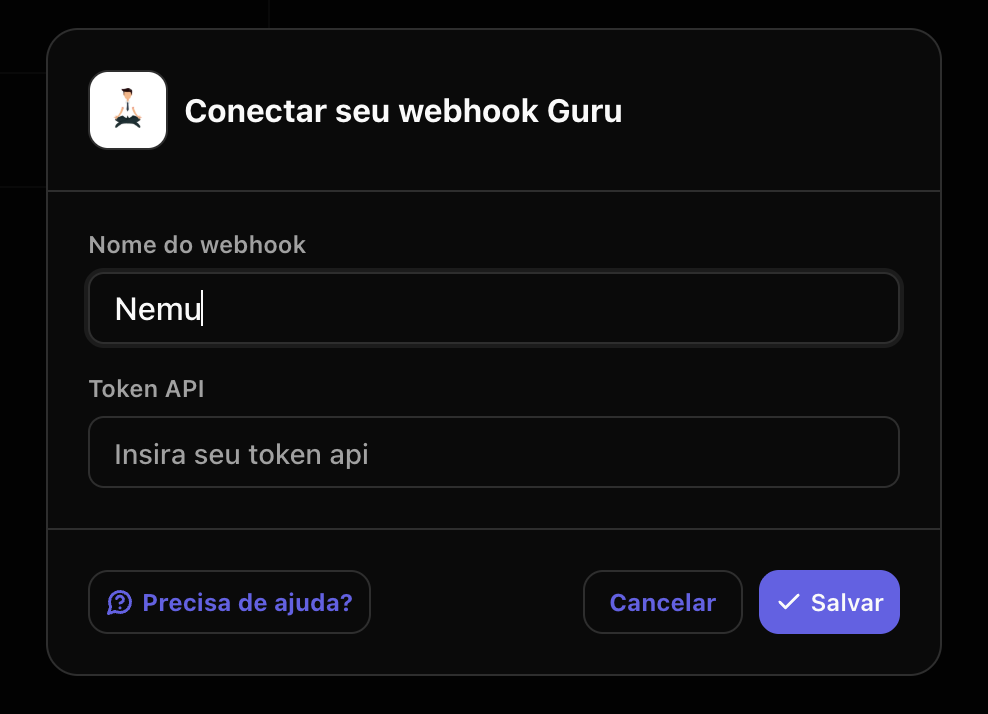
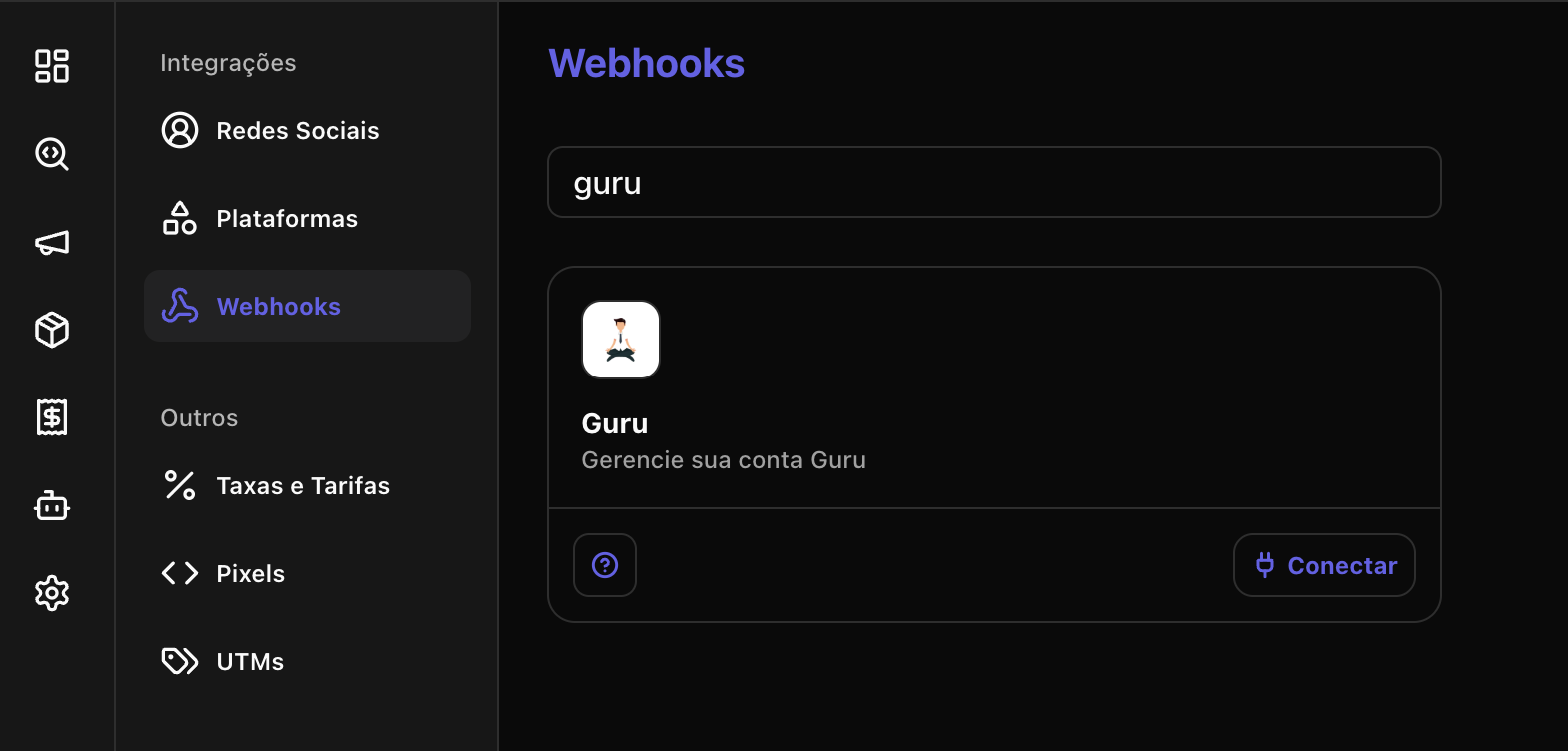 5. Define a name for your Webhook, paste the **Account Token** generated previously and click on **Save**.
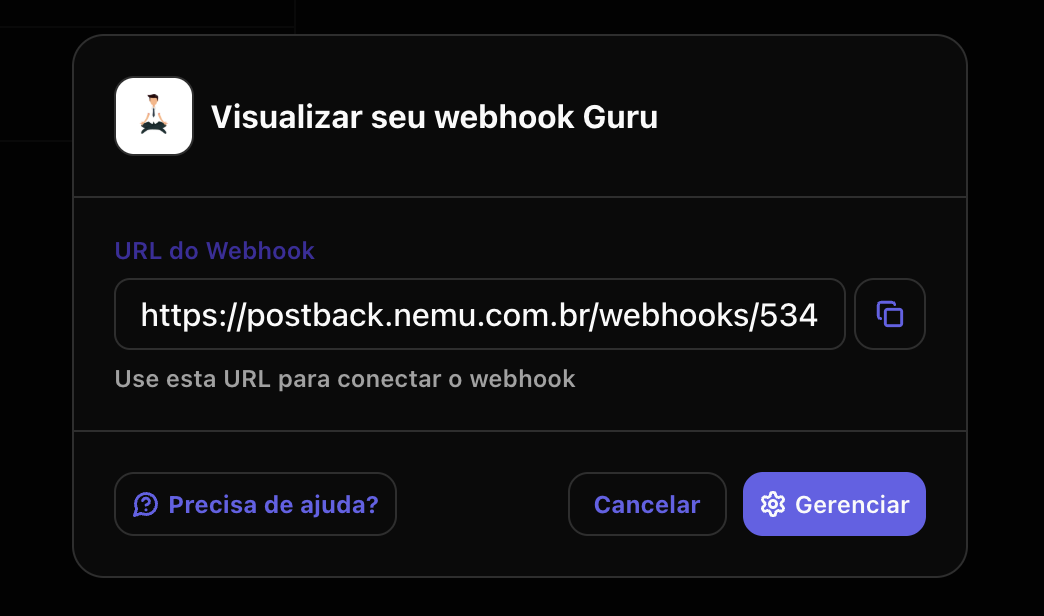
 6. Click the indicated button to copy the generated connection URL.
 ## Setting Up the Webhook in Guru
1. Access the [Guru admin](https://digitalmanager.guru/admin/auth/login?utm_term=docs\&utm_content=autenticacao-autenticacao) with your username and password.
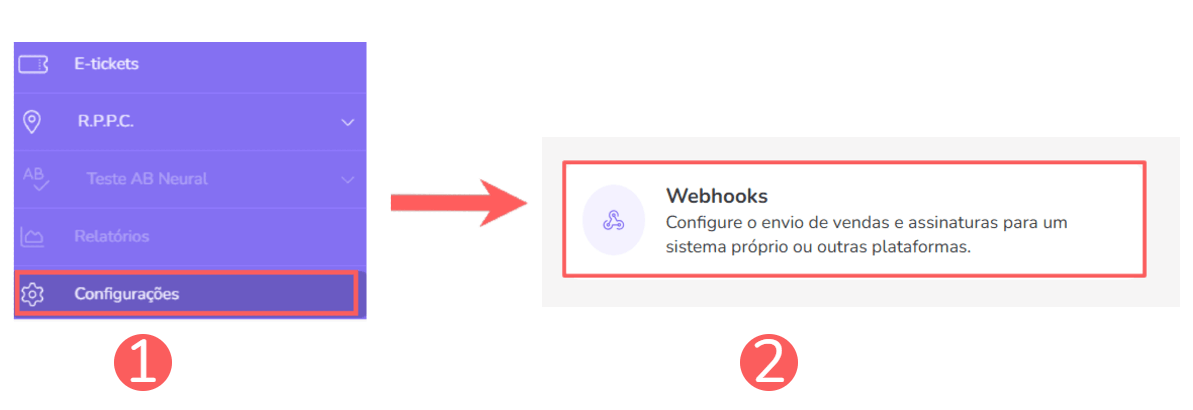
2. In the left sidebar, click on **Settings** > **Webhooks** and click on **Sales**.
## Setting Up the Webhook in Guru
1. Access the [Guru admin](https://digitalmanager.guru/admin/auth/login?utm_term=docs\&utm_content=autenticacao-autenticacao) with your username and password.
2. In the left sidebar, click on **Settings** > **Webhooks** and click on **Sales**.
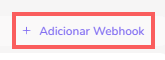
 3. Click on the **Add Webhook** button.
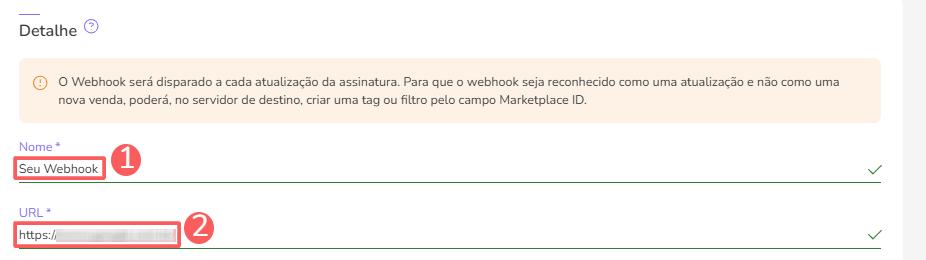
 In Detail, fill in the information:
* Name: name of your webhook;
* URL: connection URL in Nemu in the [Setting Up the Webhook in Nemu](#setting-up-the-webhook-in-nemu) step.
In Detail, fill in the information:
* Name: name of your webhook;
* URL: connection URL in Nemu in the [Setting Up the Webhook in Nemu](#setting-up-the-webhook-in-nemu) step.
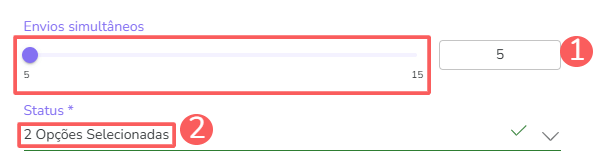
 4. In **Shipping Rules** and **Status** select:
* **Simultaneous Shipments**: maximum number of simultaneous shipments Guru should perform, by default leave as **5**.
* **Status**: for which status (sale, subscription or e-ticket) the webhook shipment should be performed, in this case select **Sales**.
4. In **Shipping Rules** and **Status** select:
* **Simultaneous Shipments**: maximum number of simultaneous shipments Guru should perform, by default leave as **5**.
* **Status**: for which status (sale, subscription or e-ticket) the webhook shipment should be performed, in this case select **Sales**.
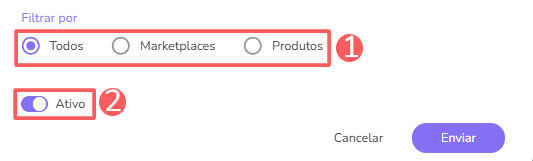
 5. In Record Filtering, select **All**, mark as **Active** and click on **Send**.