> ## Documentation Index
> Fetch the complete documentation index at: https://docs.nemu.com.br/llms.txt
> Use this file to discover all available pages before exploring further.
# NuvemShop
> How to connect Nuvemshop to Nemu Dashboard
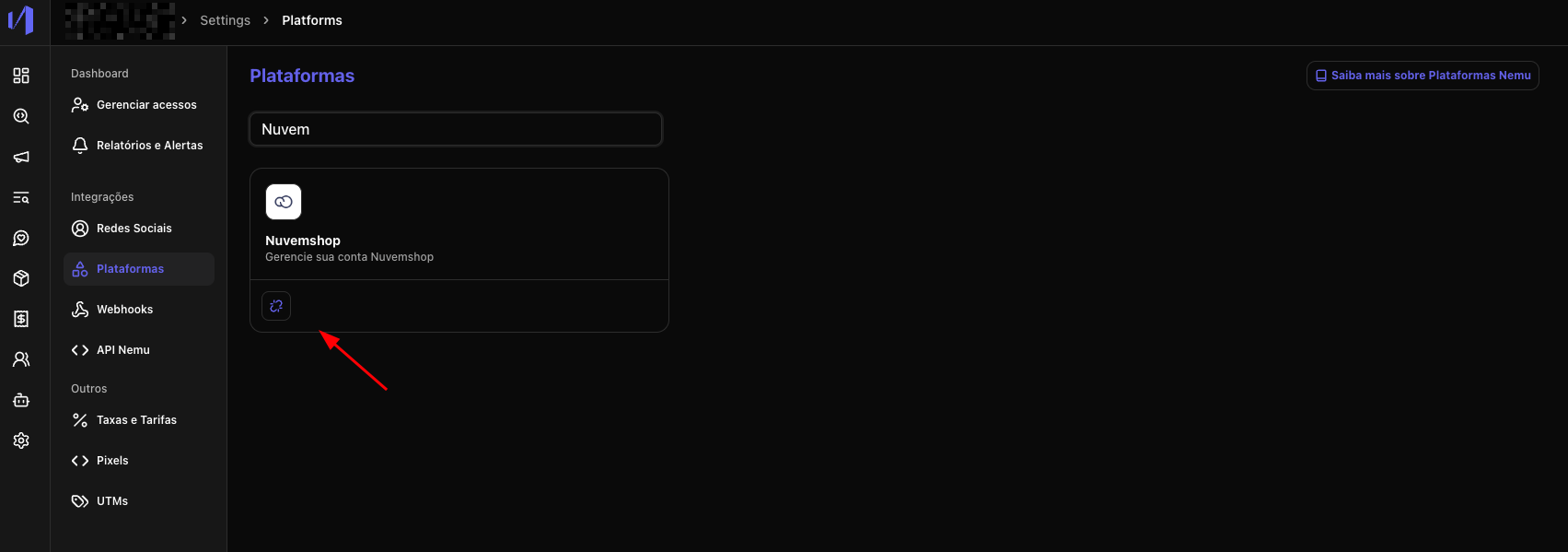
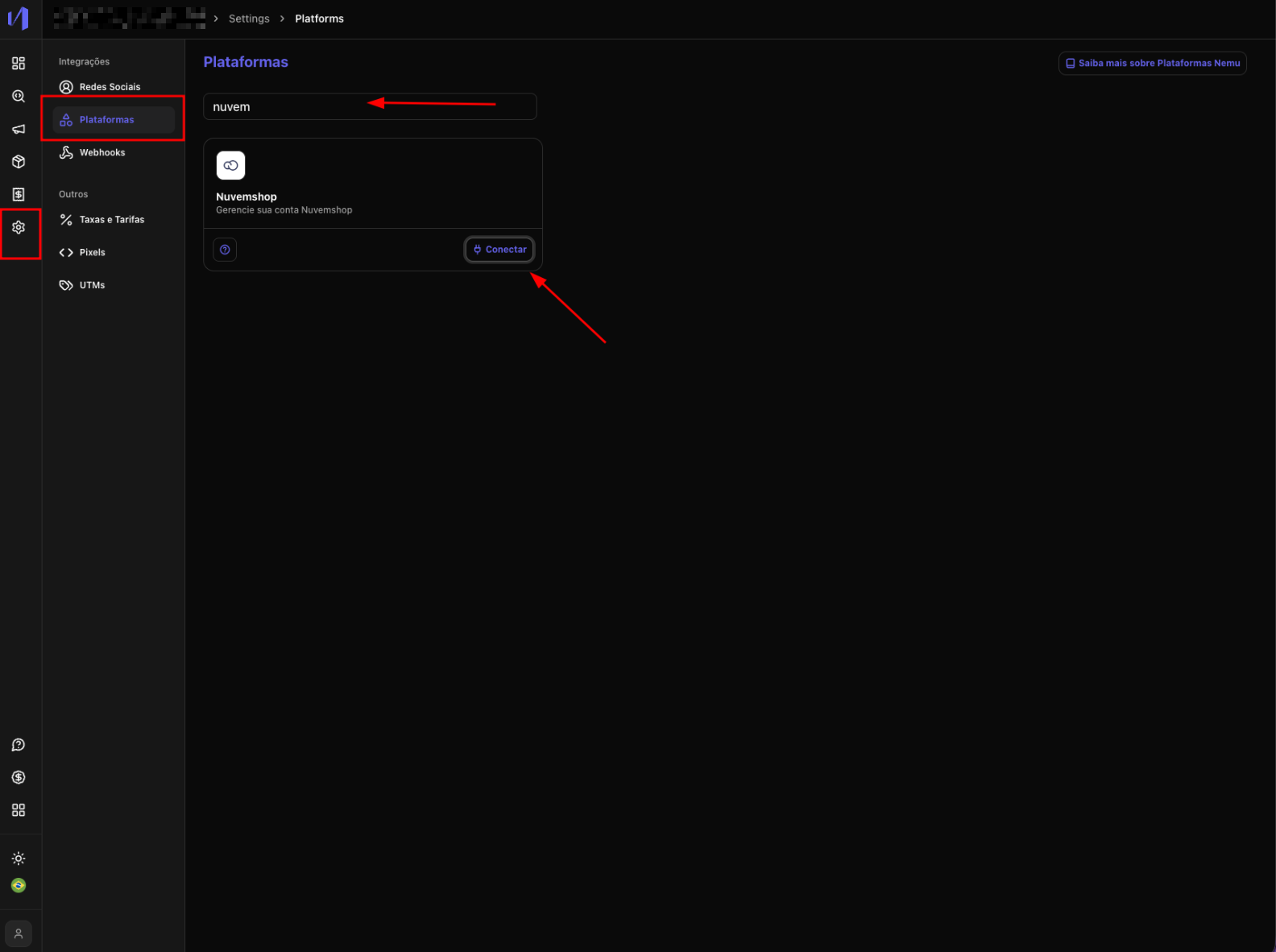
1. In the Nemu panel, go to **Settings** > **Platforms**.
2. Search for **Nuvemshop** and click on **Connect**.
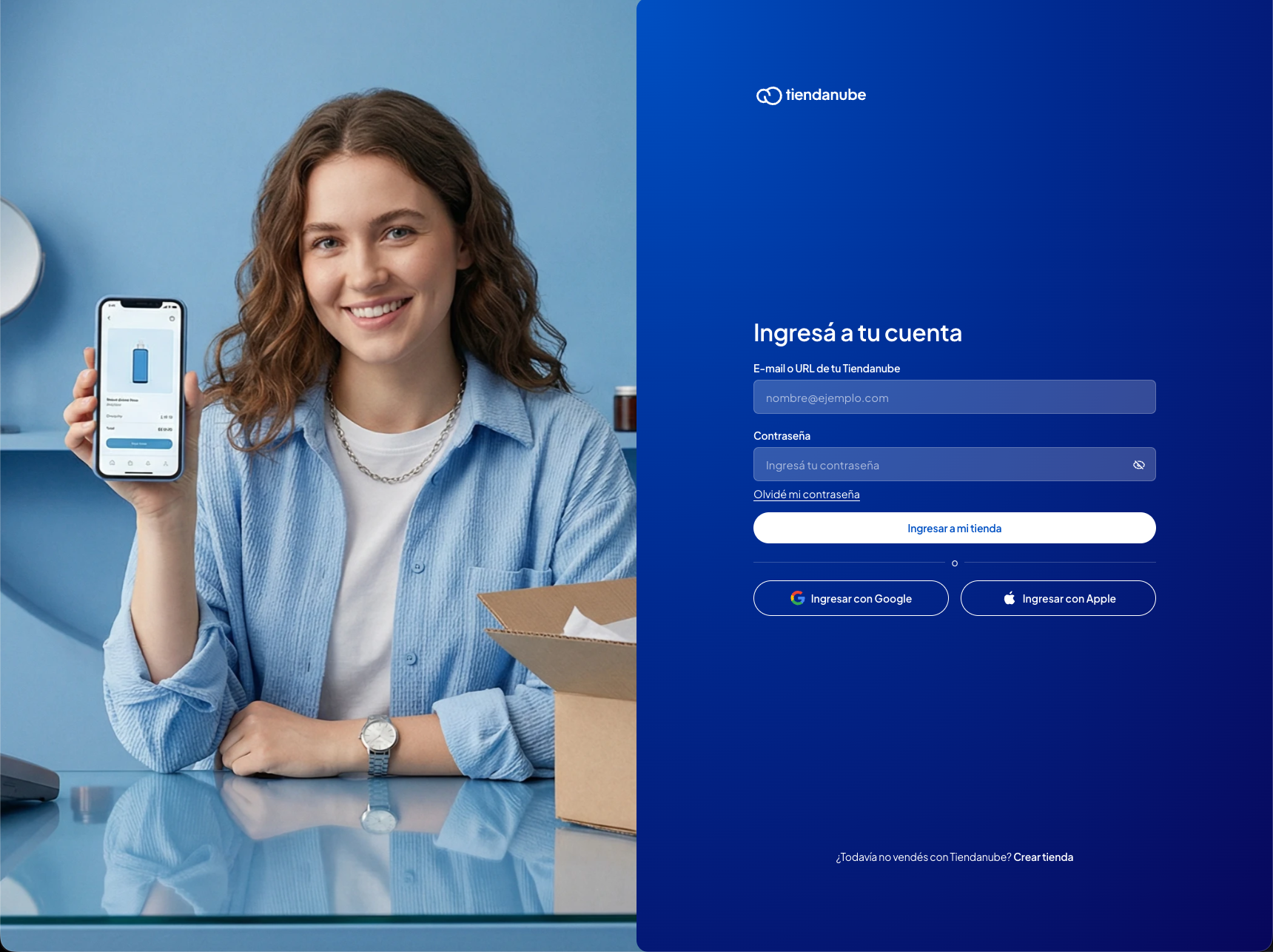
 3. You will be redirected to the **Nuvemshop** login page. If you are not logged in, log in.
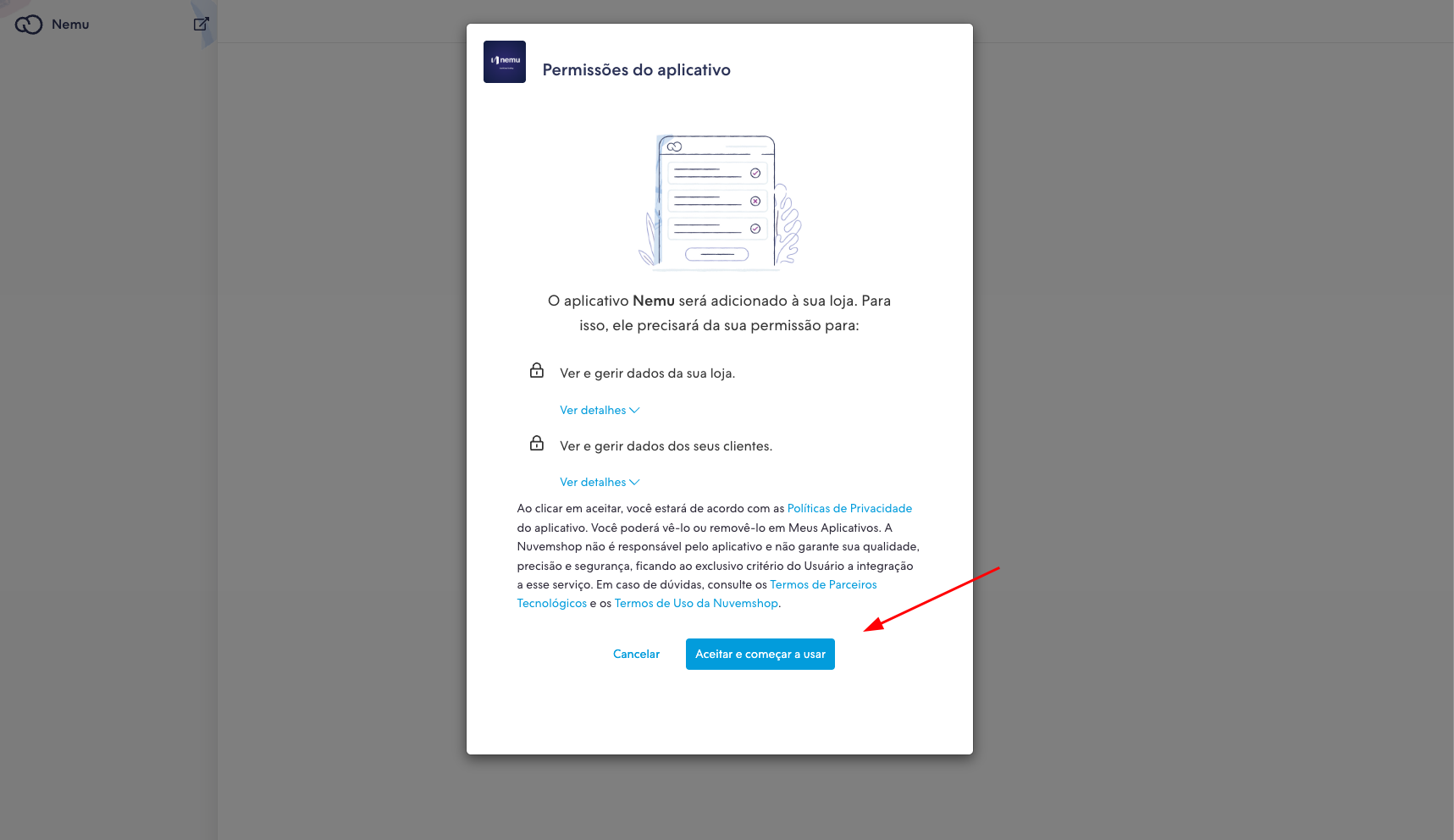
 4. Then click on **Accept and start using** so that the Nemu app is installed.
 5. After the connection, Nemu will already be integrated with your **Nuvemshop** account.