

What is Nemu AI Reports?
Nemu AI Reports puts Nemu AI to work writing and sending reports for you. You describe, in text, what you want to track and the AI generates the analysis and schedules the email delivery, at whatever frequency makes sense for you: daily, monthly, or another custom schedule.Only reports created with AI are listed here. Each delivery is a fresh
analysis, generated with your dashboard’s most recent data.
Requirements
- At least one recipient email to receive the reports.
How to access it
In the side menu, open Nemu AI and click Reports.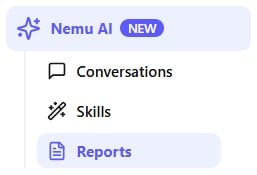
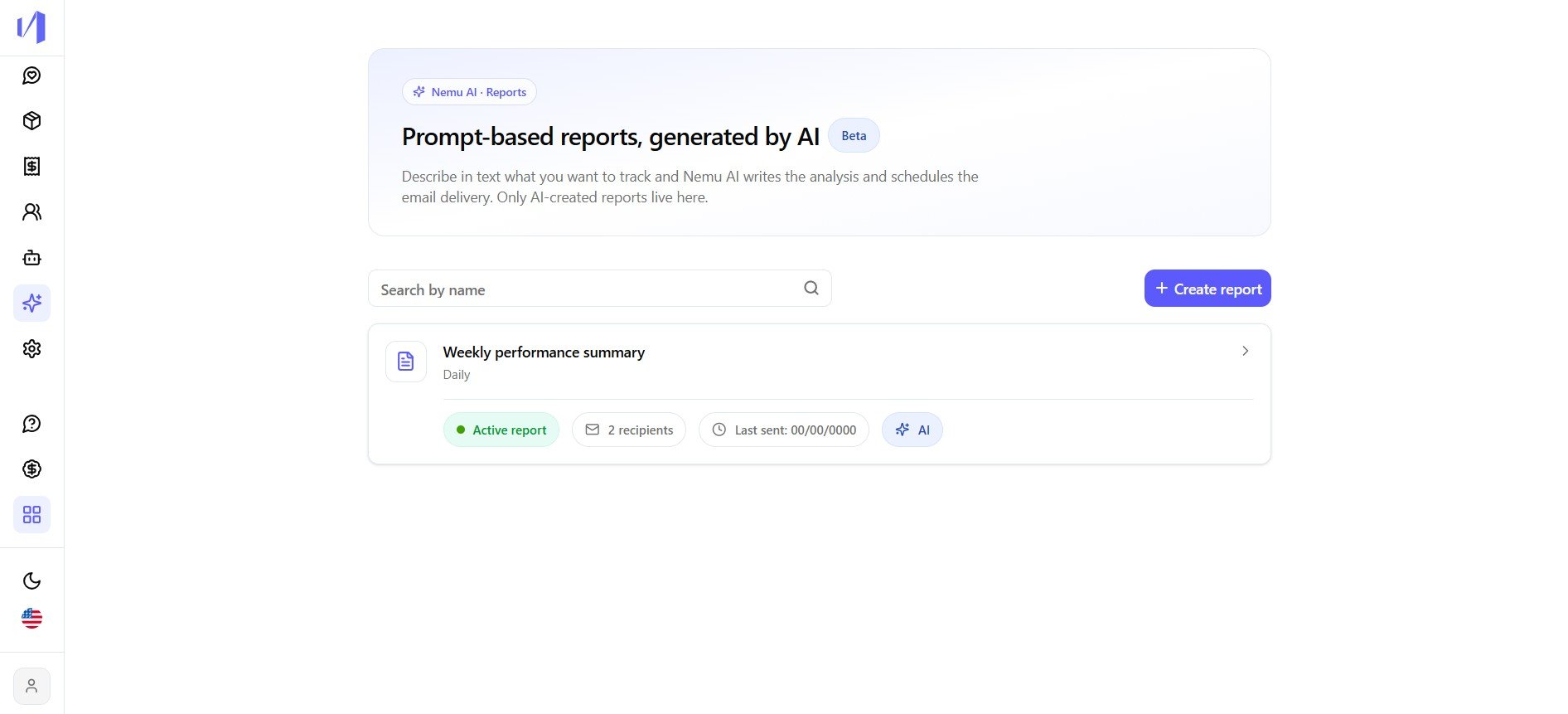
The Reports screen
This screen lists every AI report you’ve created, with a field to search by name and the + Create report button. If you don’t have any yet, it shows “No reports found”.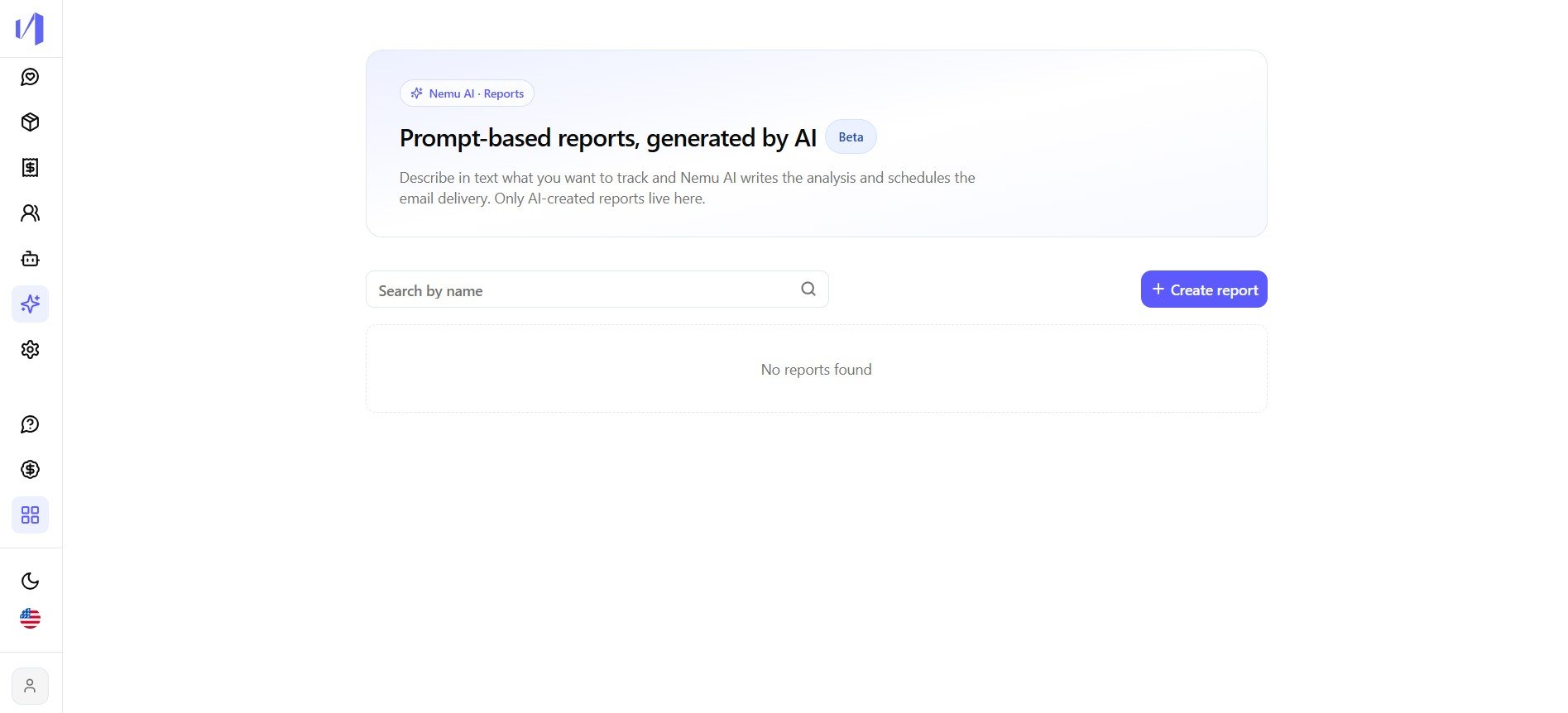
Creating a report
Clicking + Create report opens a 3-step wizard.1
Describe what you want in the report
Write, in free text, what the AI should analyze, for example “I want a
daily report detailing my sales funnel conversion”. You can also type 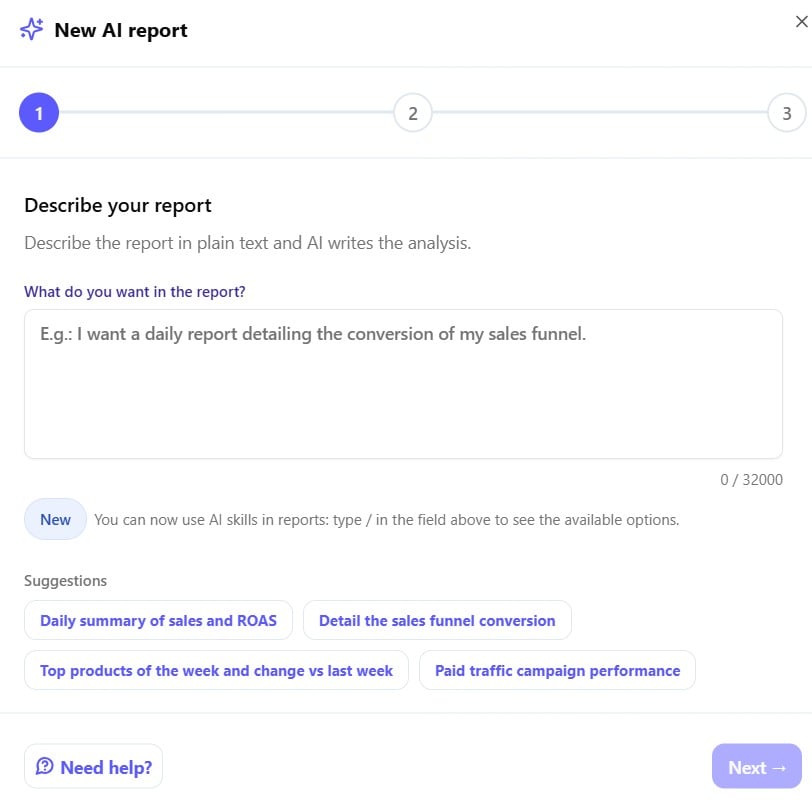

/
to use one of your skills directly in the report, or
click one of the ready-made suggestions.2
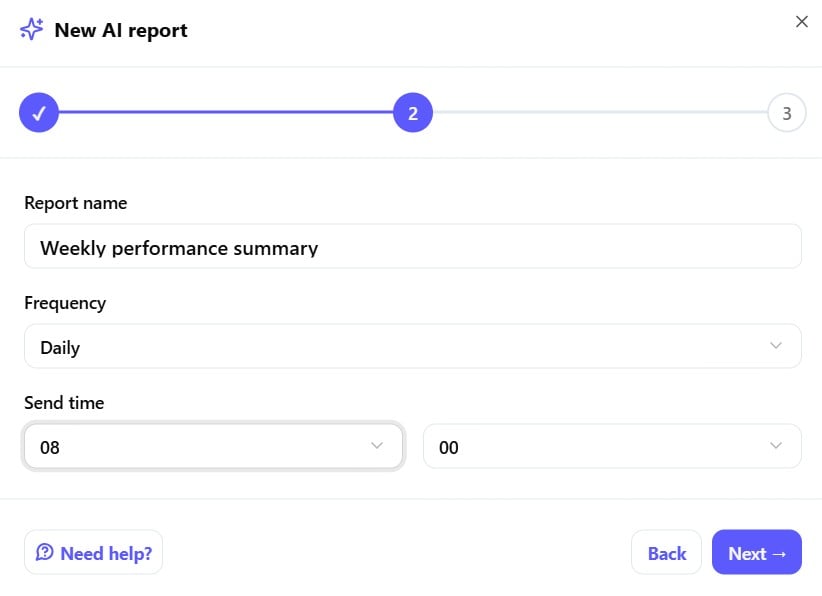
Set the name, frequency and time
- Report name: how it will appear in the reports list.
- Frequency: daily, monthly, or another available schedule.
-
Send time: the hour and minute the report should go out.
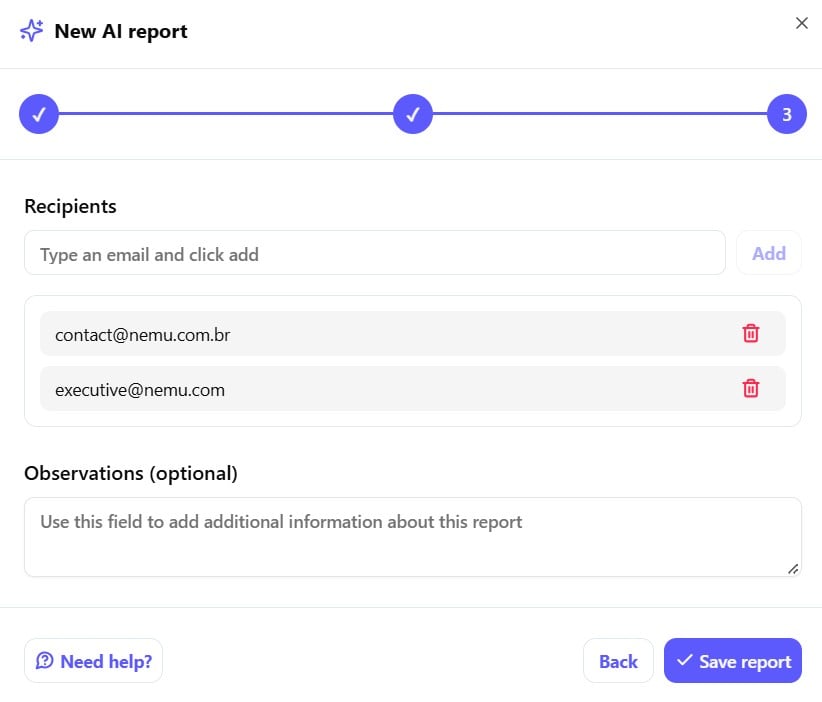
3
Add the recipients
- Recipients: type an email and click Add, and repeat for every person who should receive the report.
-
Observations (optional): extra context to help the AI write a
report that better matches what you expect.
Managing a report
Opening an existing report gives you three actions:
- Pause: stops automatic deliveries without deleting the report.
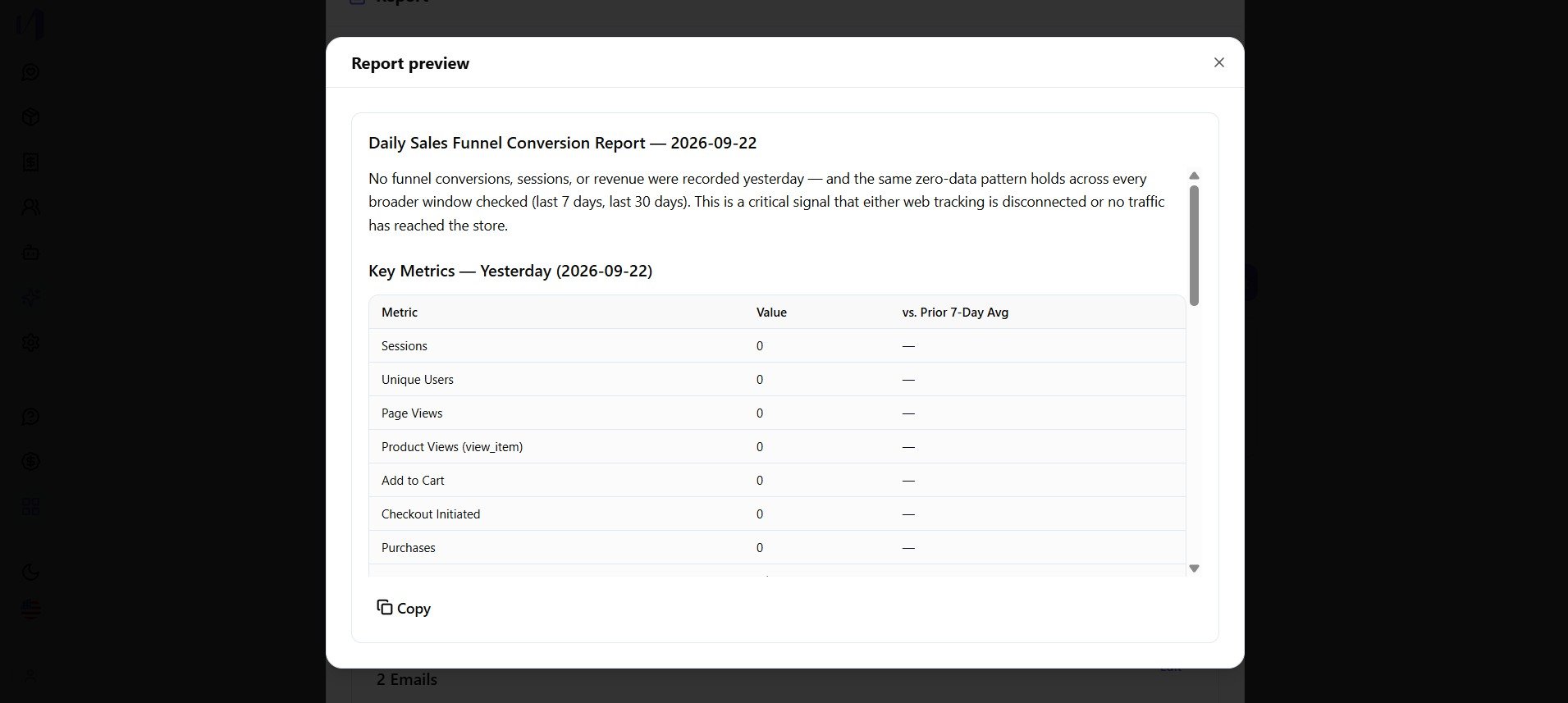
- View preview: generates a preview of the analysis using the latest data.
- Delete: removes the report permanently.
What’s in the email
The email you receive has the same content as the preview: an analytical text written by the AI, followed by a metrics table comparing the analyzed period with a longer reference period (for example, yesterday vs. the last 7 or 30 days). The comparison period is chosen by the AI and may vary from one report to another.Things to keep in mind
- Frequency and time. The report is generated and sent automatically at the configured time, on the chosen frequency (daily, monthly, or custom).
- A paused report isn’t deleted. Pausing only stops future deliveries. The report stays saved and can be resumed.