

What are Nemu AI Skills?
Skills are reusable Nemu AI prompts. Instead of typing the same complex question every time, you save a skill once and invoke it by typing/ followed by its name, right in the Chat.
Nemu already ships with ready-made skills for the most common use cases, and you can also create your own, with instructions specific to your business.
How to access it
In the side menu, open Nemu AI and click Skills.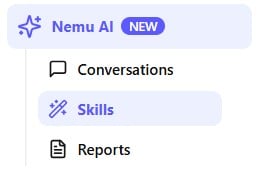
Nemu’s ready-made skills
In the Ready-made section, you’ll find skills already configured by Nemu, covering the most requested analyses: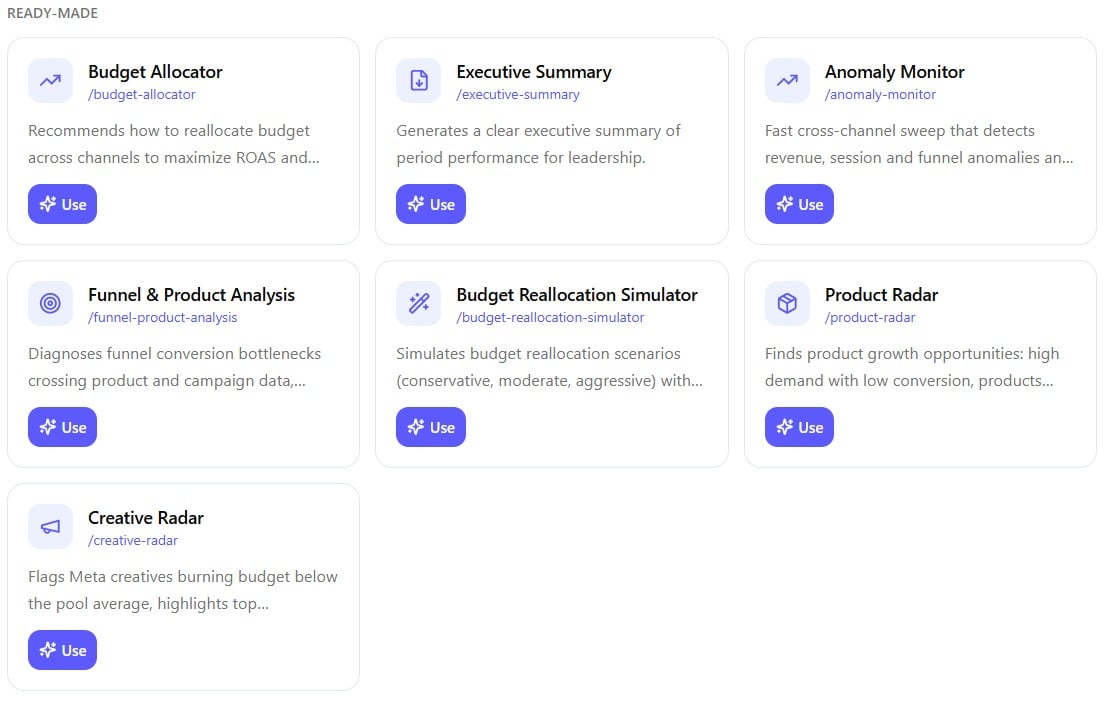
To use one, click Use on the skill’s card.
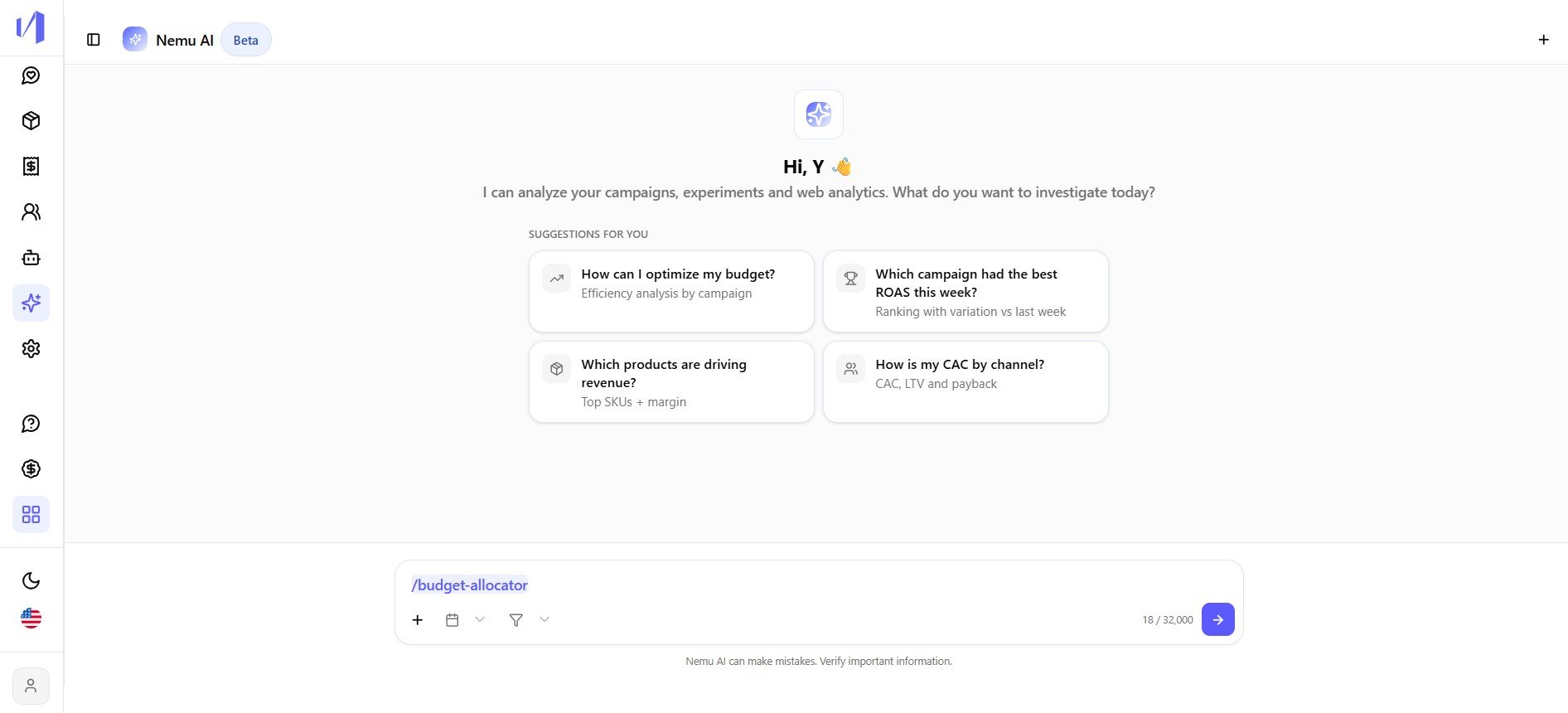
/budget-allocator), just send it.
Creating your own skill
Besides the ready-made ones, you can create custom skills for the questions that repeat most often in your day-to-day.1
Click Create skill
At the top of the Skills page, click + Create skill.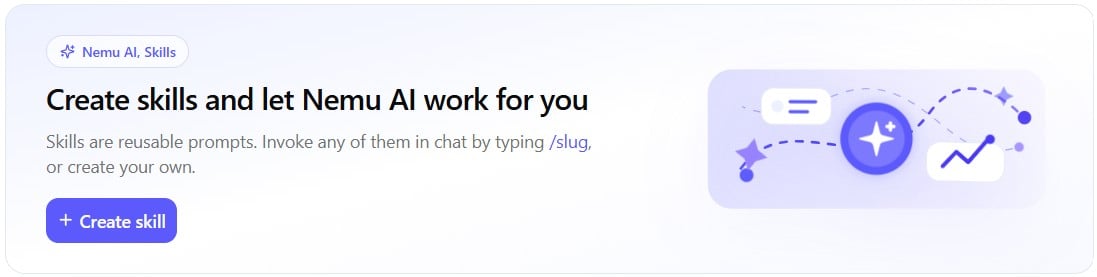

2
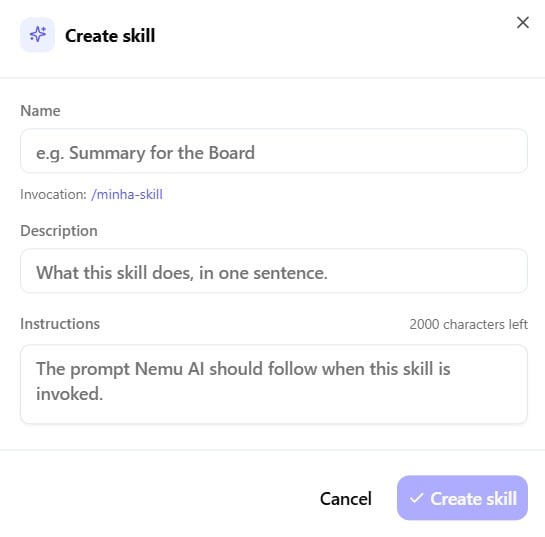
Fill in the skill details
A window opens with the following fields:
- Name: what the skill will be called, e.g. “Summary for the Board”.
-
Invocation: auto-generated from the name (for example
/my-skill), this is what you’ll type in the chat to use it. - Description: what this skill does, in one sentence.
-
Instructions: the prompt Nemu AI should follow every time the skill is called.
3
Create or cancel
Click Create skill to save, or Cancel to discard.
Your created skill
Skills you create show up in the Your skills section, with options to Use, Edit or remove it (X).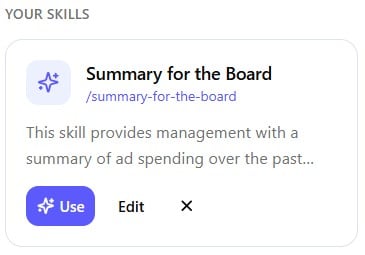
Things to keep in mind
- Unique invocation. Each skill has its own slug (
/skill-name) generated from the name. Use it in the chat or in Reports setup to call the skill directly. - Character limit. The Instructions field has a character limit. The counter shows up in the corner of the creation window.