

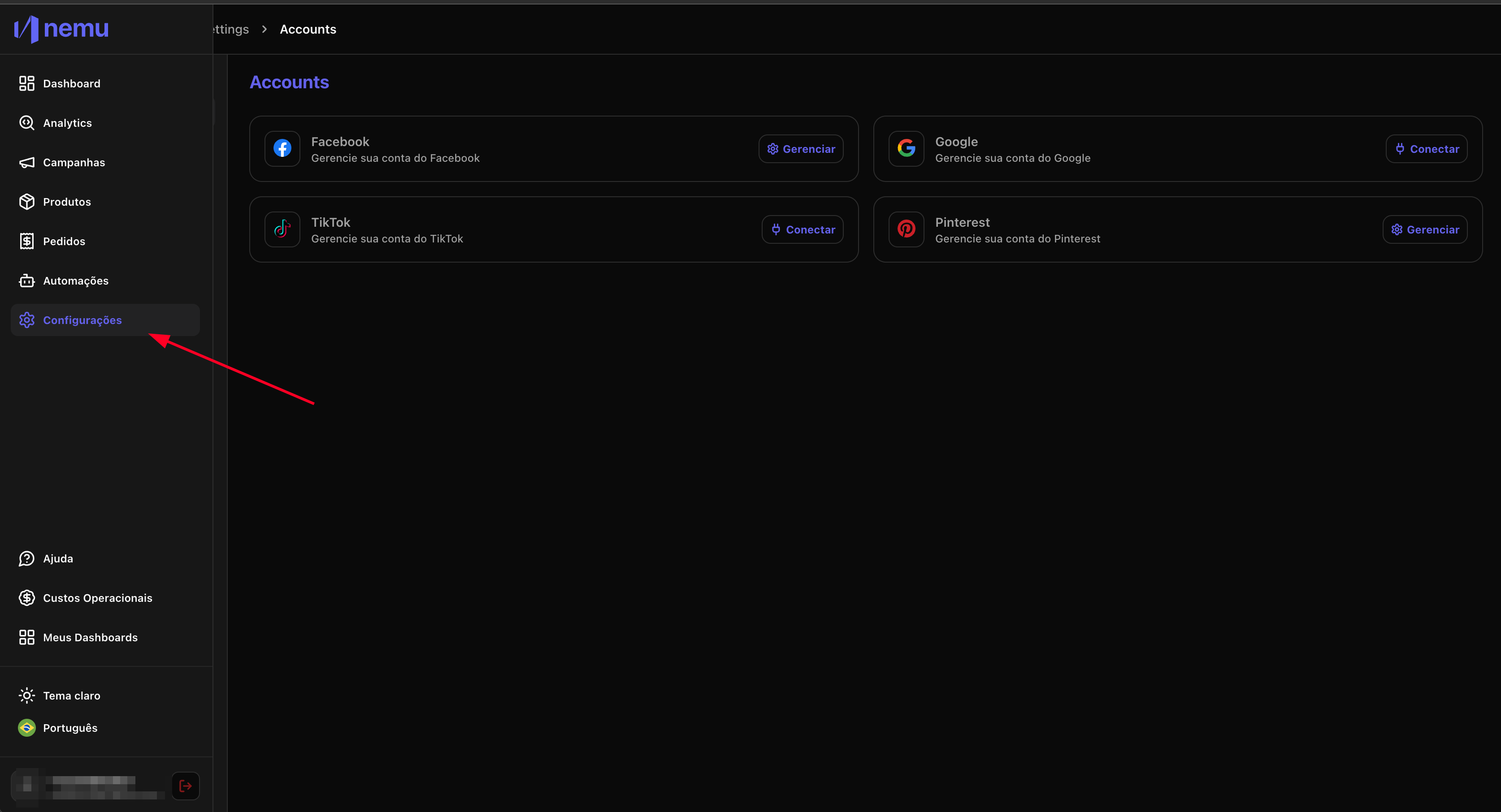
1. Access the settings page on Nemu
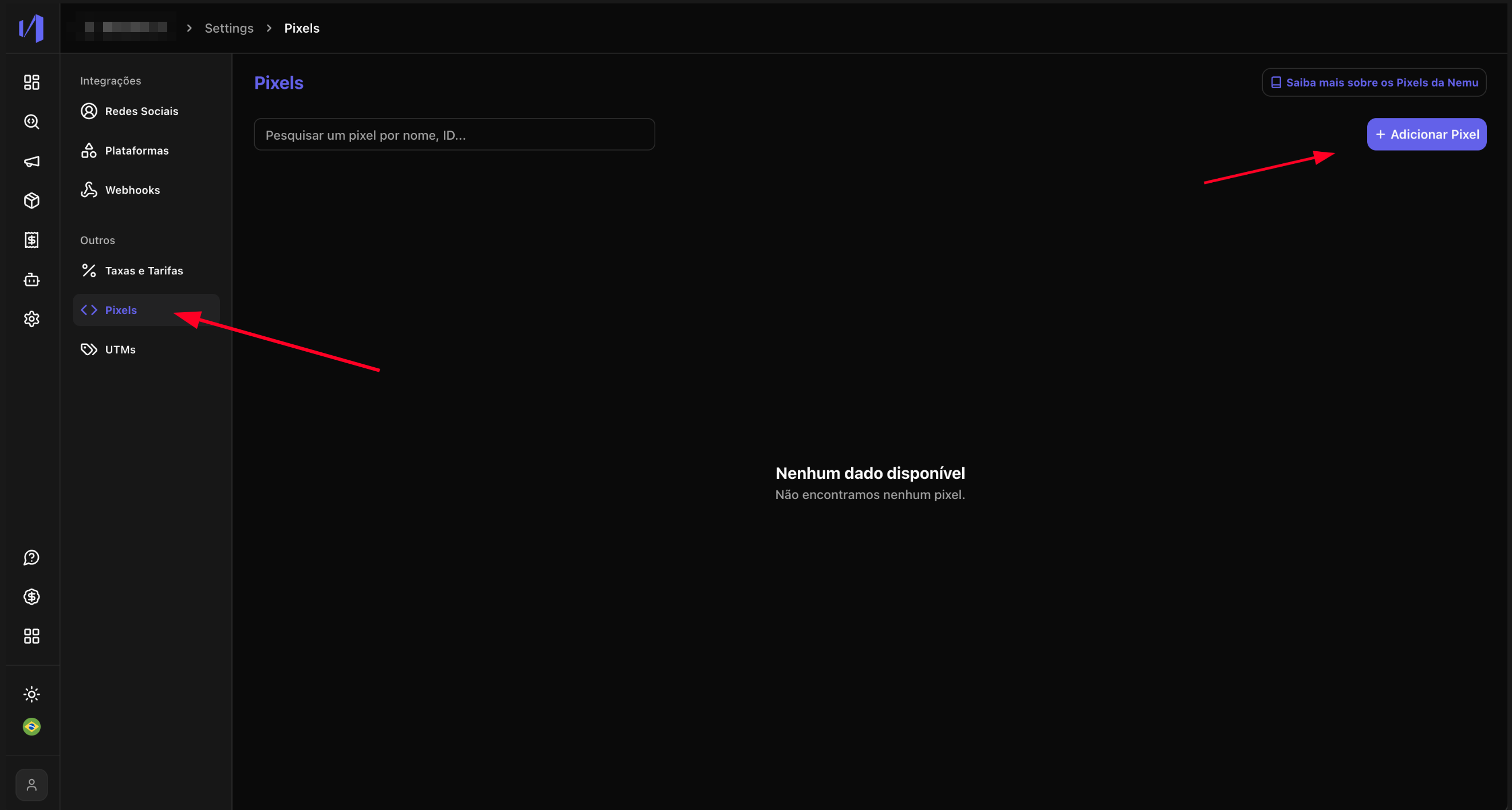
2. Click on Pixels and then Add Pixel
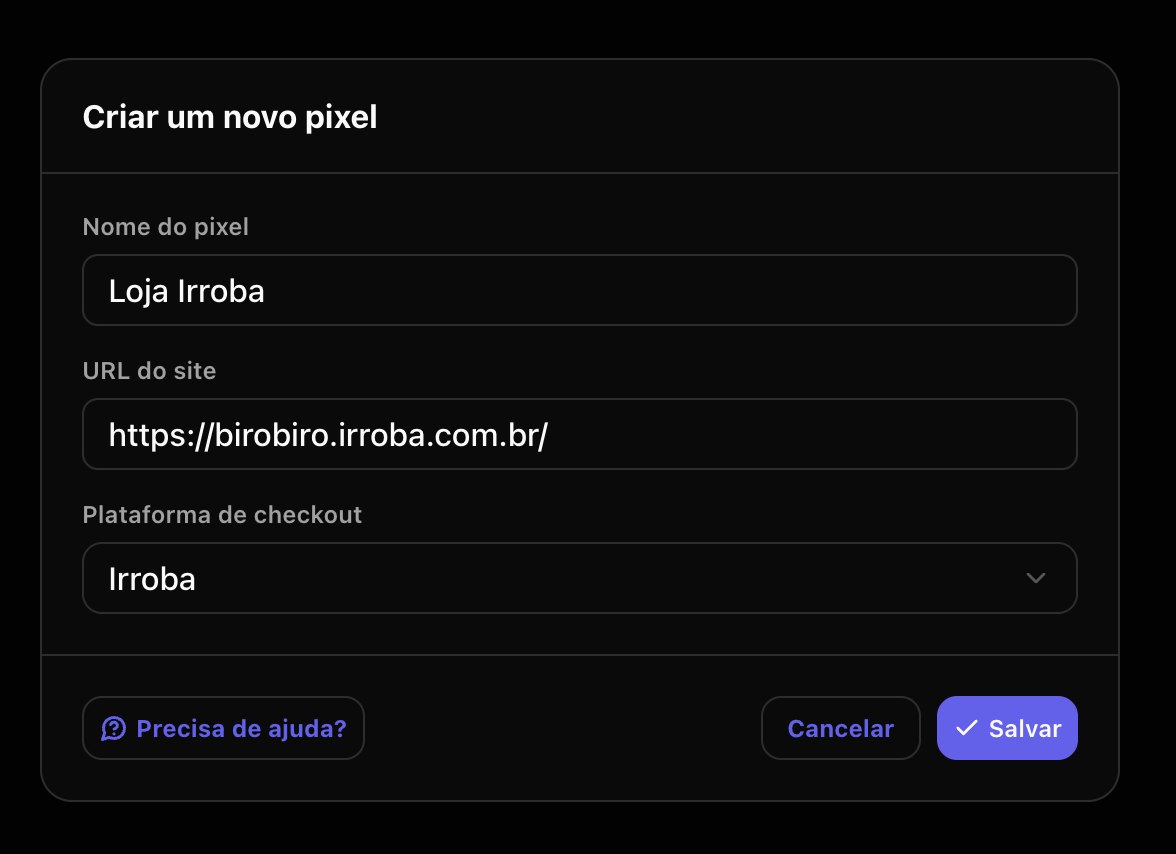
3. Fill in the required fields with your store information and select the checkout platform, then click Save
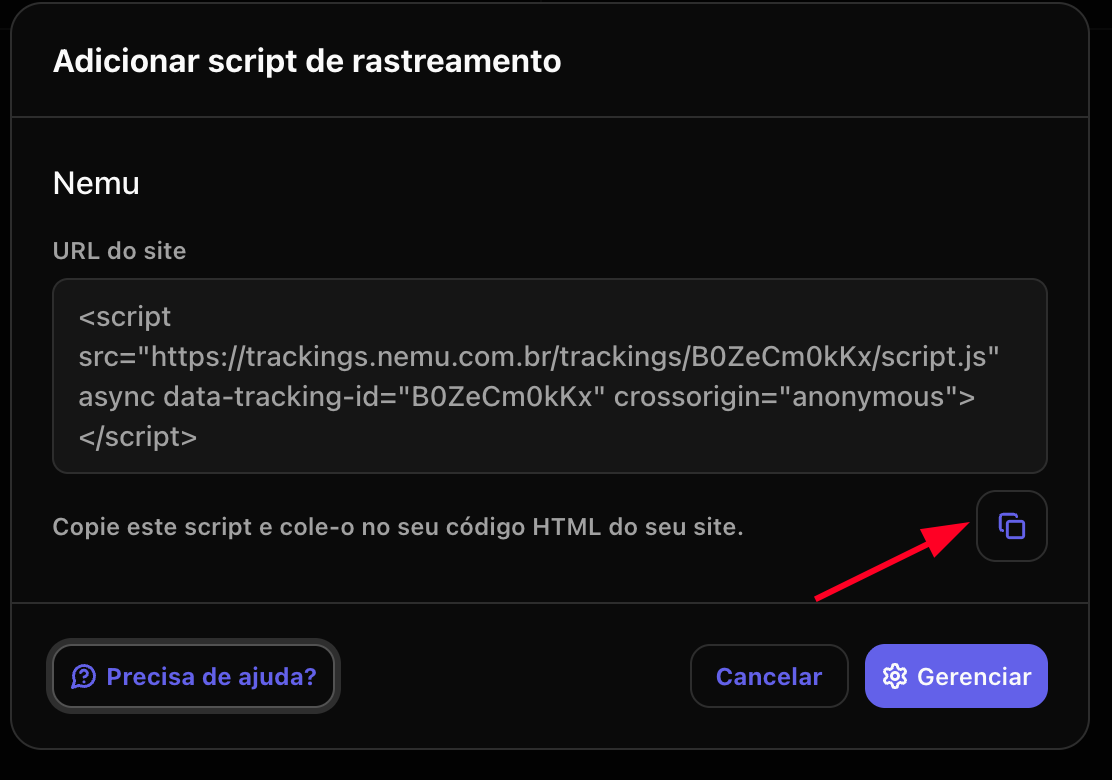
4. Click the button to copy the generated script
Configuring the Nemu Pixel to capture conversions.