What will be imported
- Campaigns, ad sets, and ads
- Spend, impressions, clicks
- Real-time campaign data
How to integrate
-
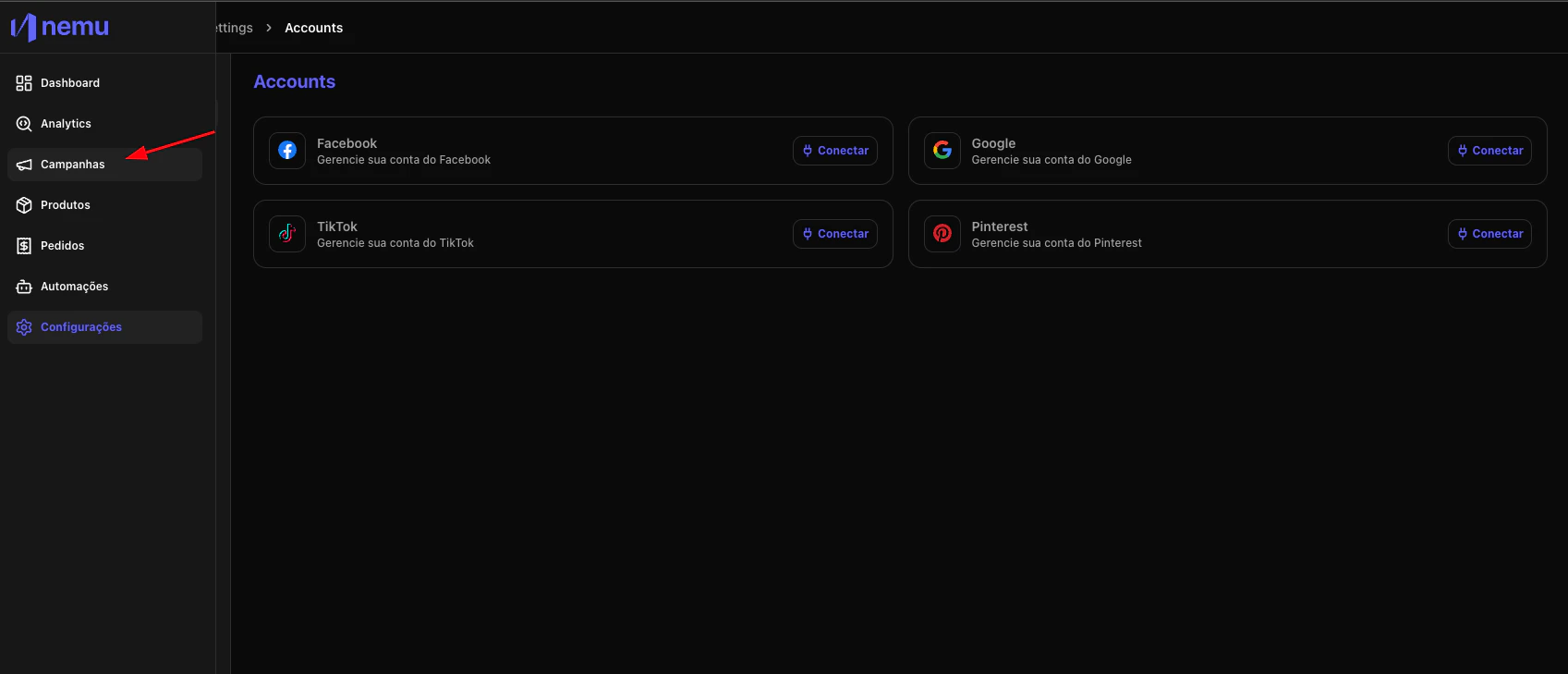
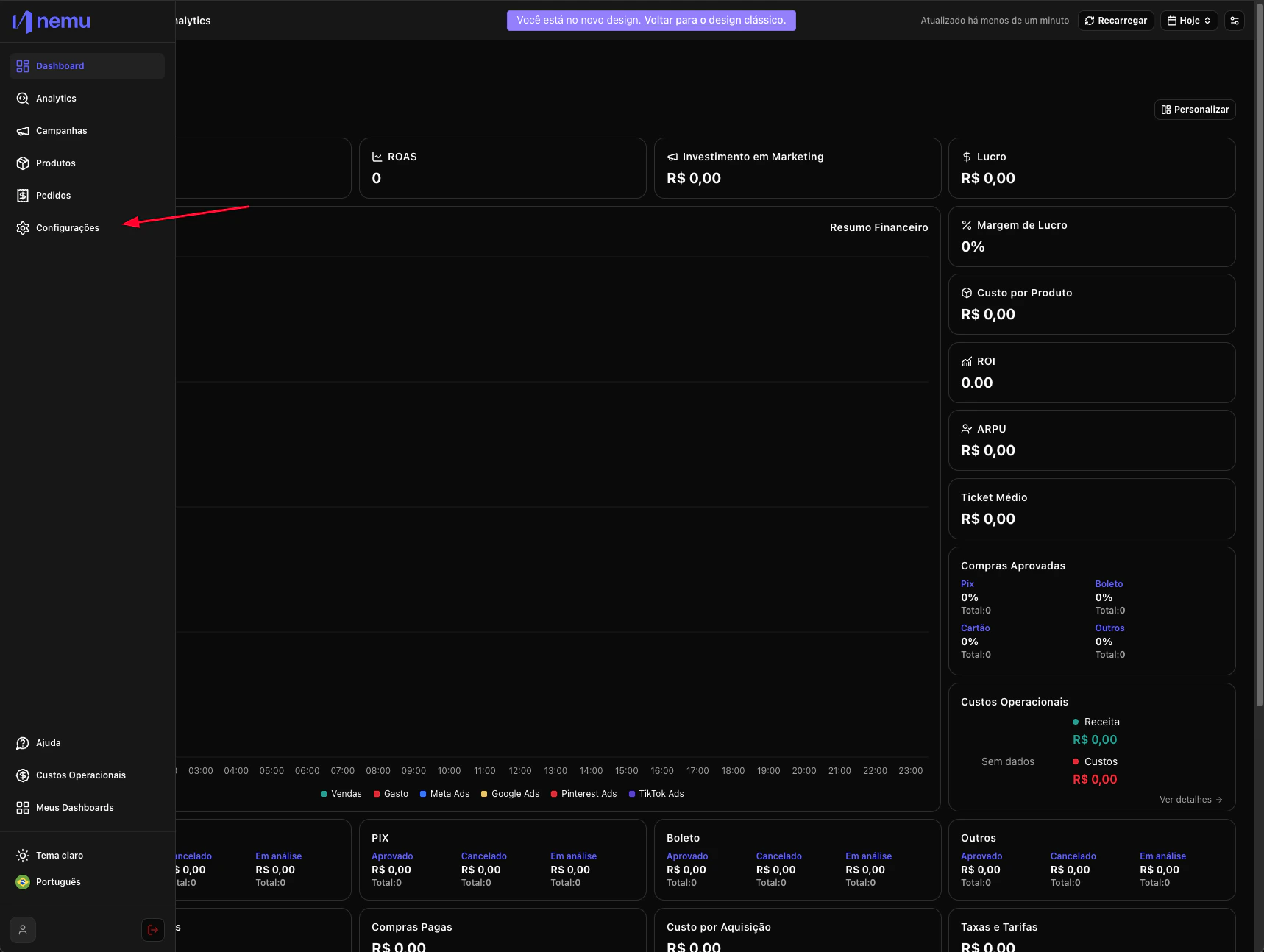
In the desired Dashboard, hover over the sidebar menu and go to Settings.
-
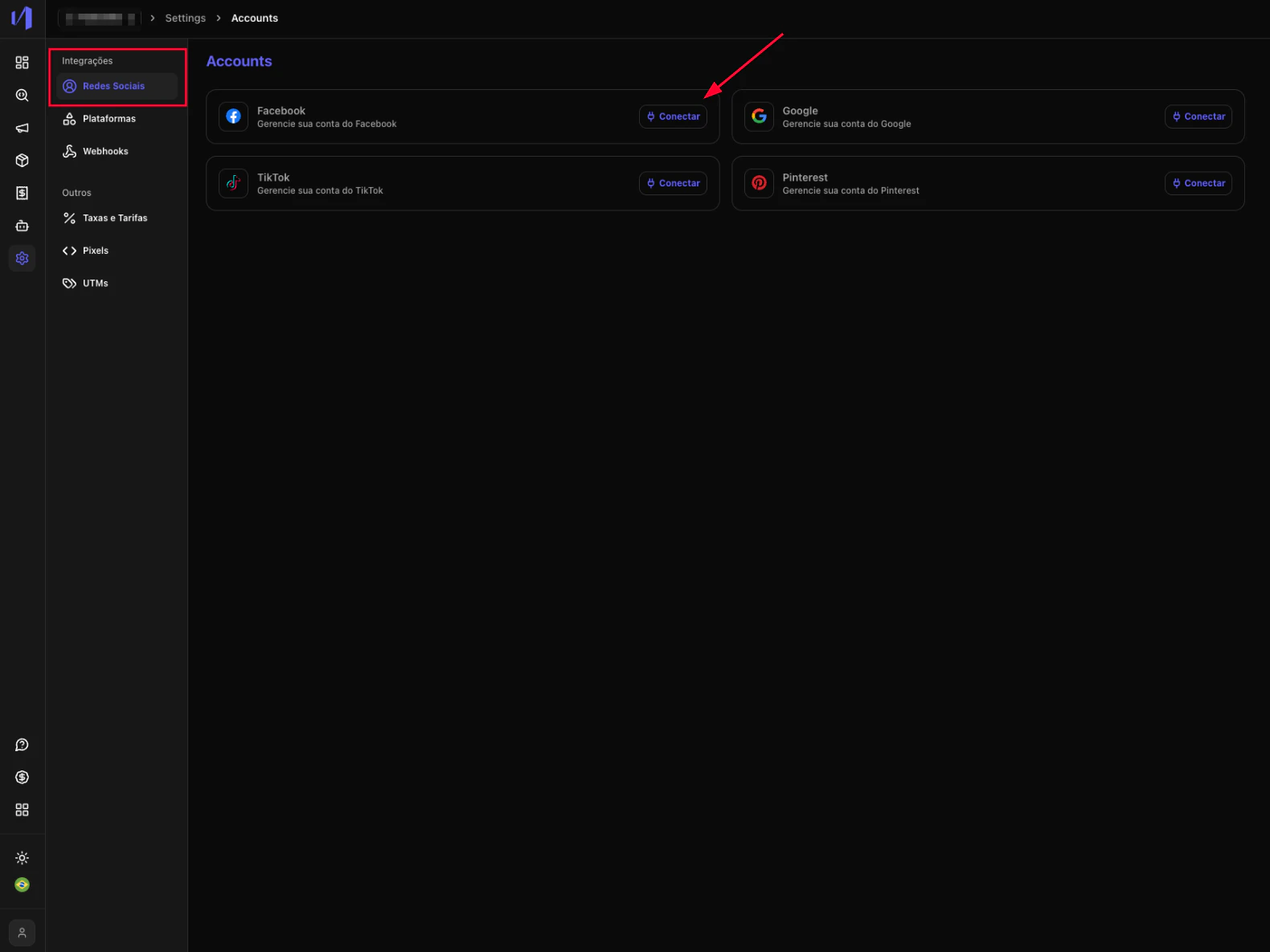
In Integrations > Social Networks click on the Connect button
- Log in with your Facebook account and accept the requested permissions.
-
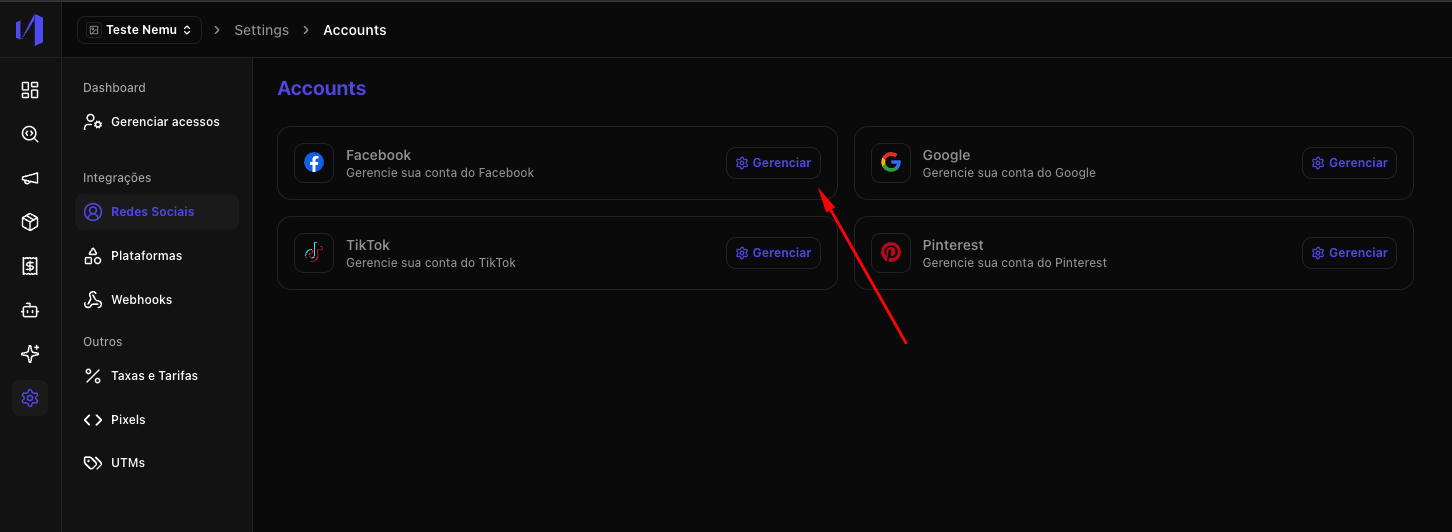
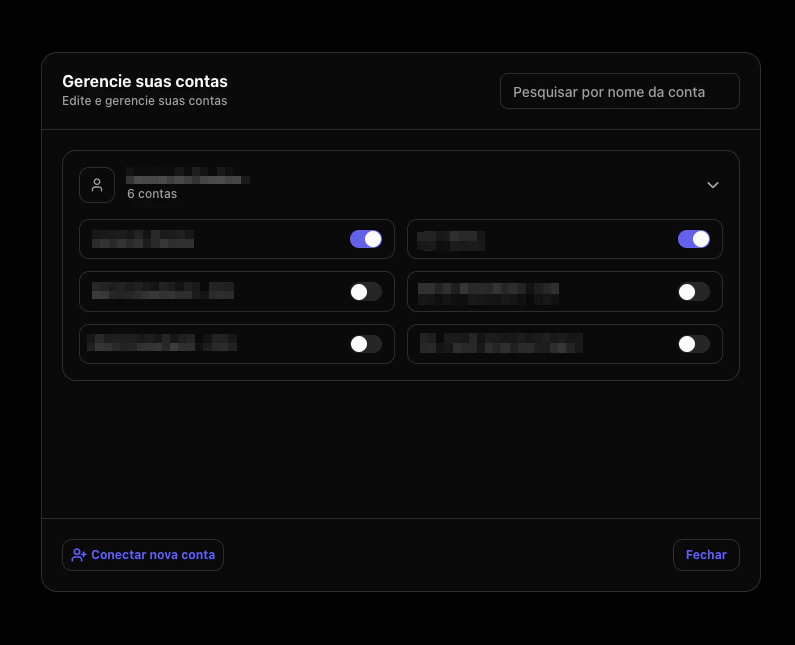
Click on the Manage button
- Select the ad account(s) you want to connect.
- Access the campaigns page to view synchronized campaigns