

What will be imported
- Sessions, conversions, acquisition channels
- Comparison with Nemu data
How to integrate
-
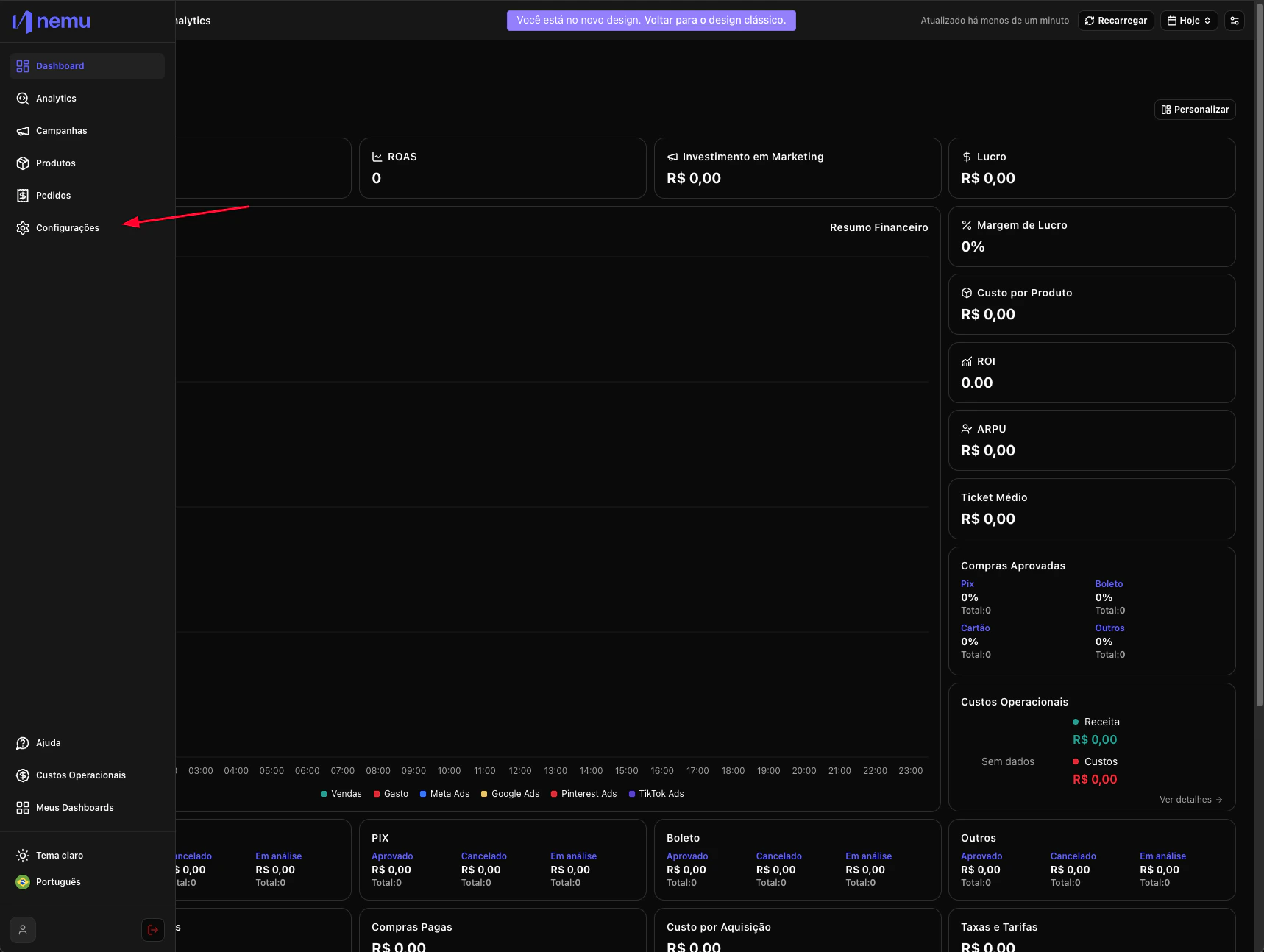
In the desired Dashboard, hover over the sidebar menu and go to Settings.
-
In Integrations click on Social Networks and click on the Connect button
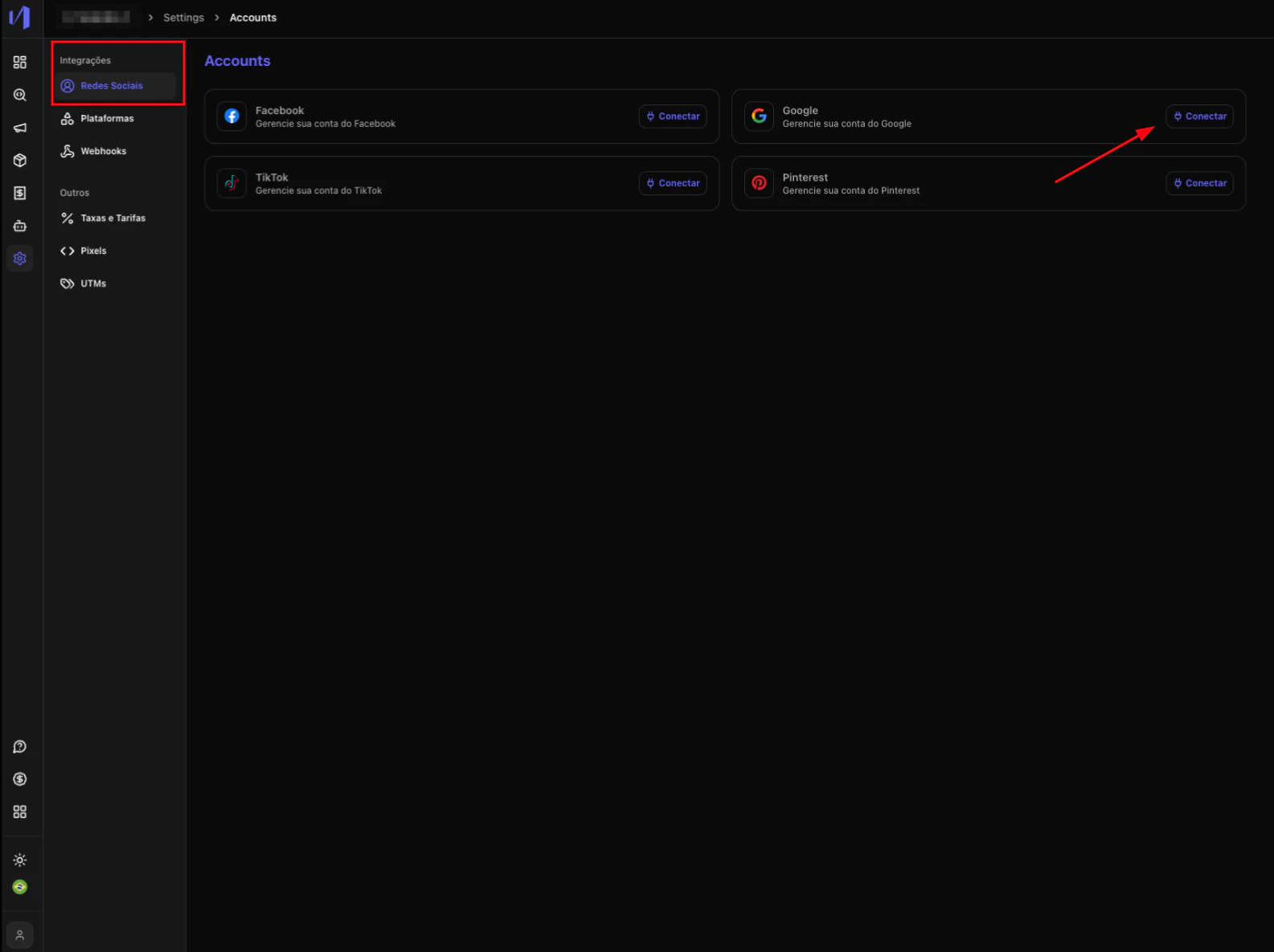
- Log in with your Google account and authorize Nemu to access your account
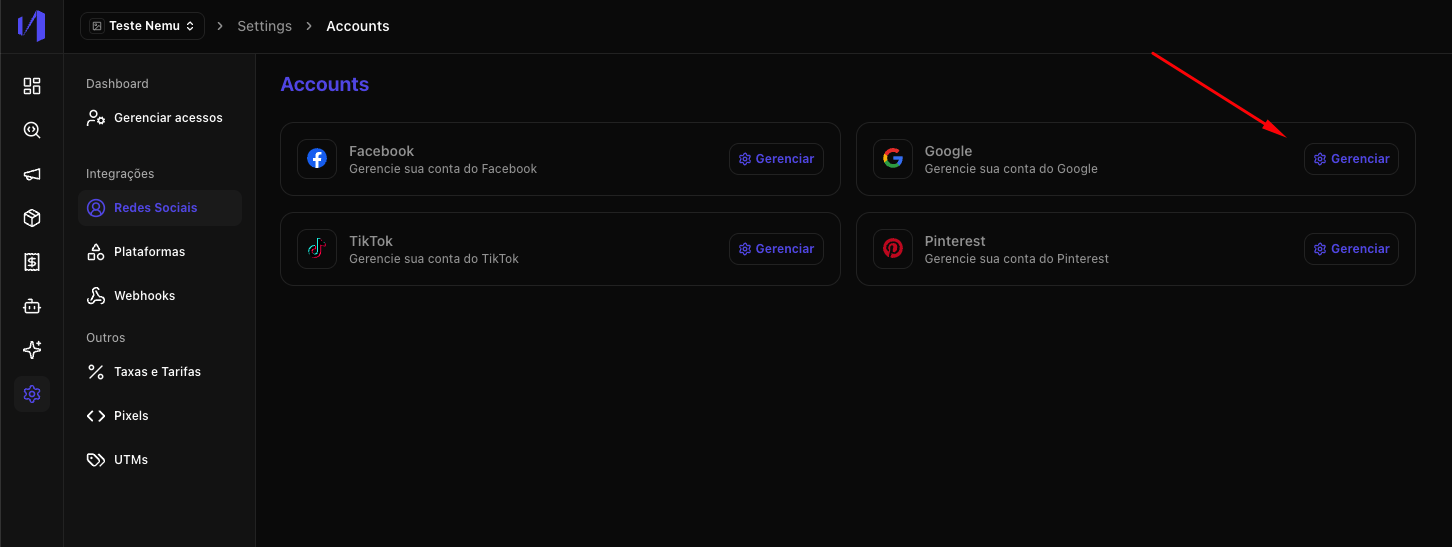
- Click on the Manage button
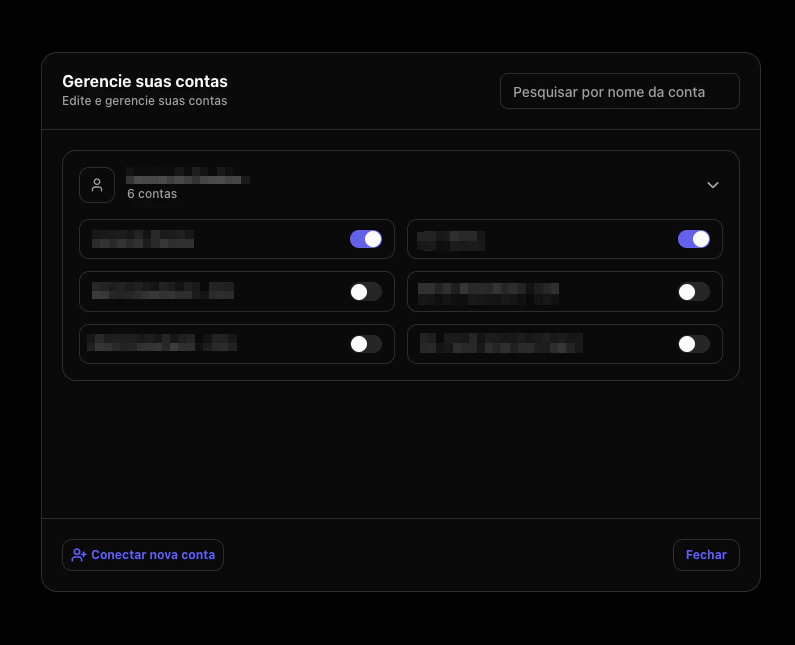
- Select the Google account(s) you want to connect.
- In Integrations > Platforms search for Google Analytics and click on the Connect button
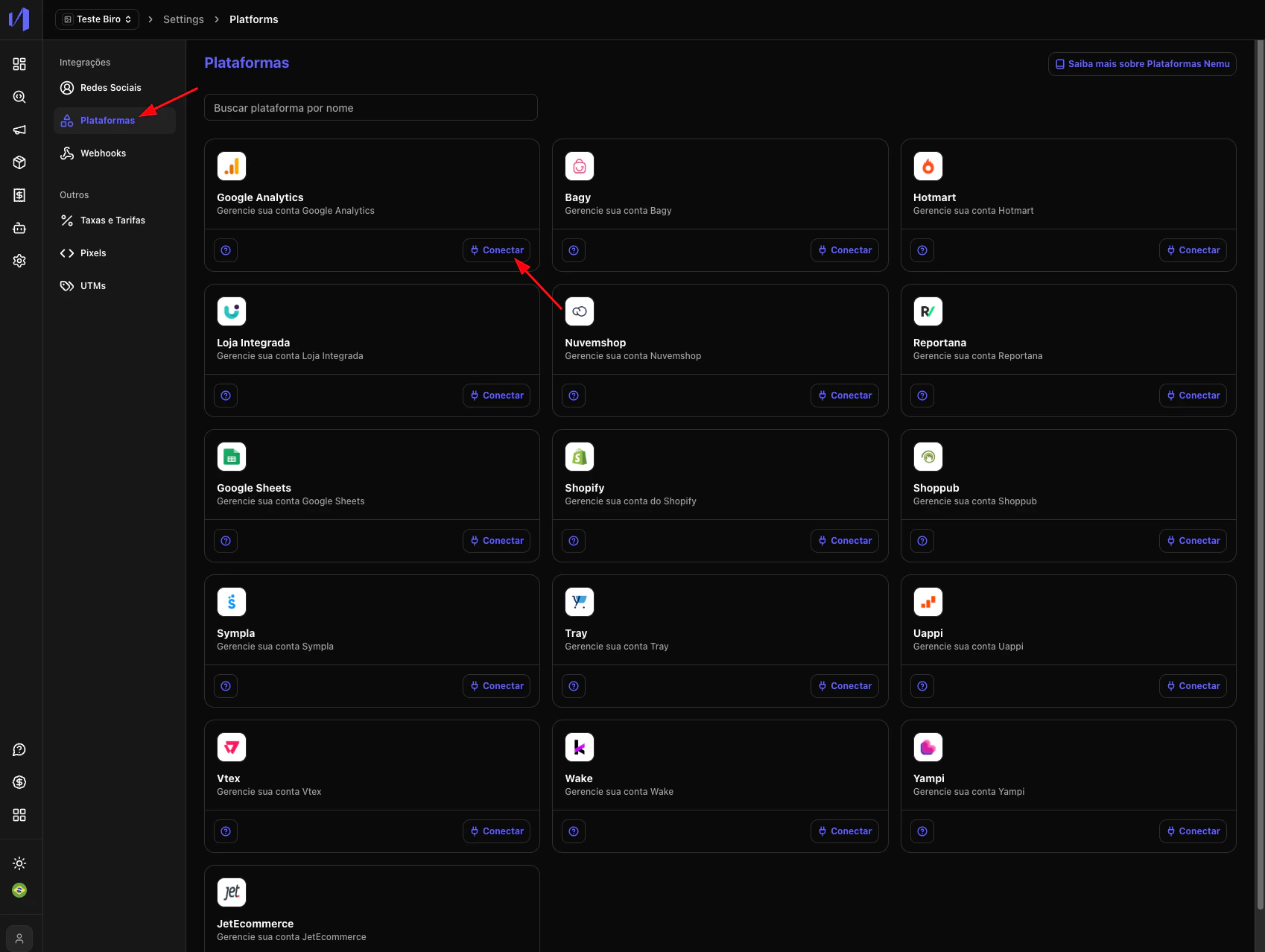
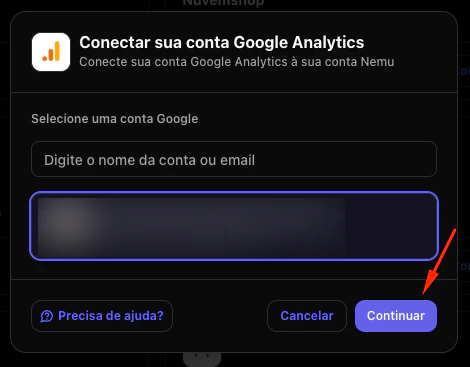
- Select the Google Analytics account linked to your project and click on Continue
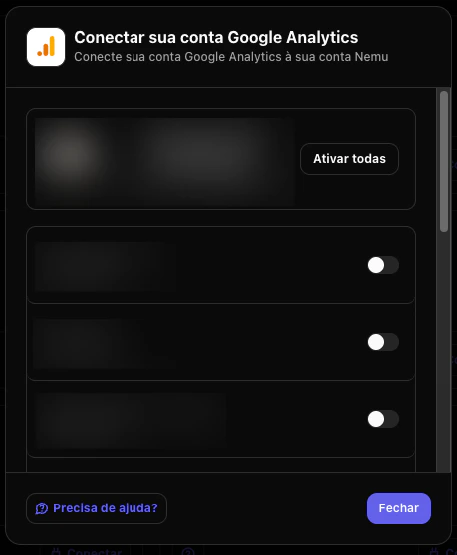
- Enable the properties you want to view in Nemu and click on Close
The GA4 integration does not replace Nemu tracking, but helps compare
and validate data between platforms.