

Setting Up Webhooks in Nemu
-
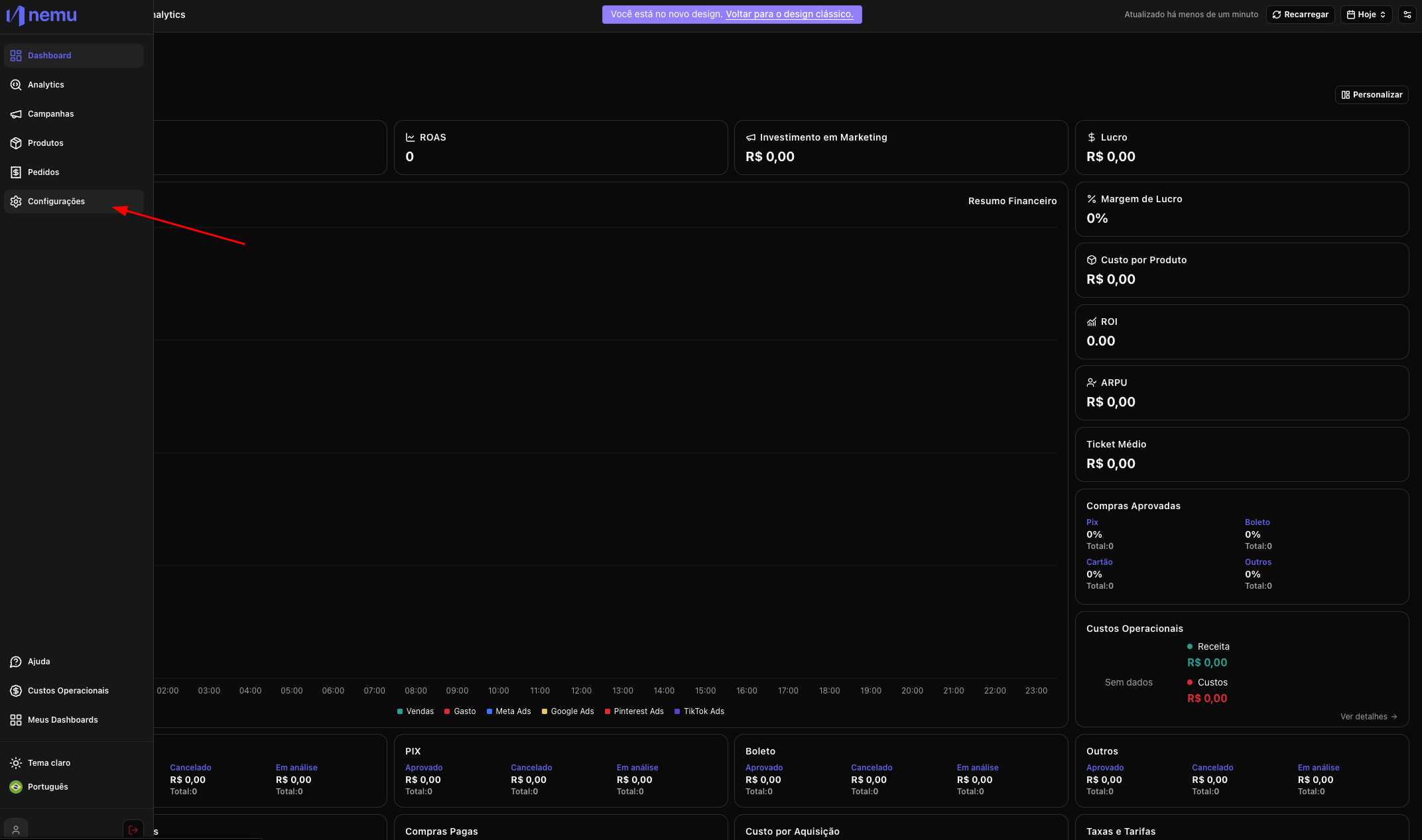
Access the sidebar menu of the Nemu dashboard and click on Settings.
-
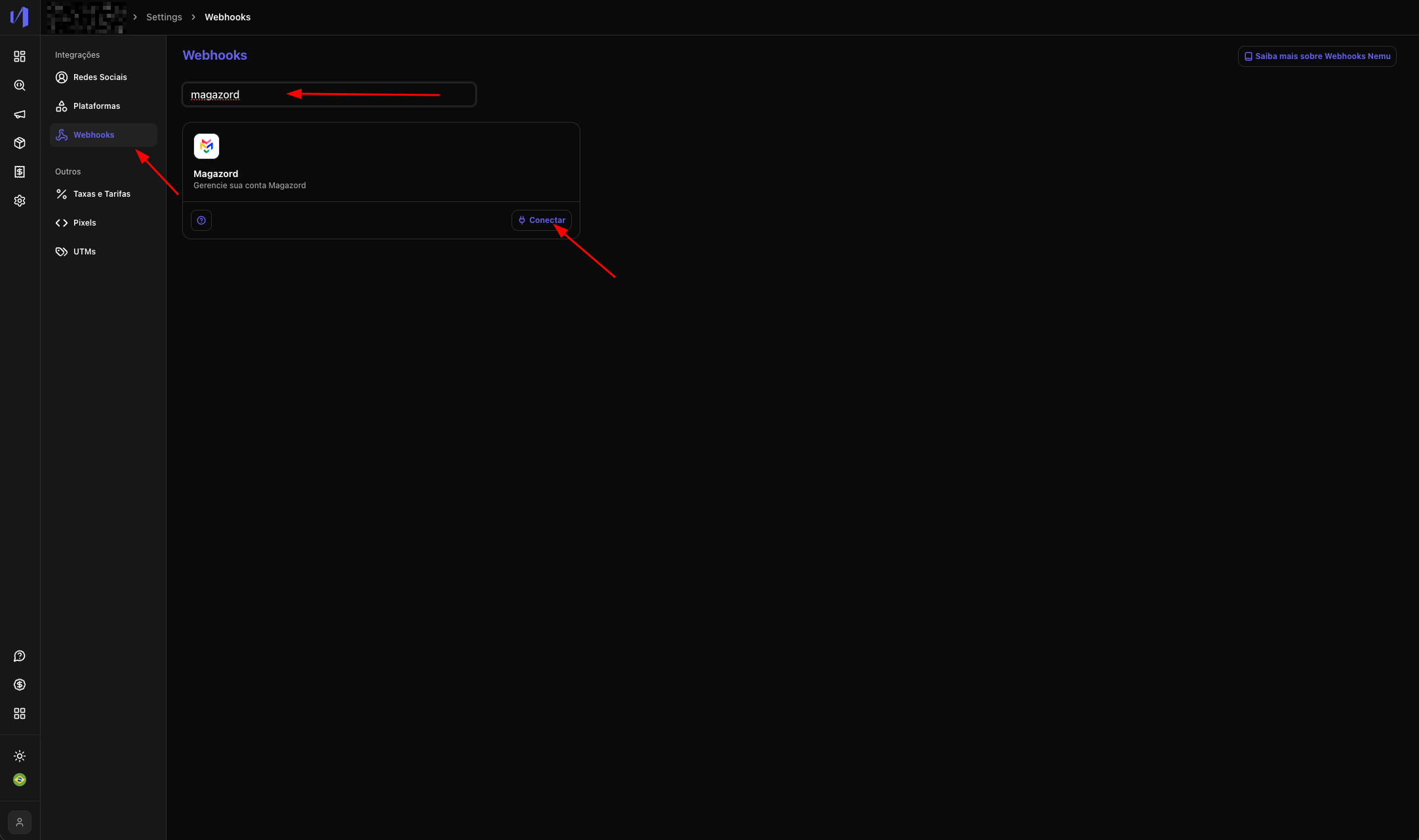
Click on Webhooks, search for Magazord and select Connect.
-
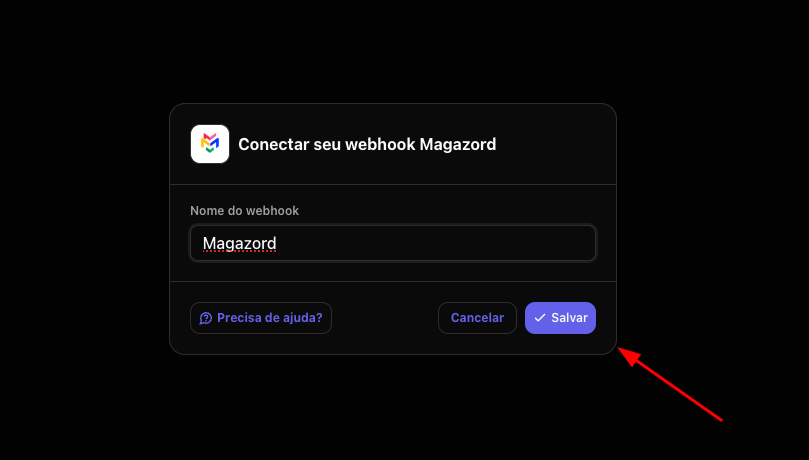
Define a name for the Webhook and click on Save.
-
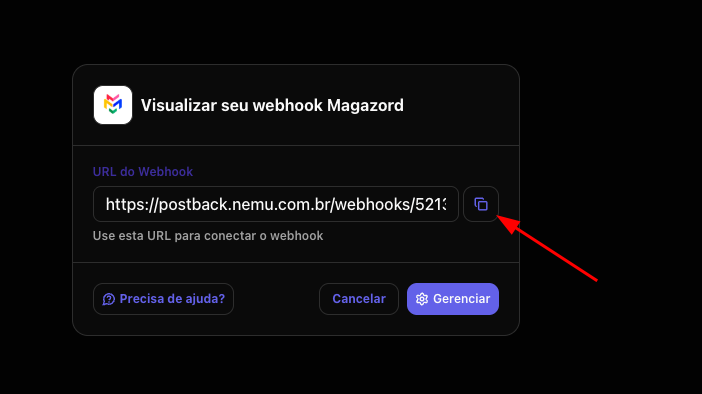
Copy the generated Connection URL.
Adding Scripts and Webhooks on Magazord
- Contact Magazord support and request the configuration of Orders events for the Webhook URL created in the previous step.
- Also request the inclusion of the Nemu pixel (generated in step 4 of onboarding) in the HTML of all pages of your store.