Setting Up Webhooks in Nemu Dashboard
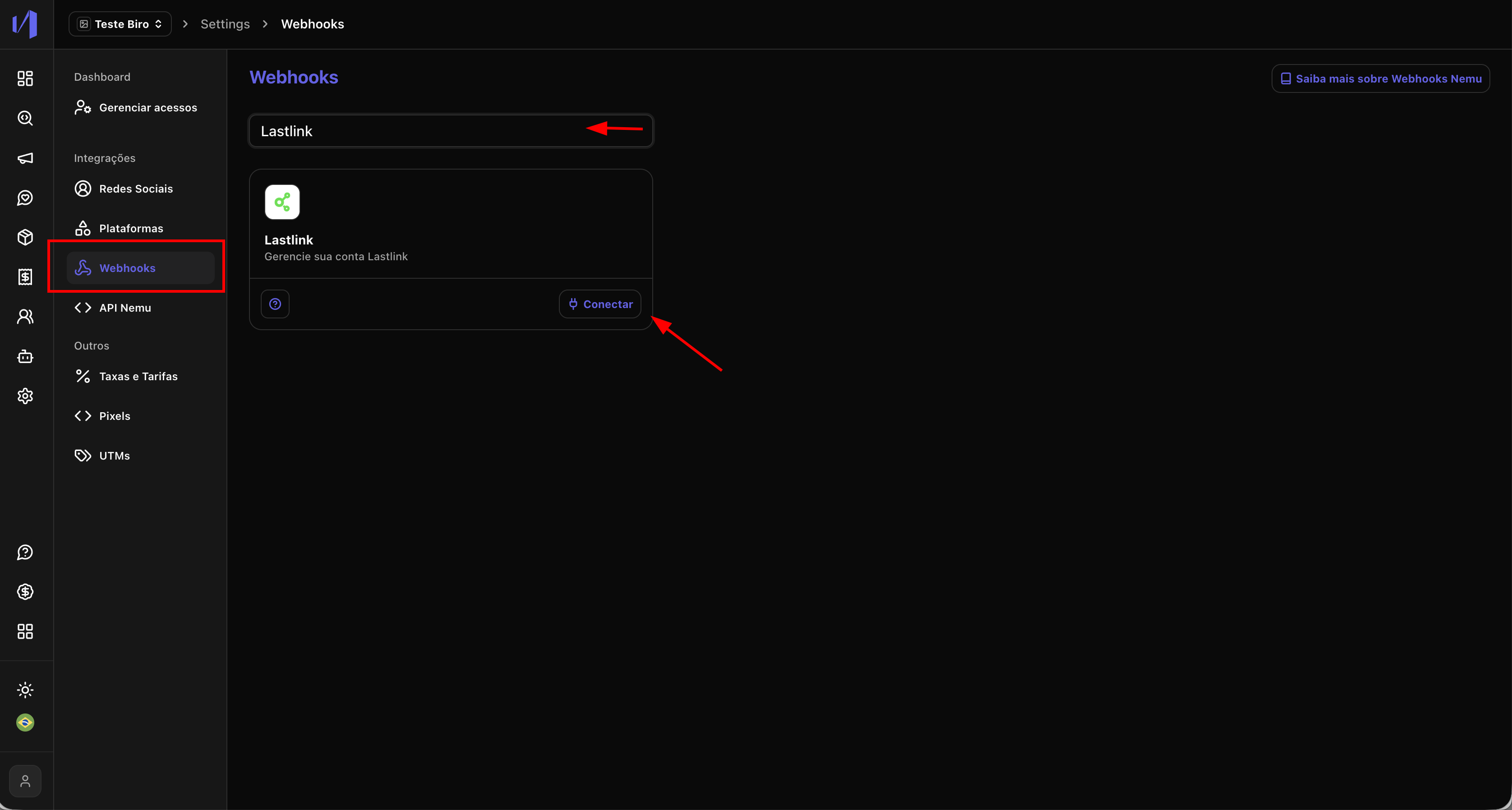
- In the Nemu panel, go to Settings > Platforms.
- Search for LastLink and click on Connect.
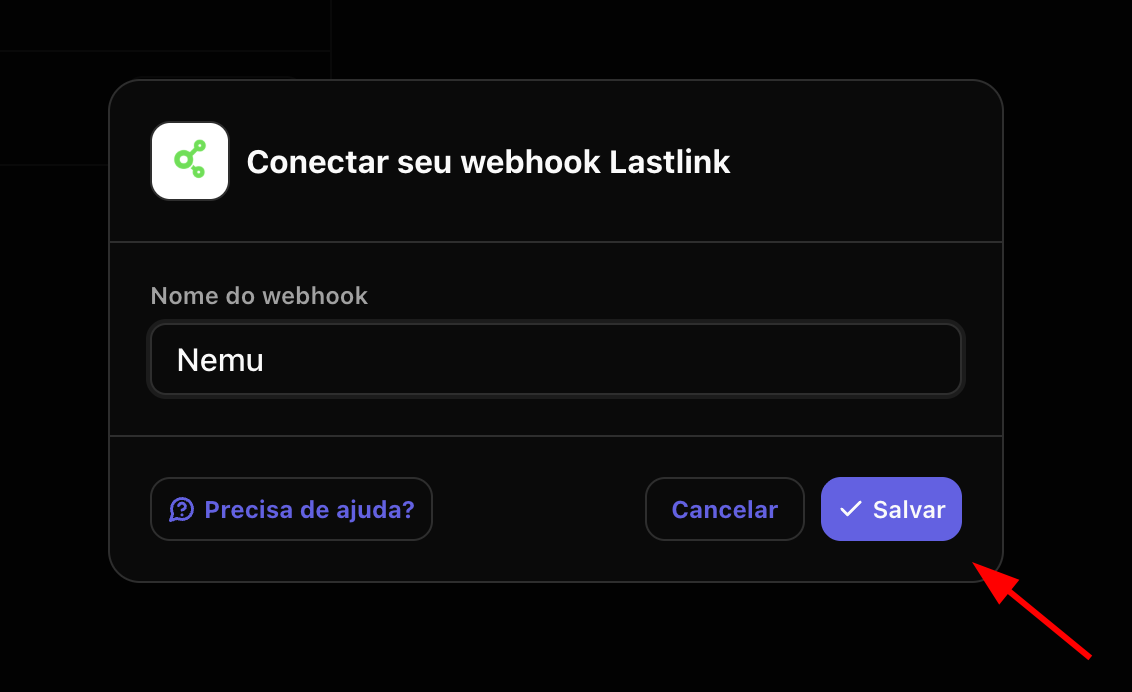
- Define a name for the integration and click on Save.
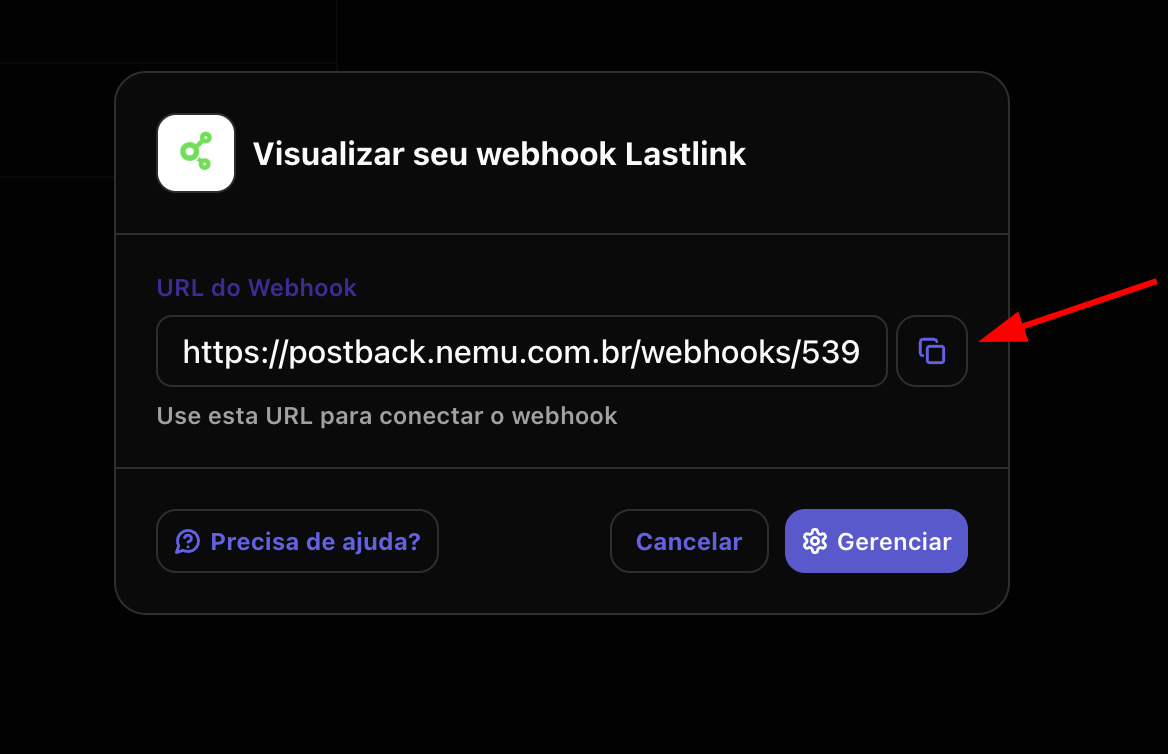
- Click the button to copy the webhook URL generated by Nemu.
Setting Up Webhooks in LastLink Dashboard
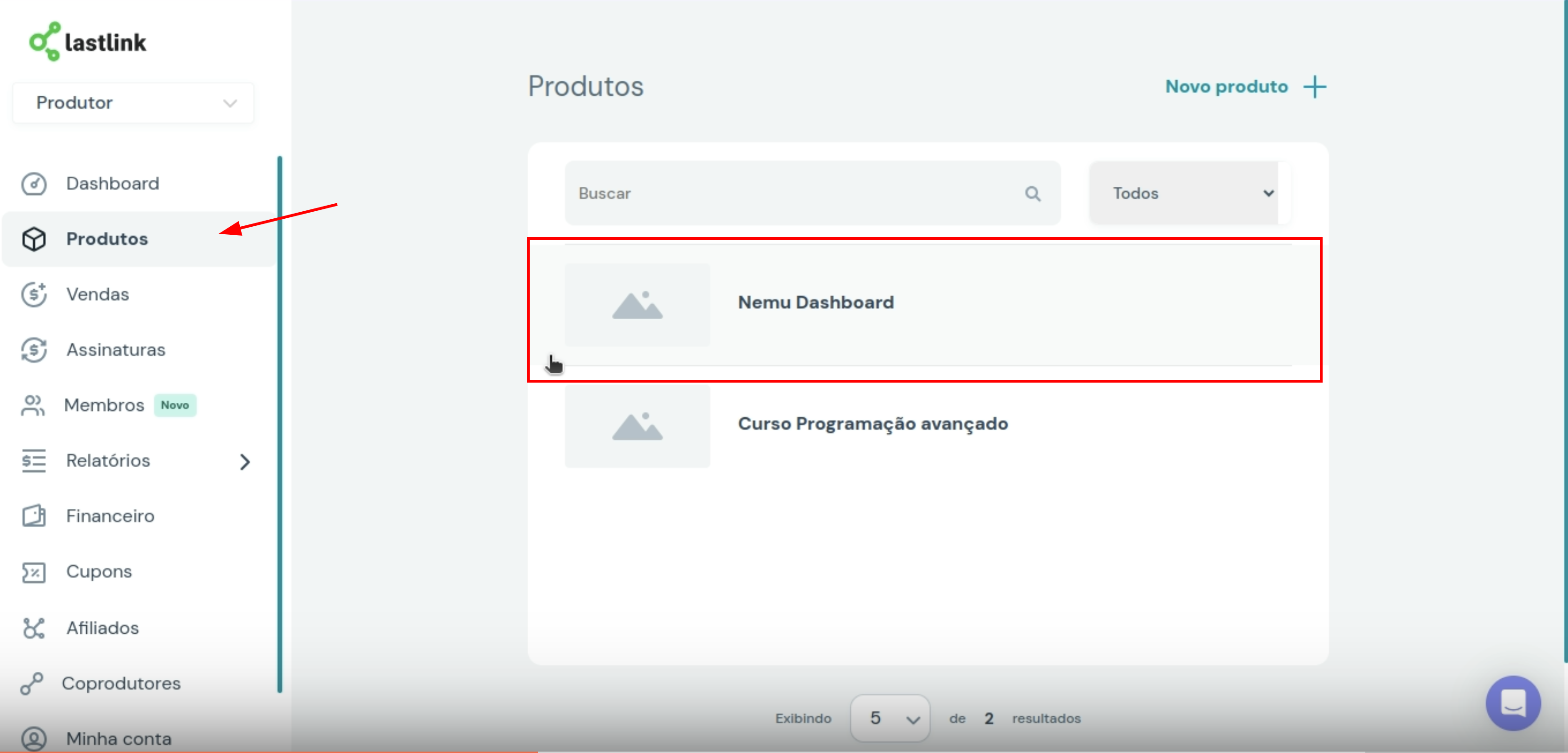
- In the LastLink panel, go to Products and click on the product you want to integrate.
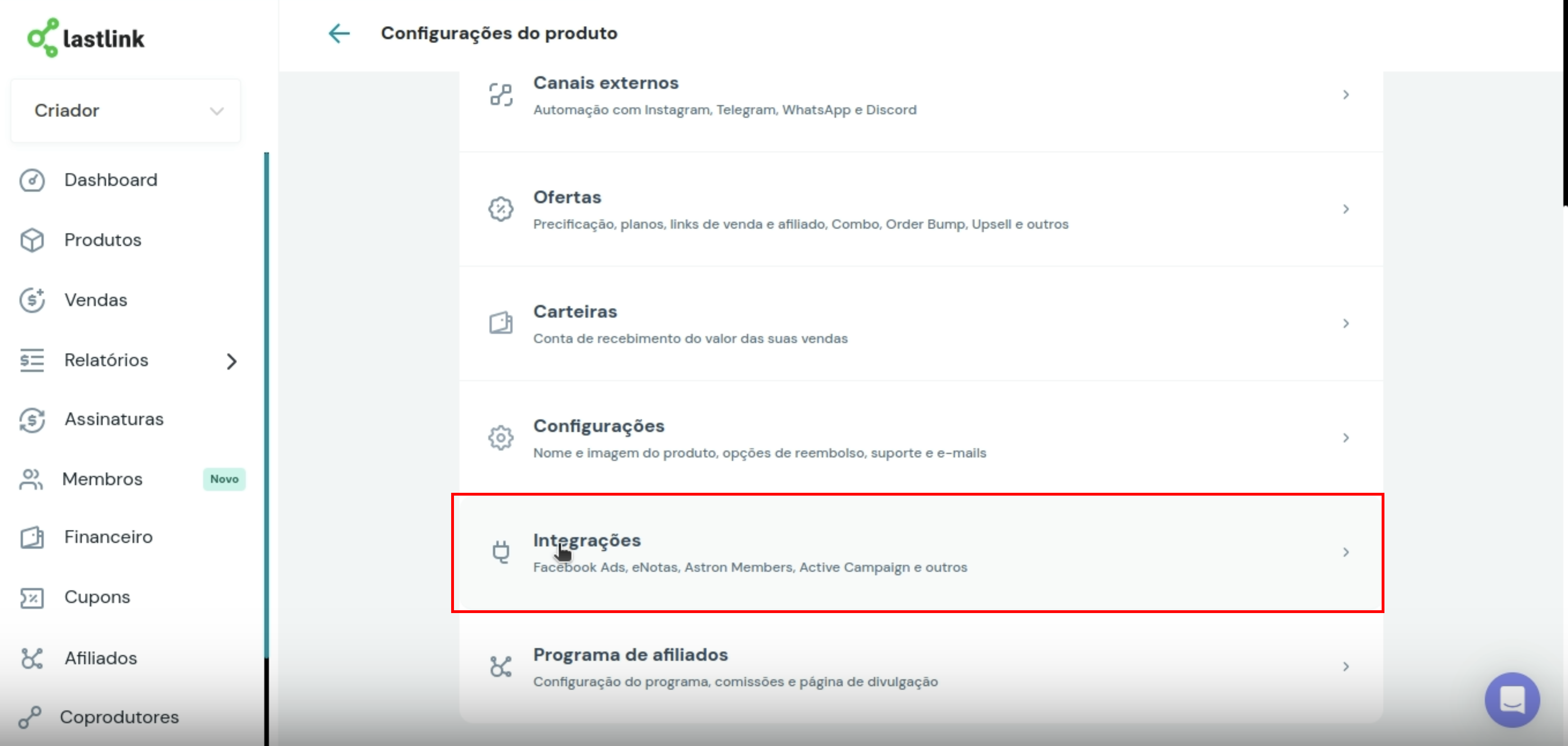
- Click on Integrations
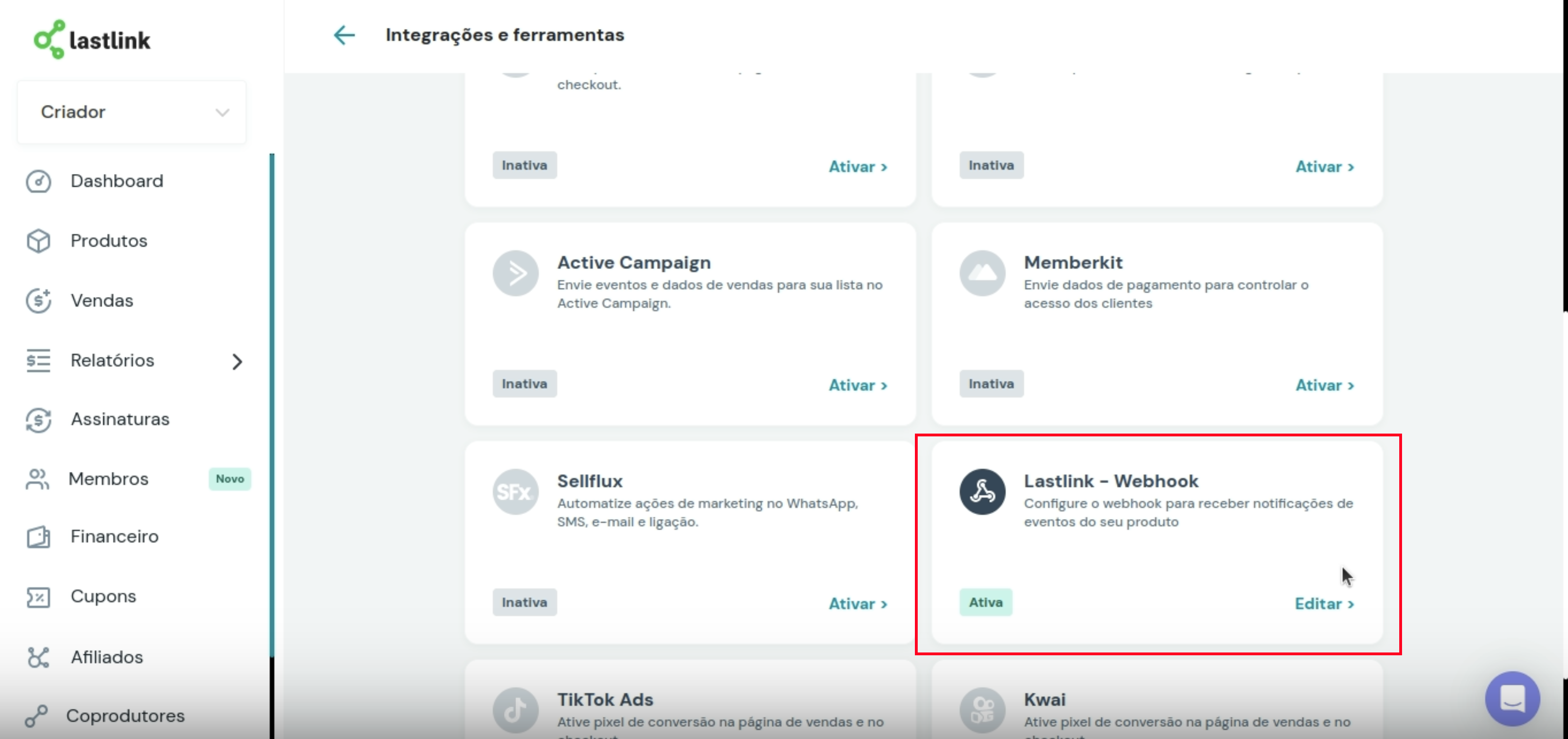
- Search for LastLink - Webhook and click on Activate/Edit.
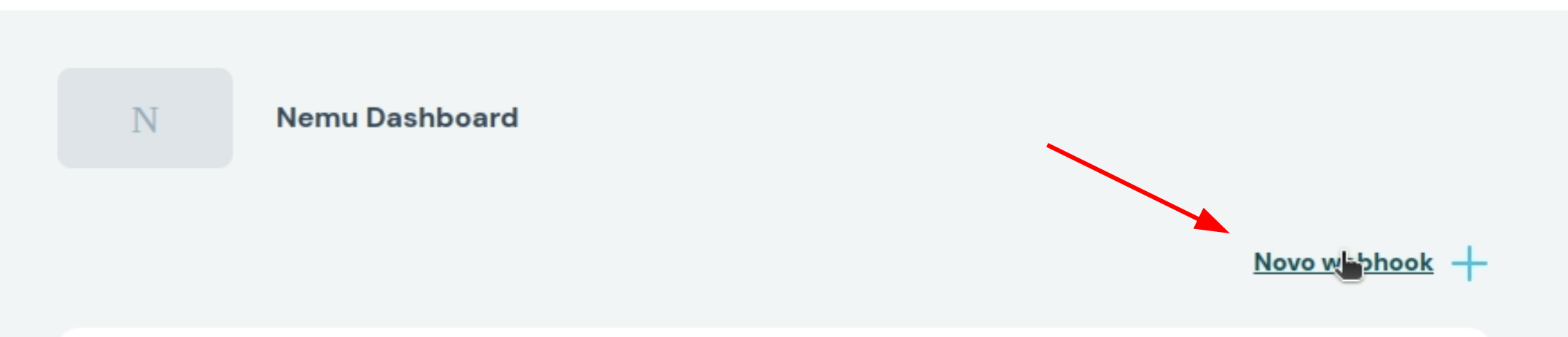
- Click on New Webhook
- Make sure the Status is set to Active

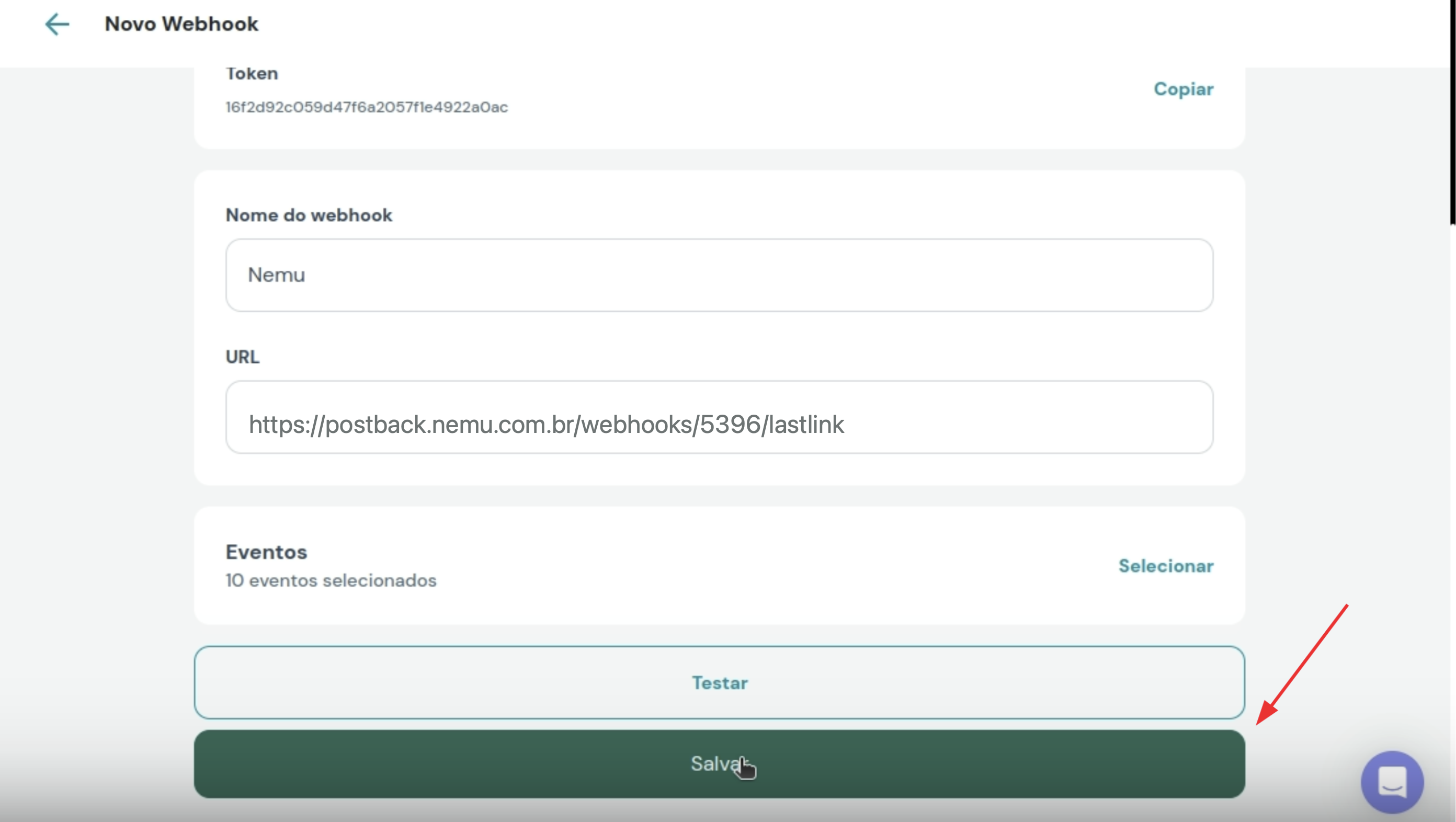
- Define a name for the webhook and paste the webhook URL generated by Nemu.
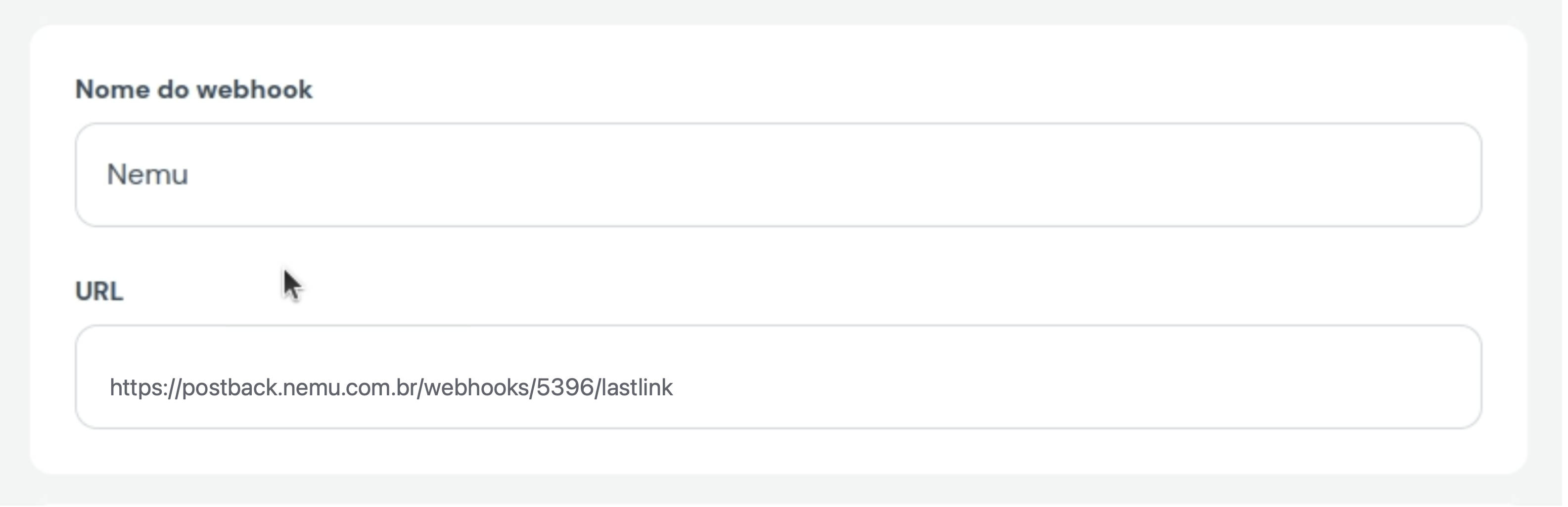
- In Events, click on Select

- Check the following options:
- Payment reversed
- Payment refunded
- Complete purchase
- Purchase order canceled
- Invoice created
- Purchase order expired
- Recurrence payment made
- Subscription canceled
- Subscription expired
- Subscription pending renewal
- And click on Confirm
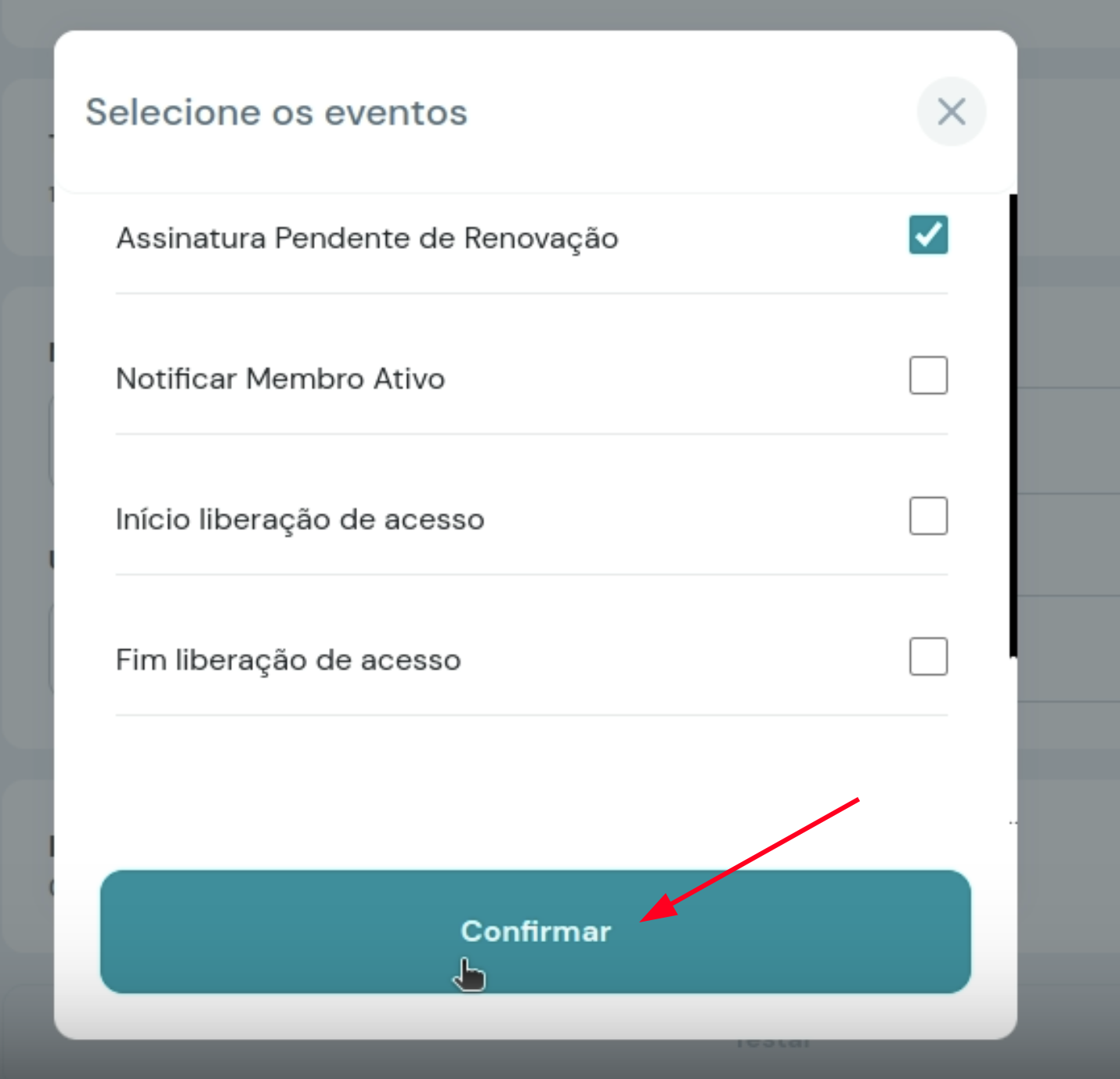
- Click on Save to finalize the integration.