Setting Up Webhooks in Payt Dashboard
- In the Payt panel, go to Tools > Integrations.

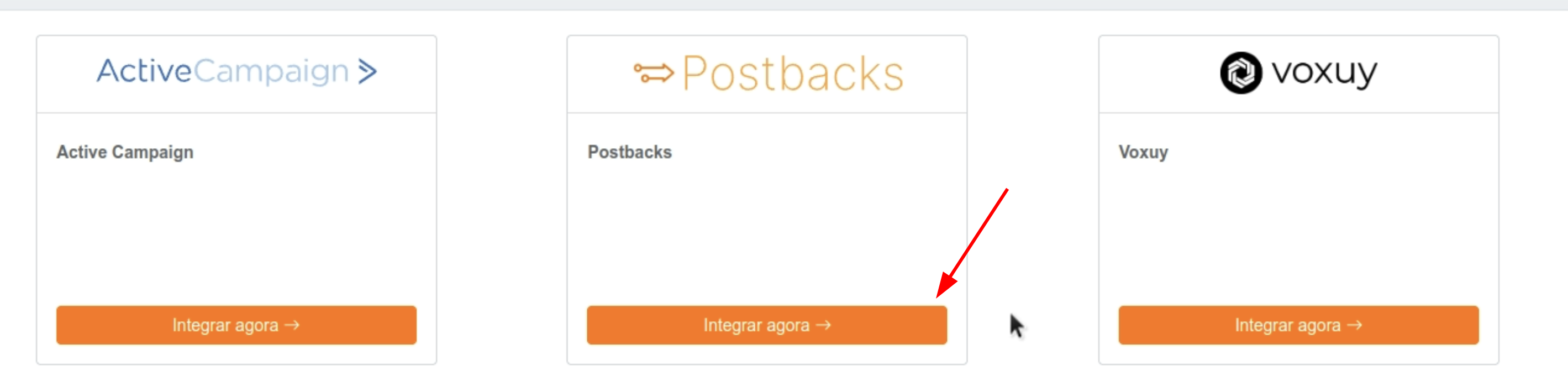
- On the Postback card, click on Integrate Now.
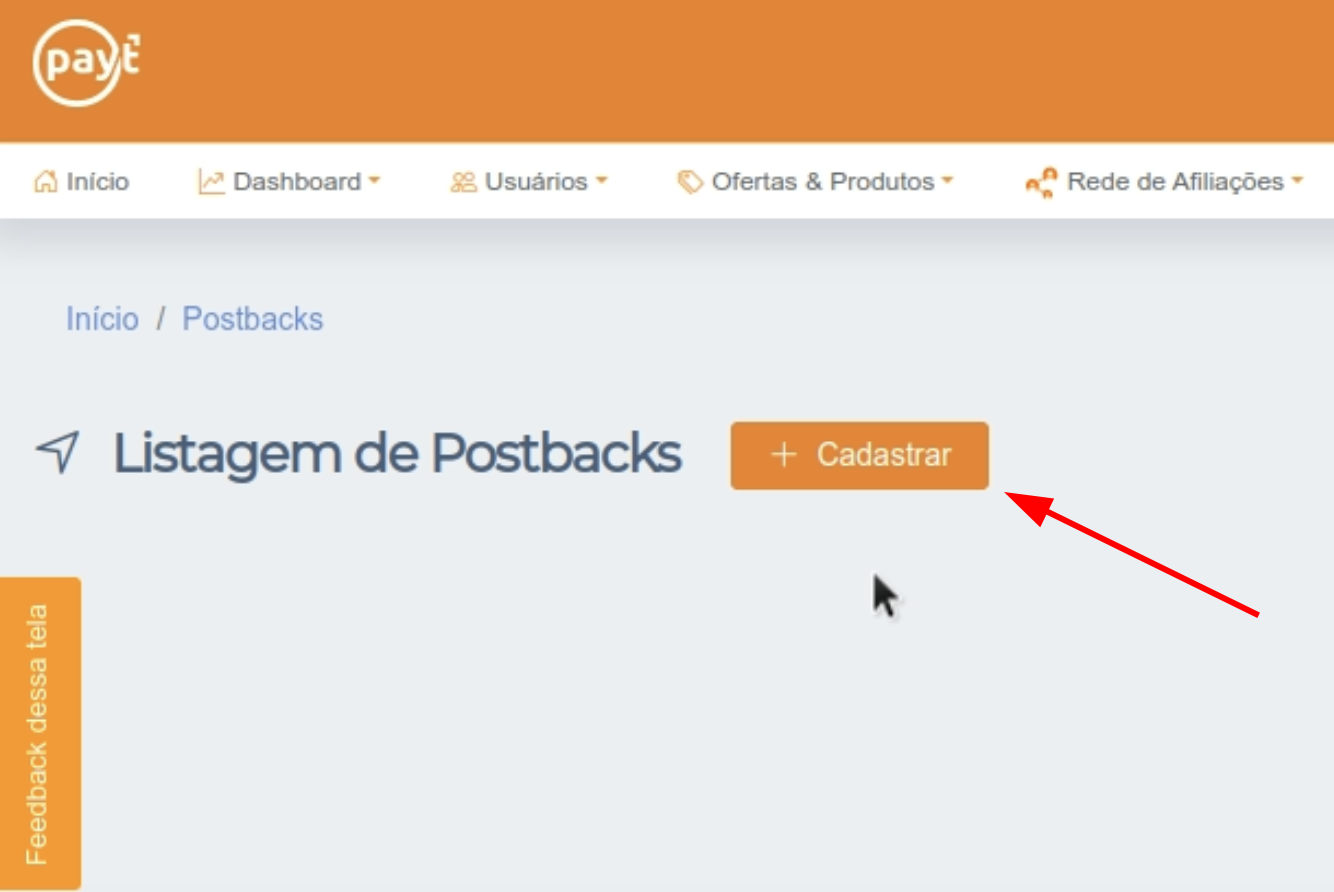
- Click the + Register button to create a new webhook.
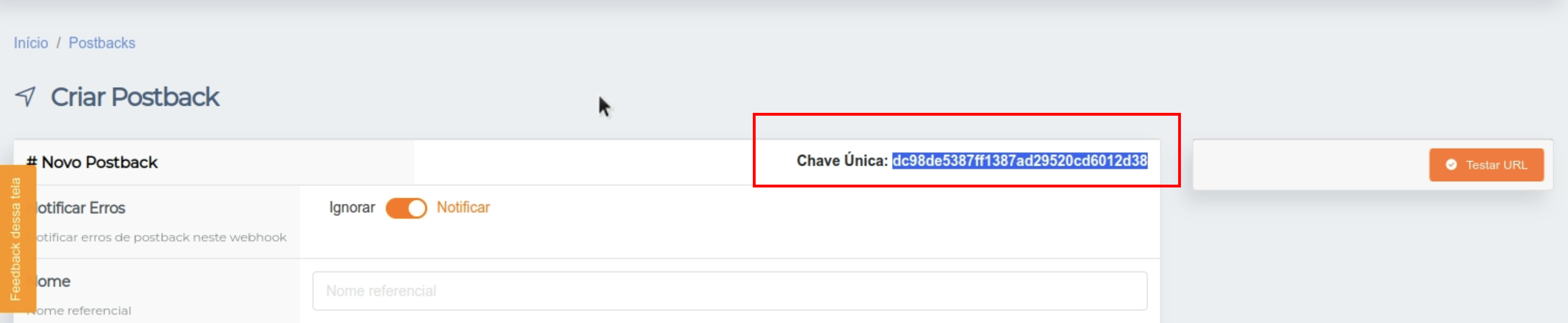
- Copy the Unique Key generated by Payt.
Setting Up Webhooks in Nemu Dashboard
- In the Nemu panel, go to Settings > Webhooks.
- Search for Payt and click on Connect.
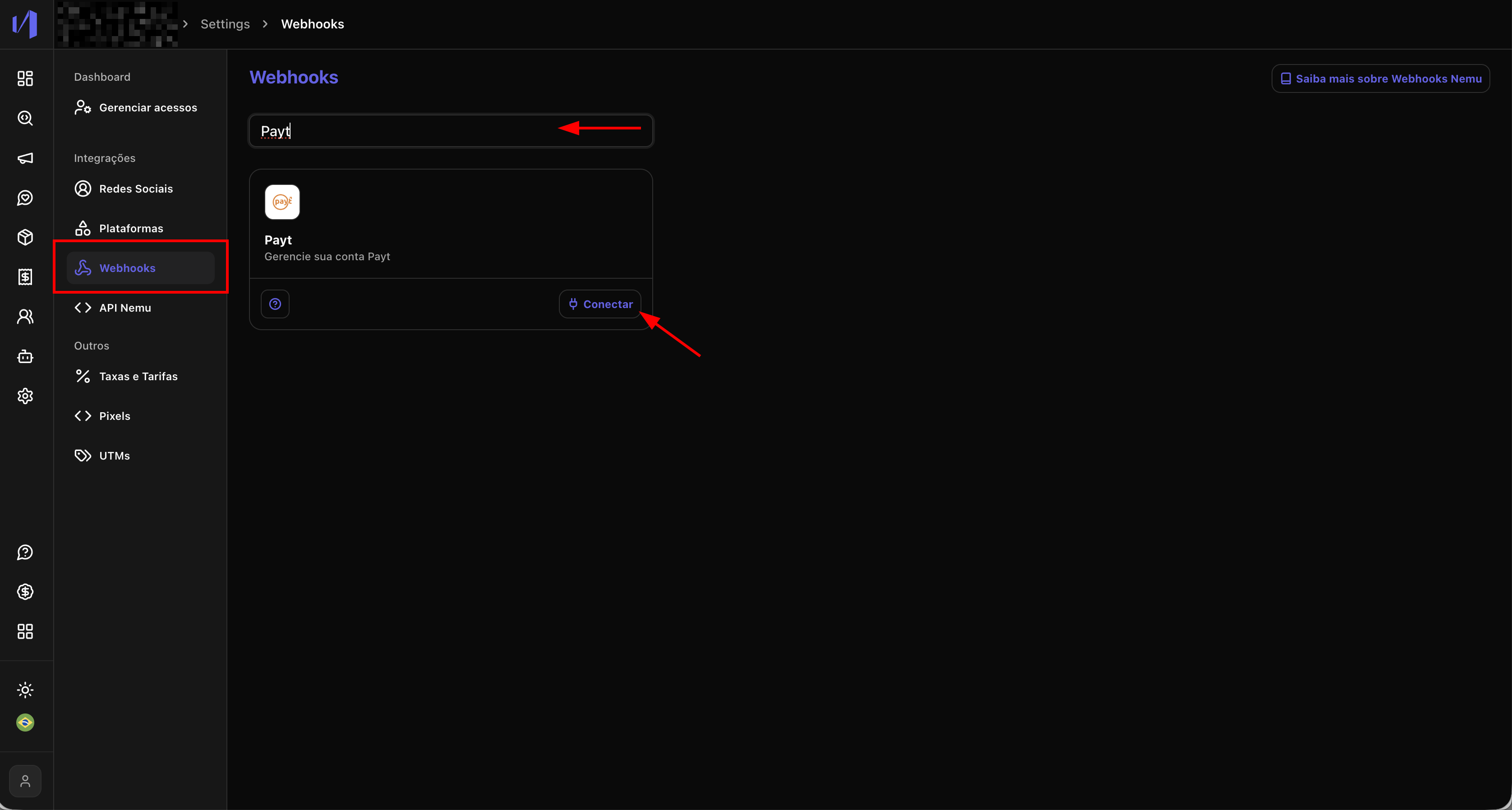
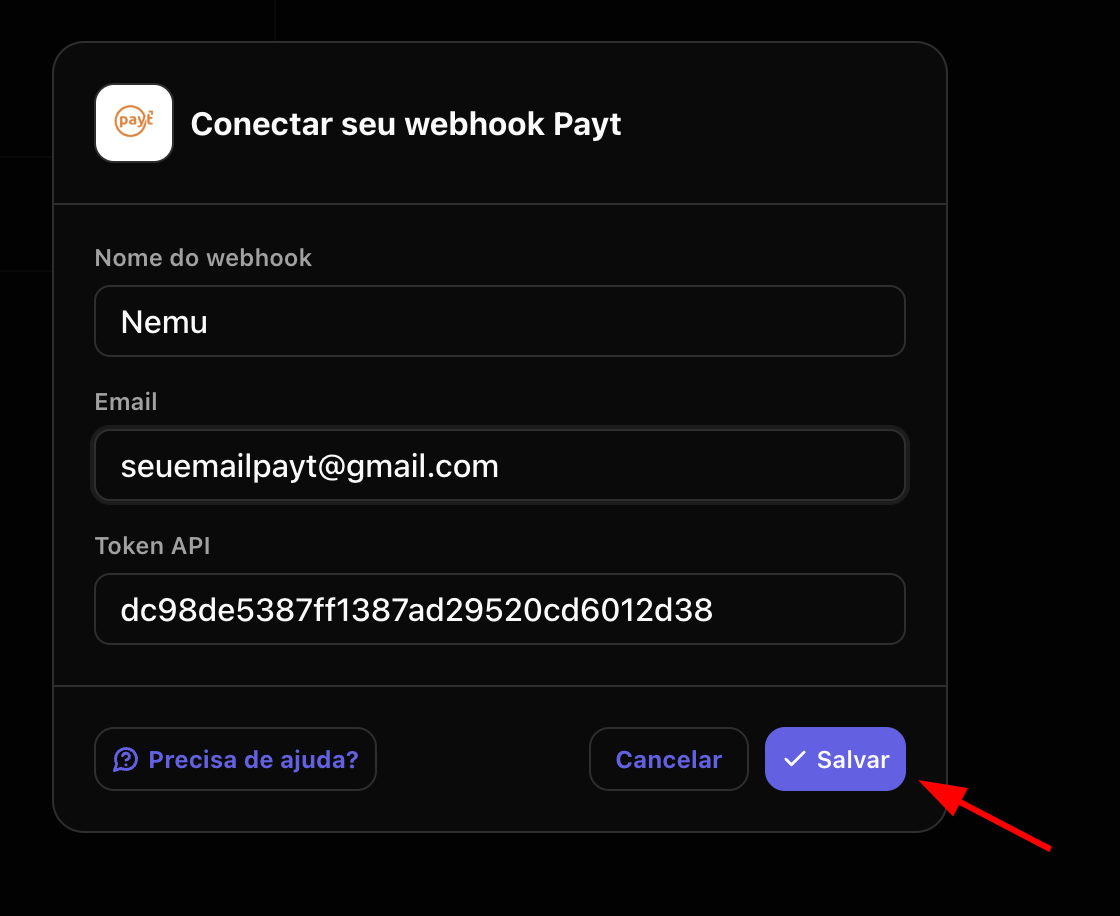
- Define a name for the webhook, enter the Payt account email and paste the Unique Key copied in the previous step and click on Save.
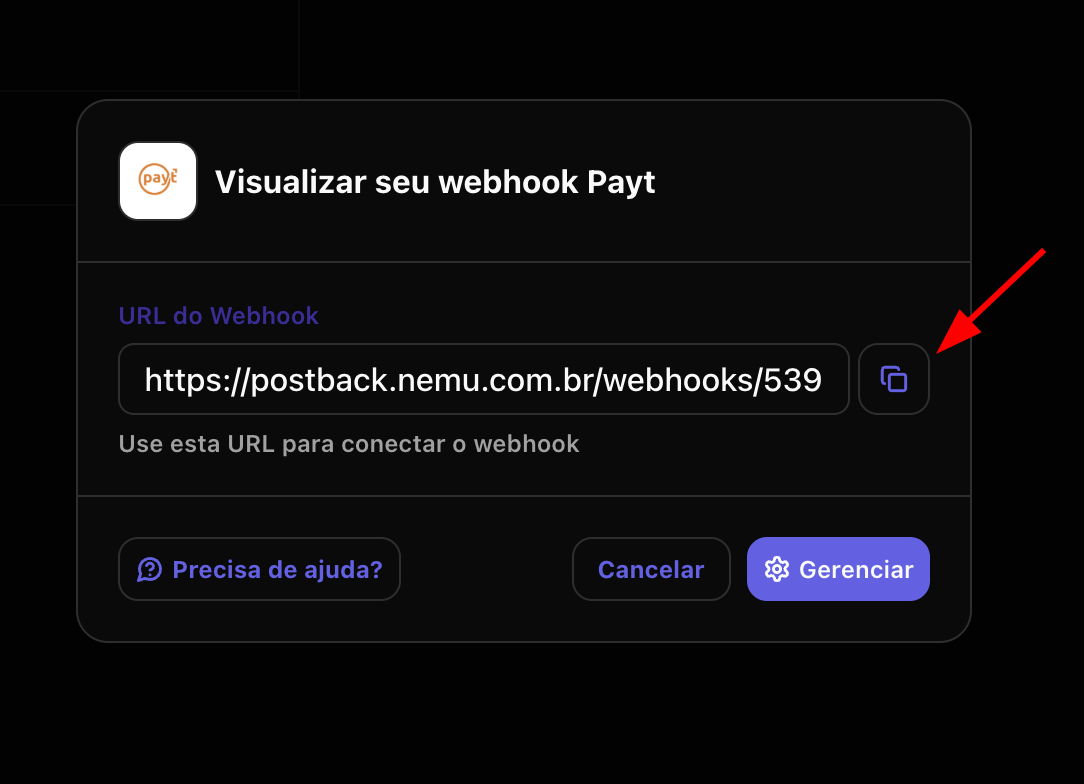
- Click the button to copy the webhook URL generated by Nemu.
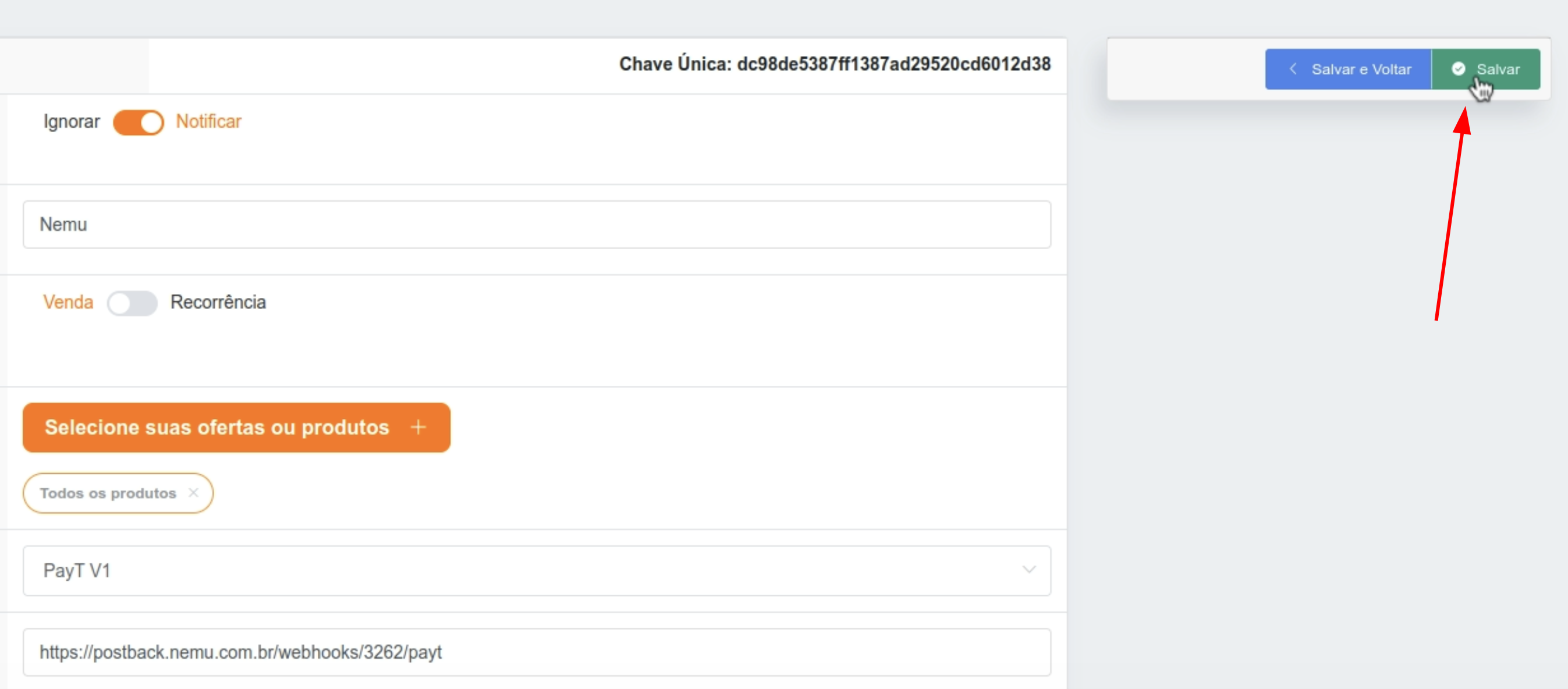
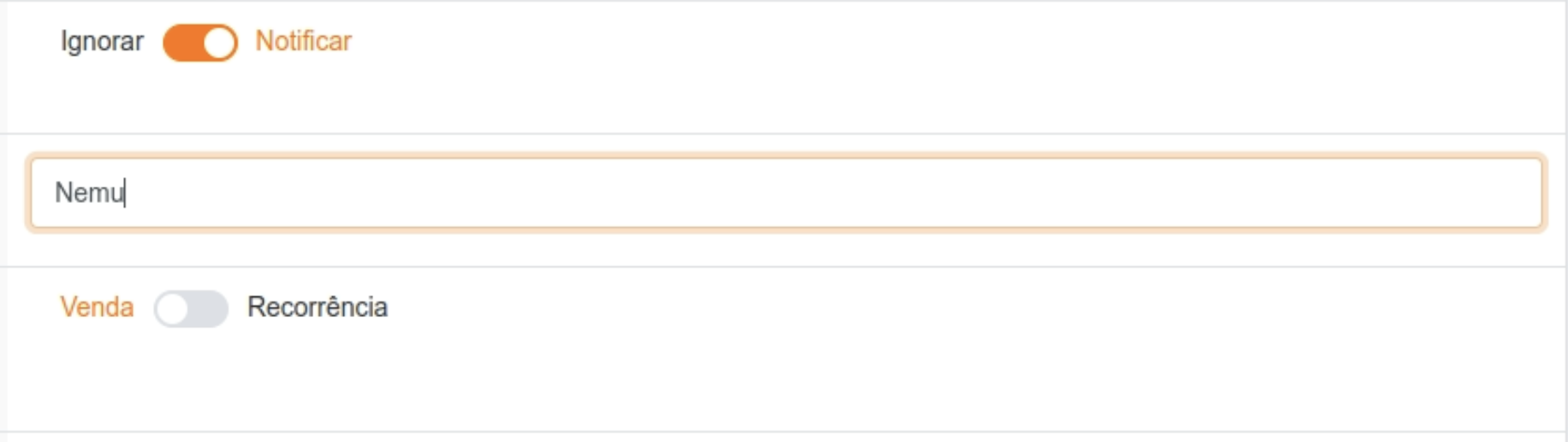
- Go back to Payt on the screen you kept open, define a name for the webhook
- Click the Select your offers or products button and select all offers or products you want to receive sales from.


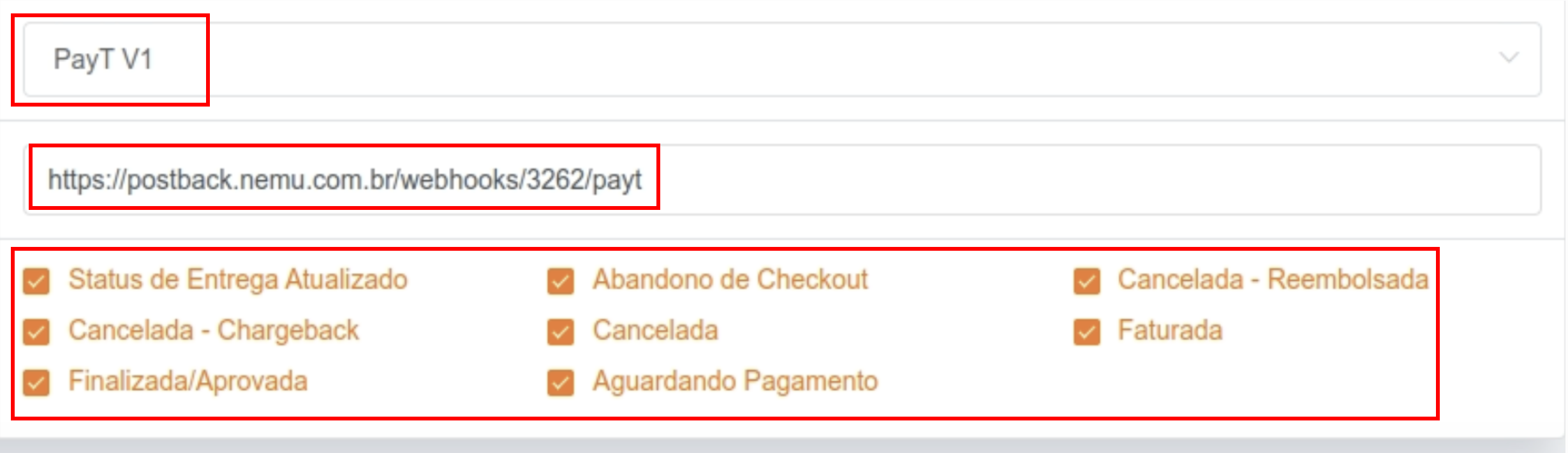
- In type select PayT V1, paste the webhook URL copied in the previous step in the Postback URL field and select all events
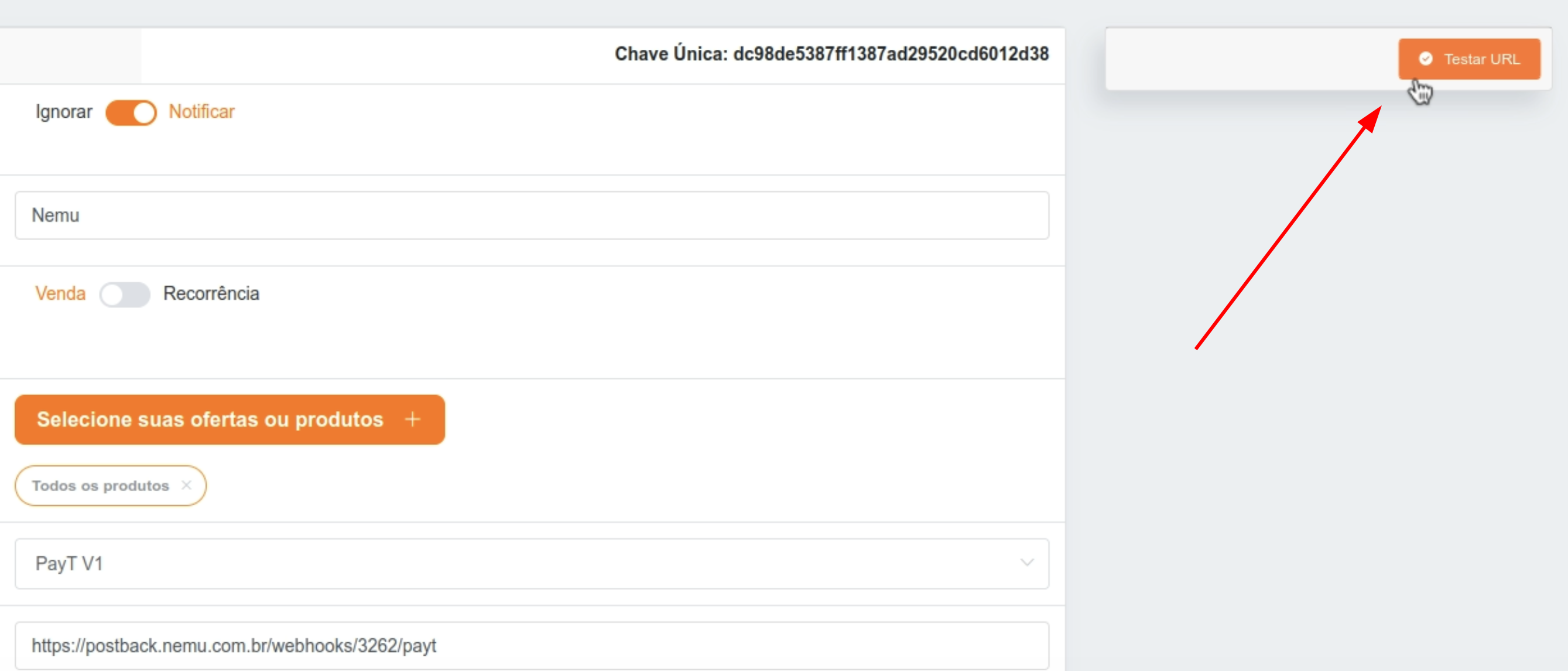
- Click on Test URL to verify if the URL is correct.
- Click on Save to finalize the integration.