Setting Up Webhooks
- Access the Reportana platform and log in
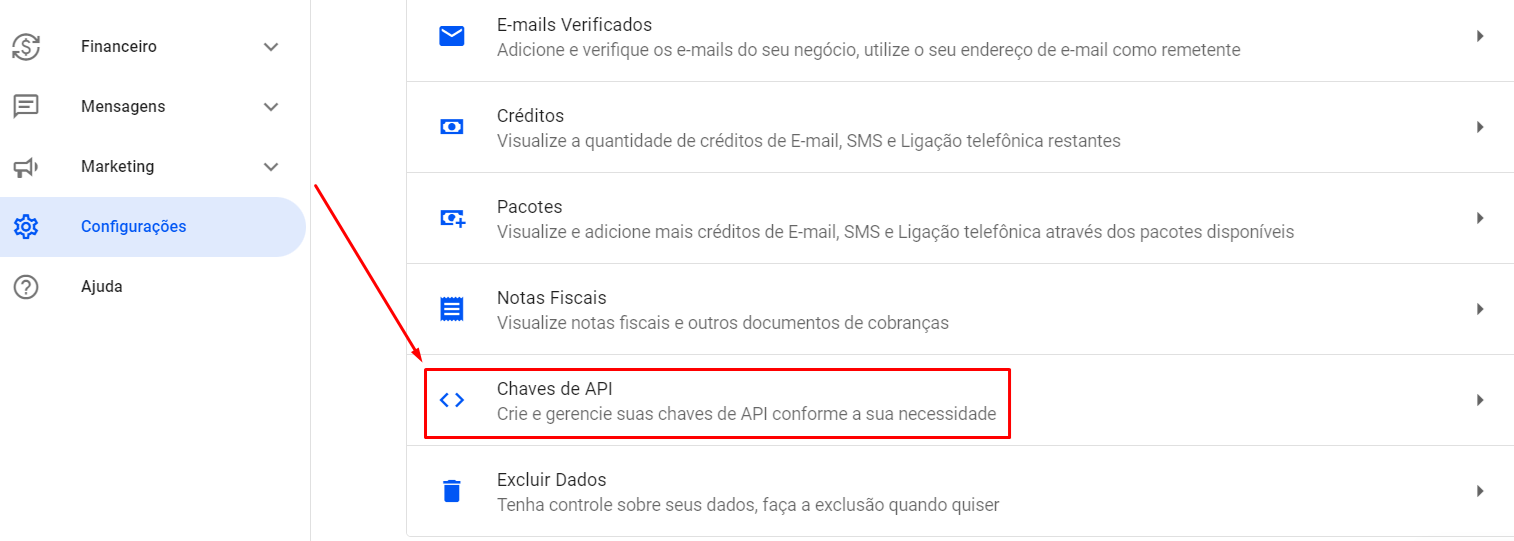
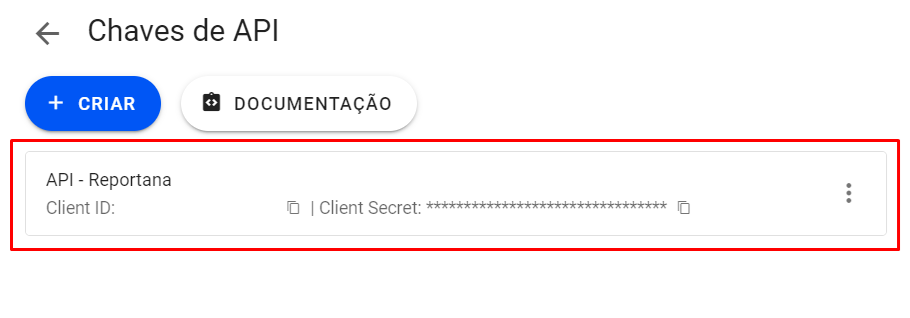
- In the sidebar, click on Settings > API Keys
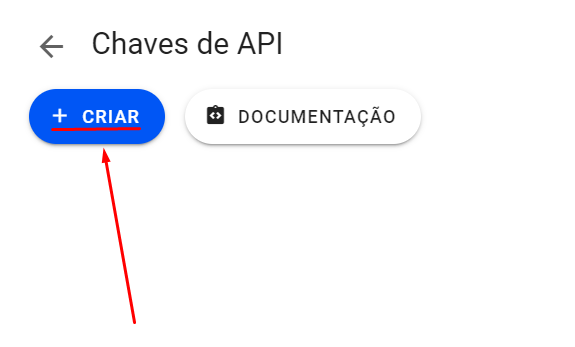
- Click the + CREATE button
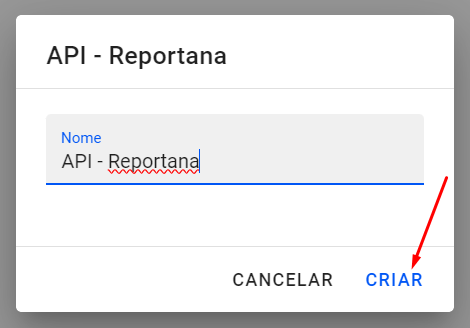
- Define a name for the integration (e.g., “Nemu Integration”)
-
Click on CREATE
- Copy the generated credentials
Setting up the webhook in Nemu
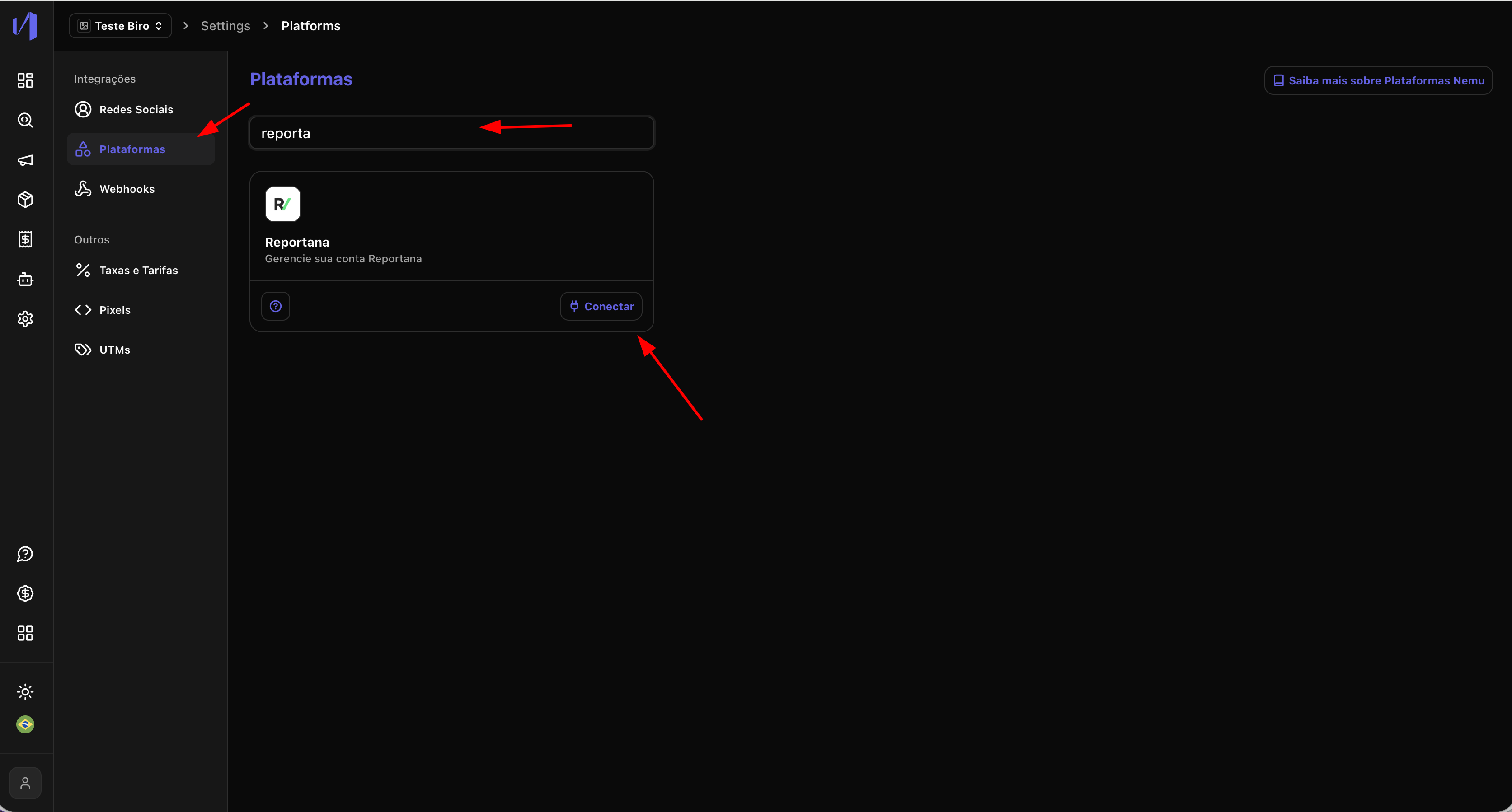
- In the Nemu dashboard, go to Settings > Platforms
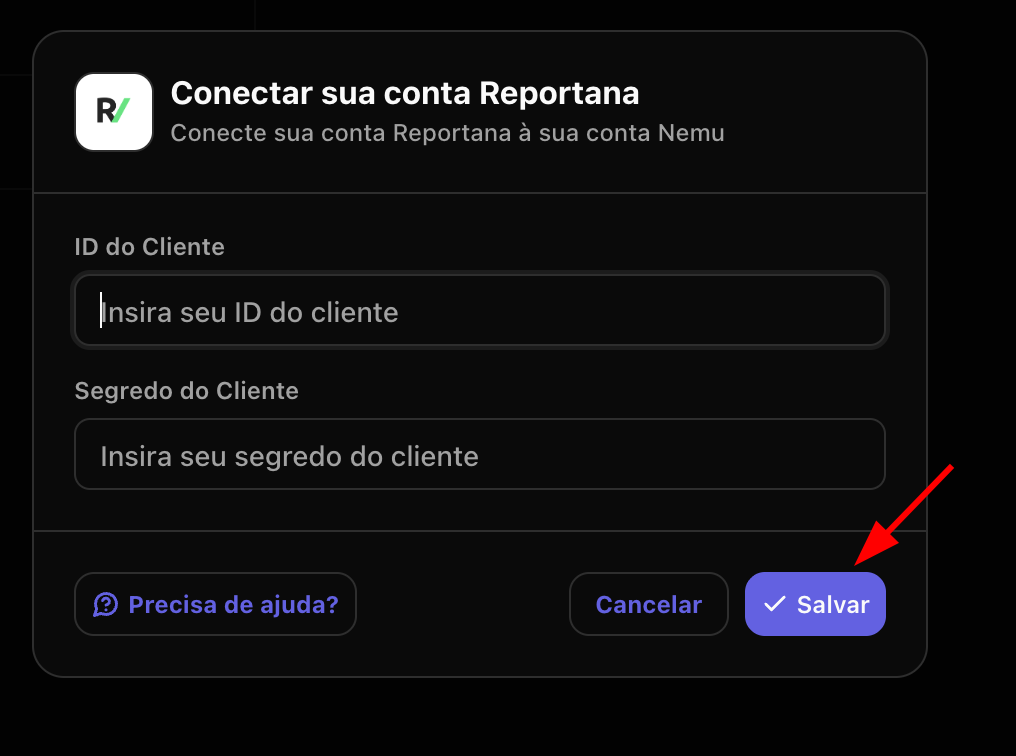
- Search for Reportana and click on Connect.
- Paste the API Key and Secret Key generated in the previous step.
- Define a name for the webhook and click on Save.