Installing the Script on Inlead:

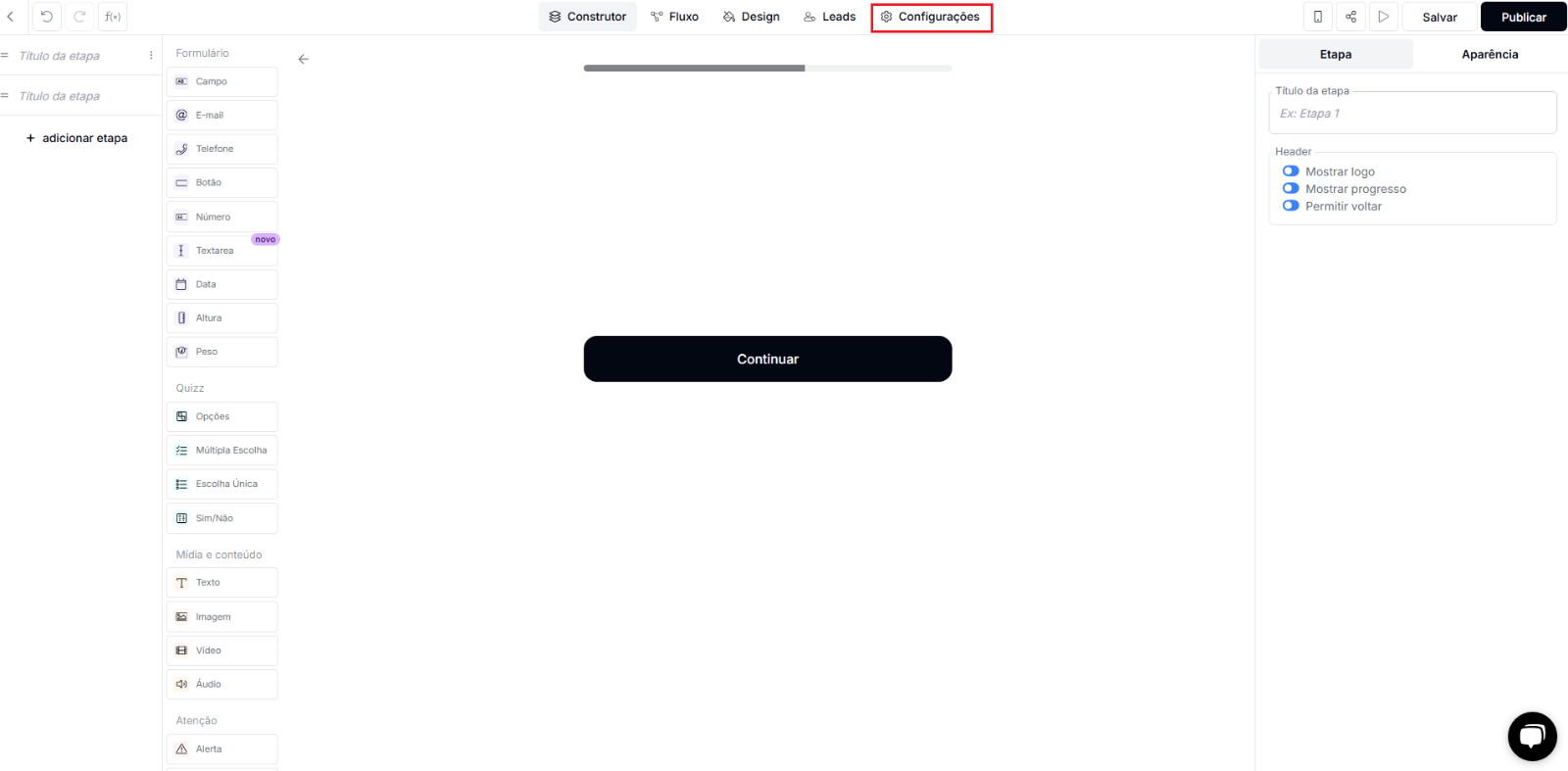
  1. Access the funnel you want to configure and go to the Settings tab:
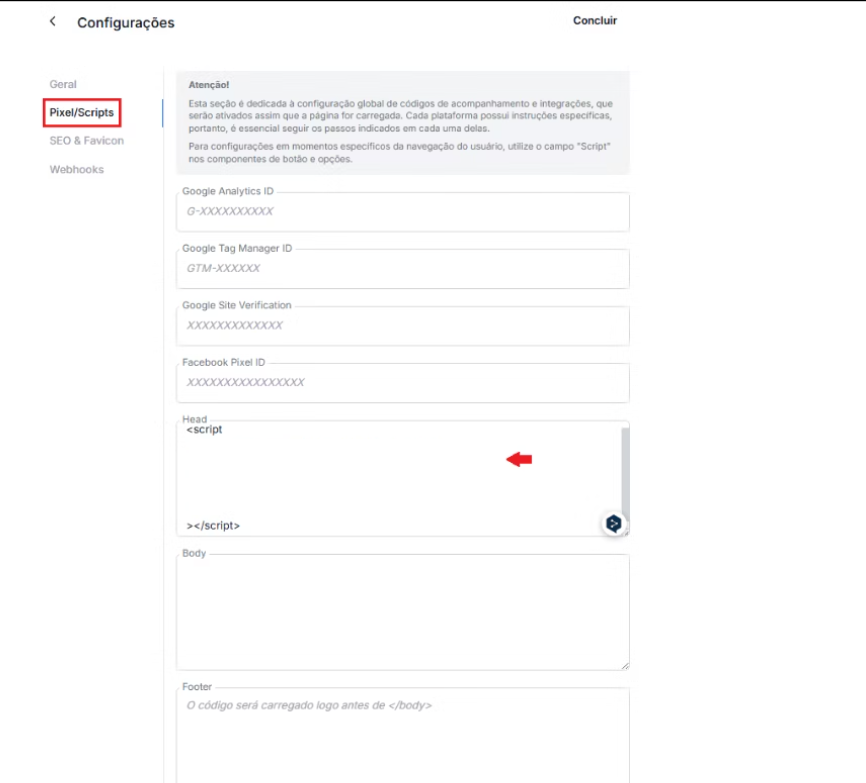
  1. In Settings, open the Pixel/Scripts tab and paste the UTM passing script and the Nemu Pixel in the Head field:
UTM Passing Script
<script>
   var timer = setInterval(function () {
      const location =
         window.trackingNemu?.nemuUtms ||
         new URL(document.location.href)?.searchParams;
      const fields = [
         "src",
         "sck",
         "utm_source",
         "utm_medium",
         "utm_campaign",
         "utm_content",
         "utm_term",
         "nemu_source",
         "nemu_medium",
         "nemu_campaign",
         "nemu_content",
         "nemu_adset",
         "nemu_term"
      ];
      var links = document.getElementsByTagName("a");

      for (var i = 0, n = links.length; i < n; i++) {
         if (links[i].href.includes("#")) continue;
         if (links[i].href) {
            let link = new URL(links[i].href);
            fields.forEach((field) => {
               if (location.get(field))
                  link.searchParams.set(field, location.get(field));
            });
            let href = link.href;
            links[i].href = href;
         }
      }
   }, 500);
</script>
  1. Click on Done to save the changes.
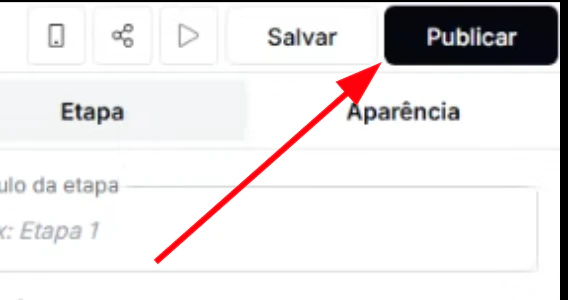
  1. Then, click on Publish so the changes are applied.