What will be imported:
- Campaign names, ad groups, and ads
- Spend per campaign
- Data for ROI and attribution calculation
How to integrate
-
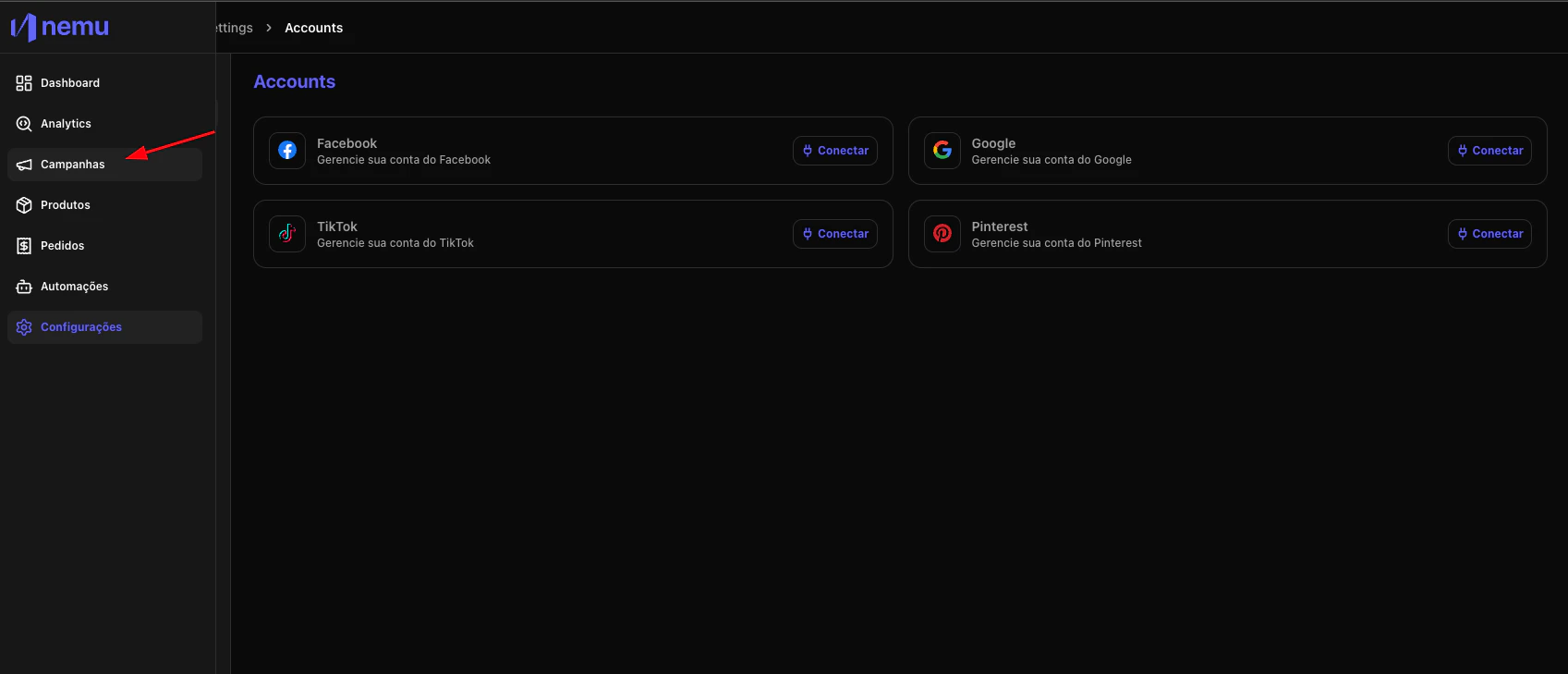
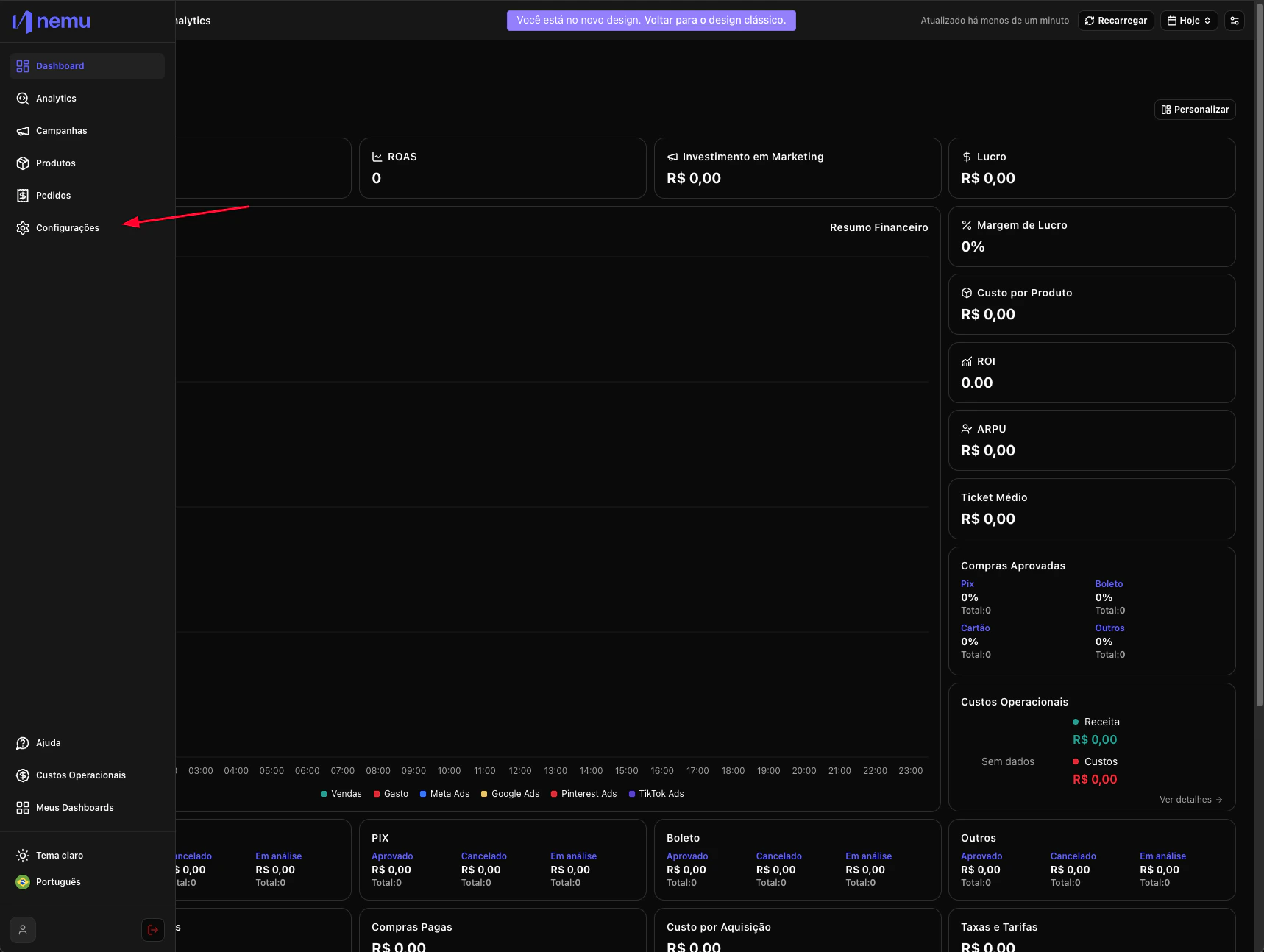
In the desired Dashboard, hover over the sidebar menu and go to Settings.
-
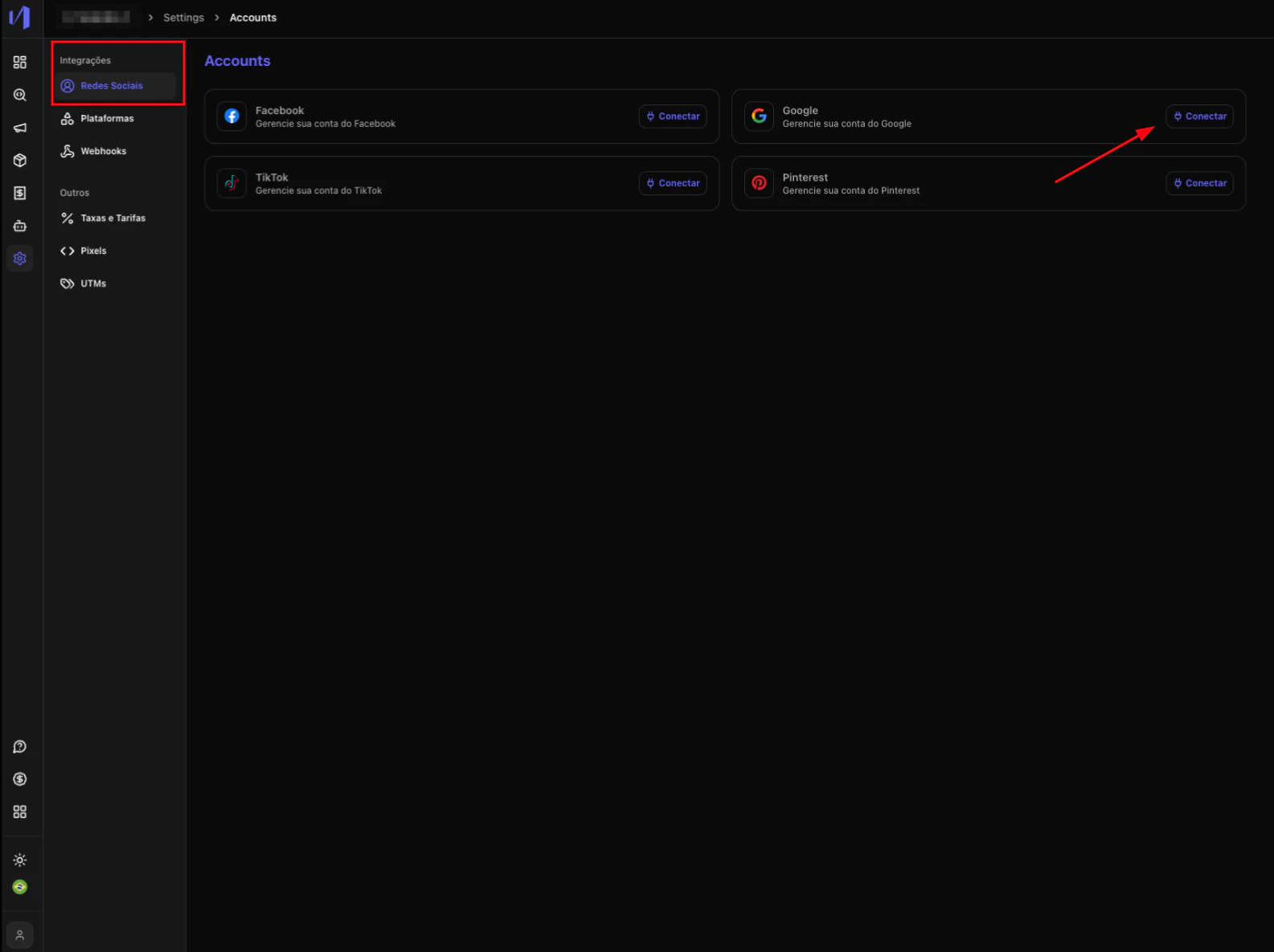
In Integrations click on Social Networks and click on the Connect button
- Log in with your Google account and authorize Nemu to access your account
-
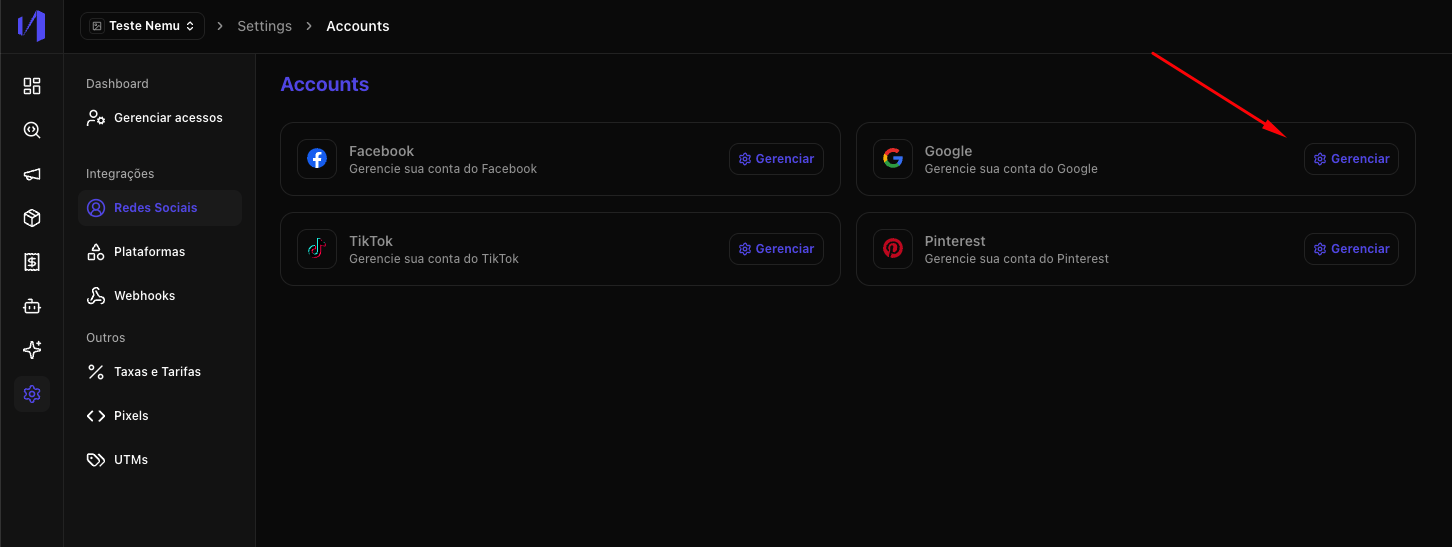
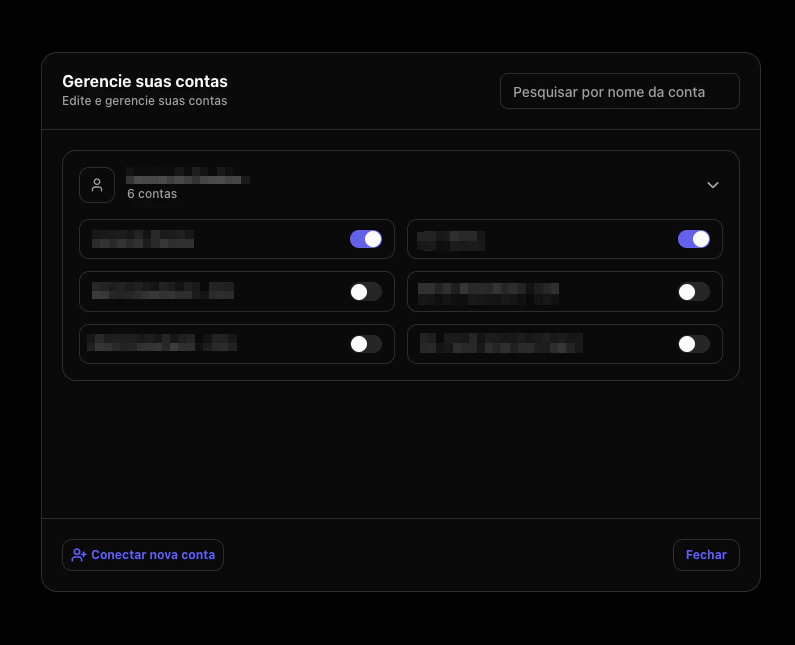
Click on the Manage button
- Select the ad account(s) you want to connect.
- Access the campaigns page to view synchronized campaigns