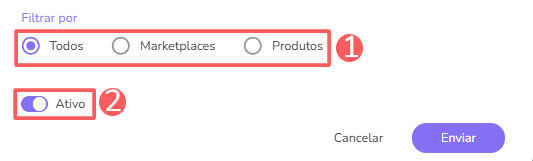
Generating the Account Token
- Access the Guru admin with your username and password.
- In the top right menu, click on My Account.
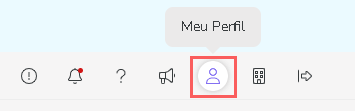
- In API, copy and store the API Token.

Setting Up the Webhook in Nemu
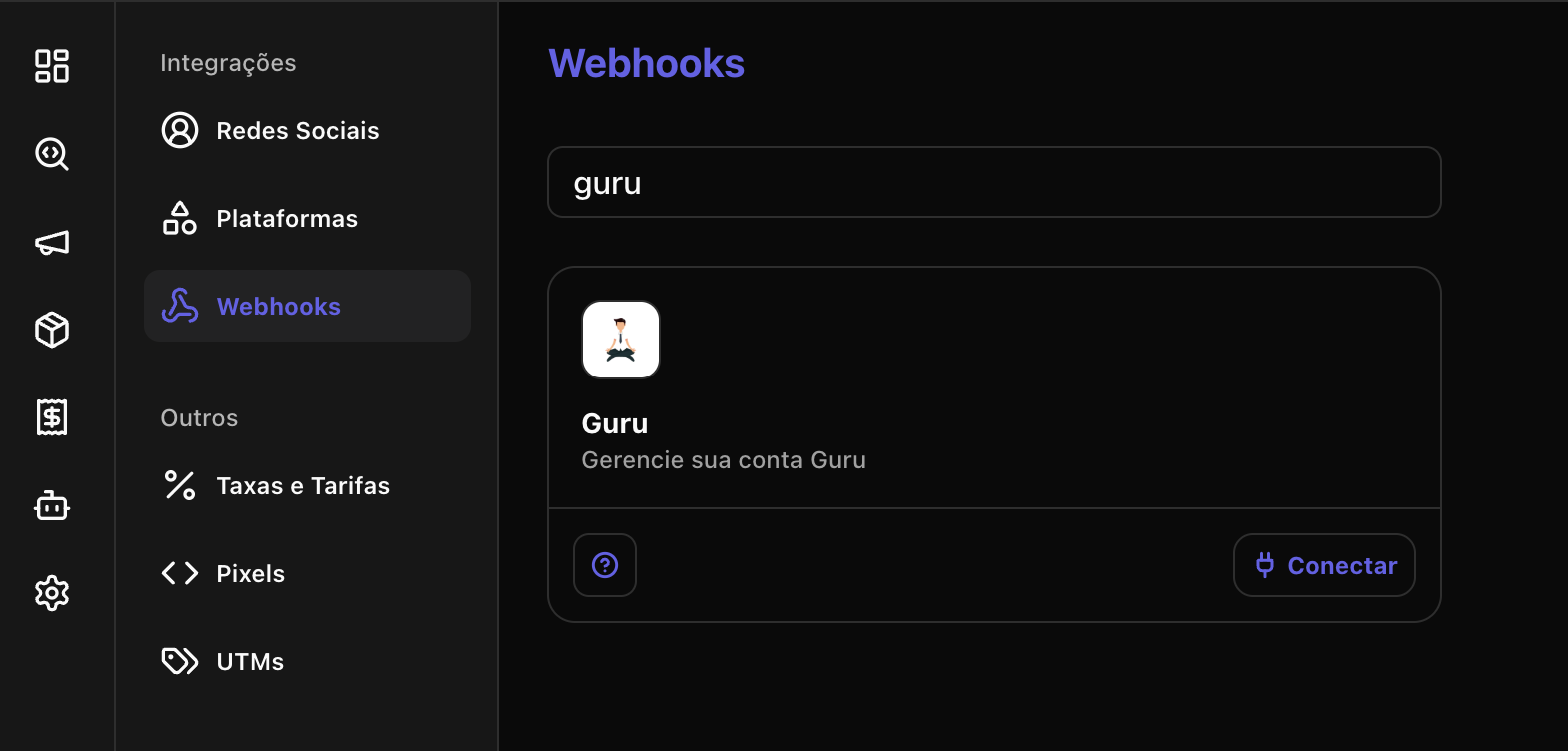
- In Nemu, go to Settings > Webhooks, search for Guru and click on Connect.
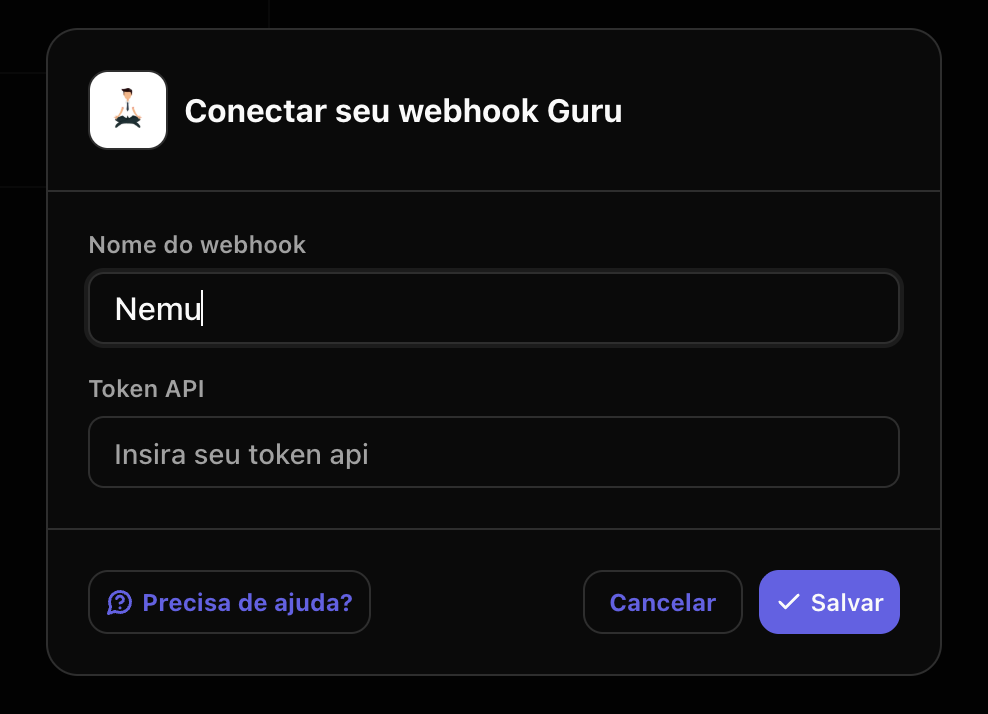
- Define a name for your Webhook, paste the Account Token generated previously and click on Save.
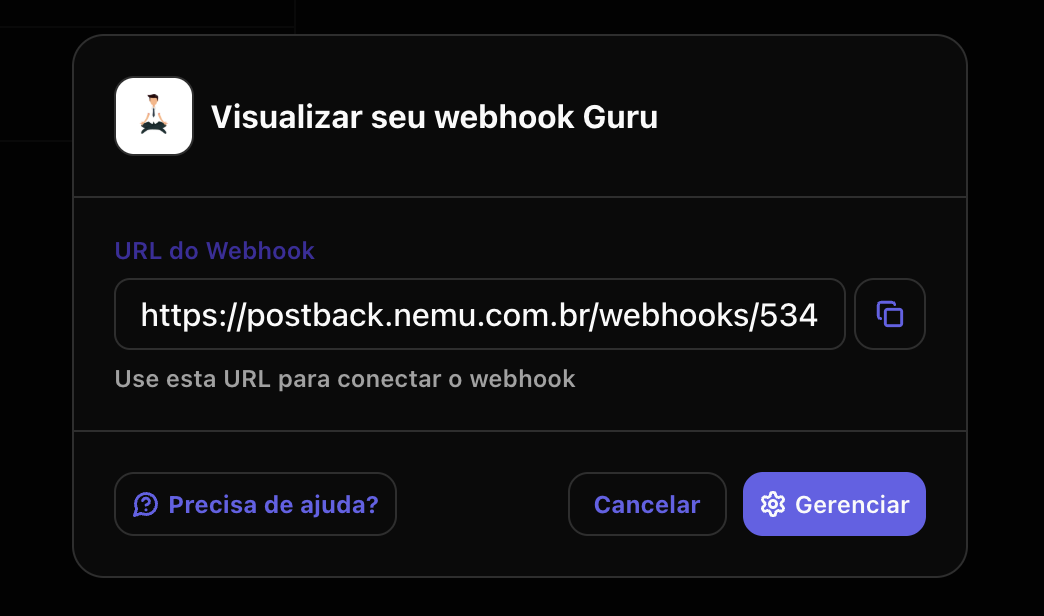
- Click the indicated button to copy the generated connection URL.
Setting Up the Webhook in Guru
- Access the Guru admin with your username and password.
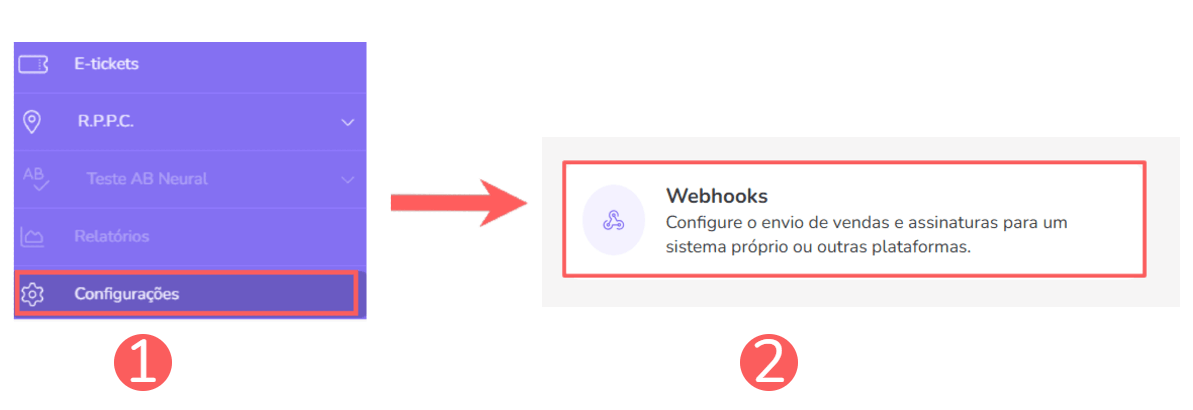
- In the left sidebar, click on Settings > Webhooks and click on Sales.
- Click on the Add Webhook button.
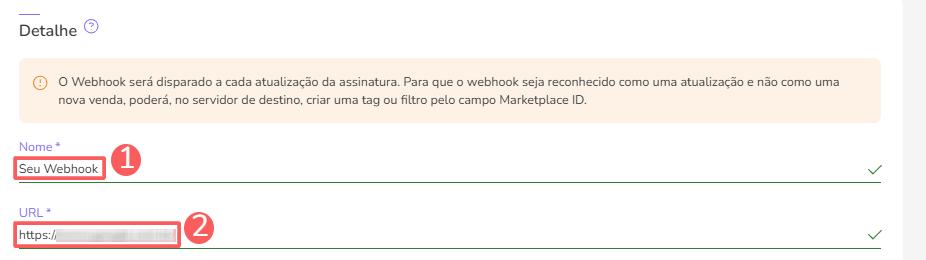
- Name: name of your webhook;
- URL: connection URL in Nemu in the Setting Up the Webhook in Nemu step.
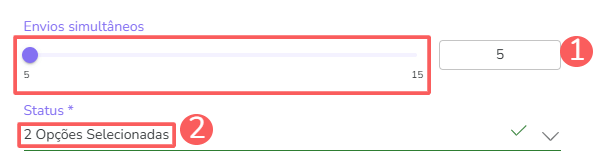
- In Shipping Rules and Status select:
- Simultaneous Shipments: maximum number of simultaneous shipments Guru should perform, by default leave as 5.
- Status: for which status (sale, subscription or e-ticket) the webhook shipment should be performed, in this case select Sales.
- In Record Filtering, select All, mark as Active and click on Send.