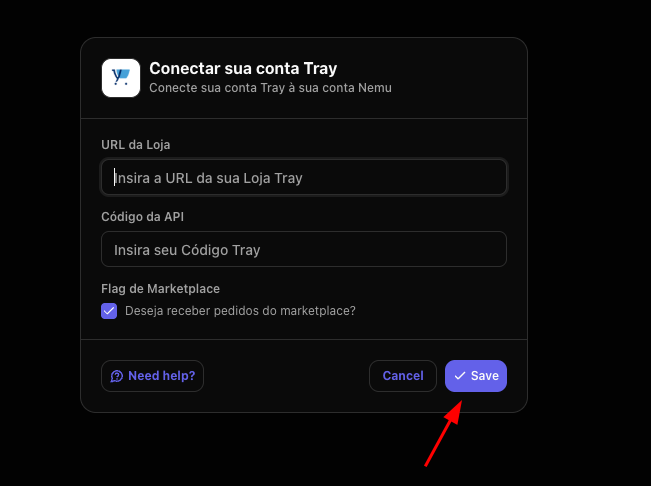
Installing the Nemu App
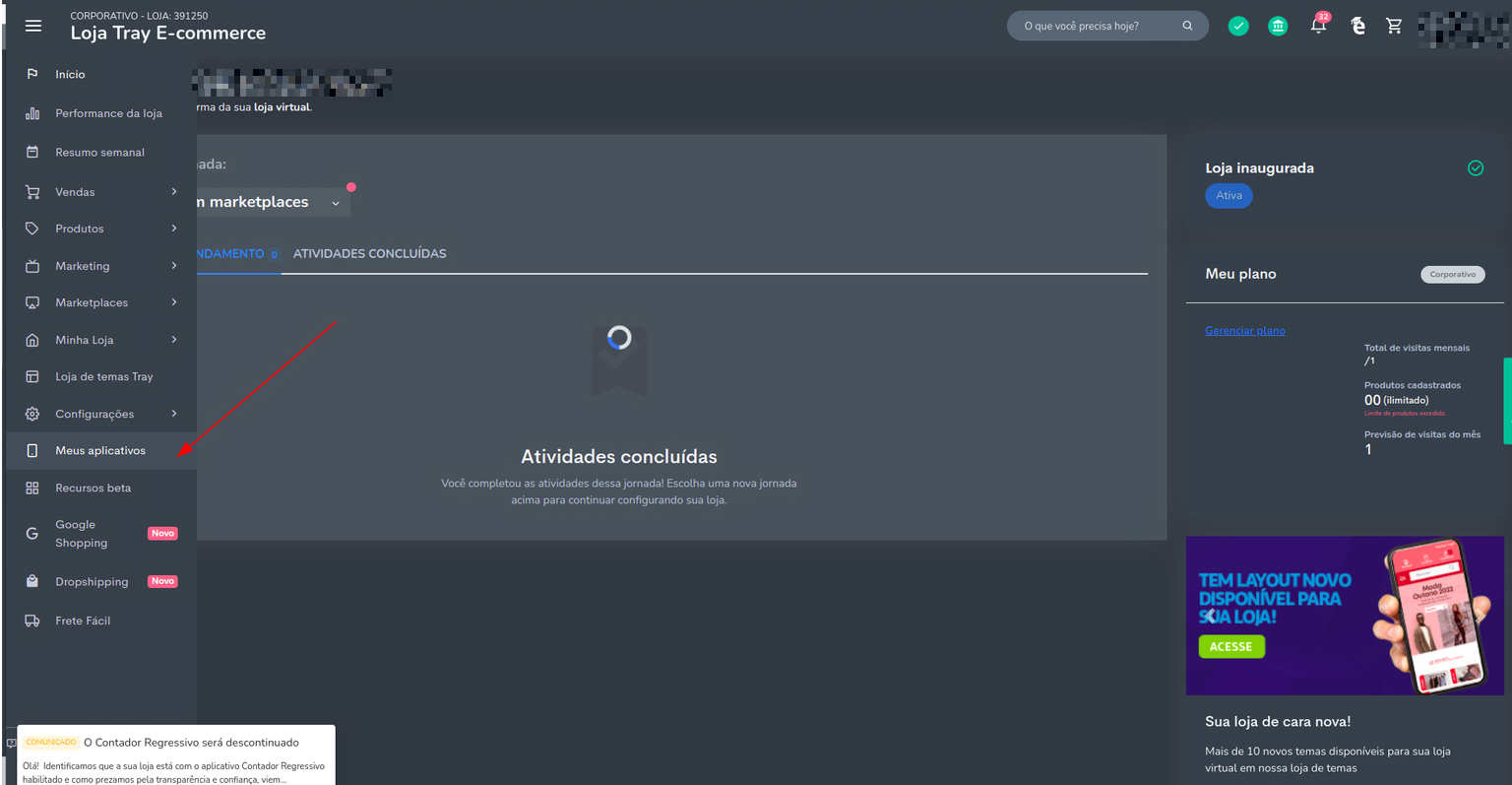
- In the Tray panel, click on My Apps in the sidebar
- In the top right corner of the screen, click on the button to Install new apps
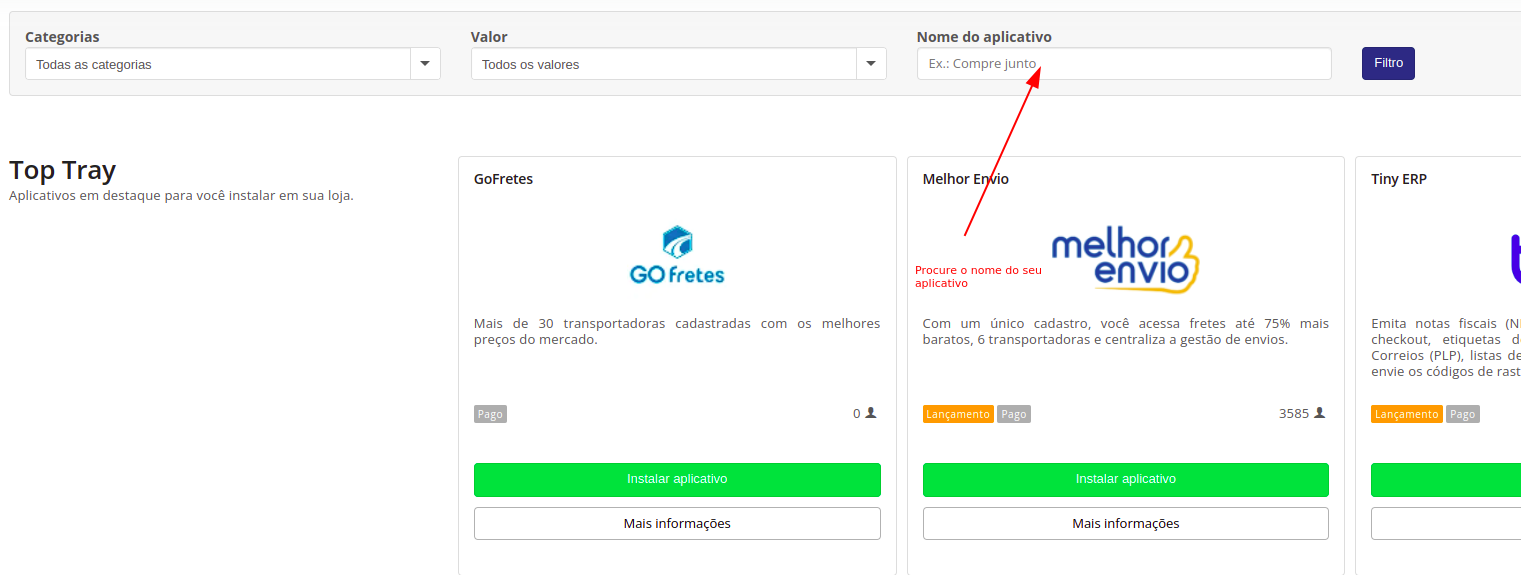
- Look for the app called Nemu, click on Install app, then click on Authorize
- The panel with the code will be displayed next, but if it is not displayed, access Apps in the left sidebar, then look for the app, and click on Access and the code will be displayed, then copy it

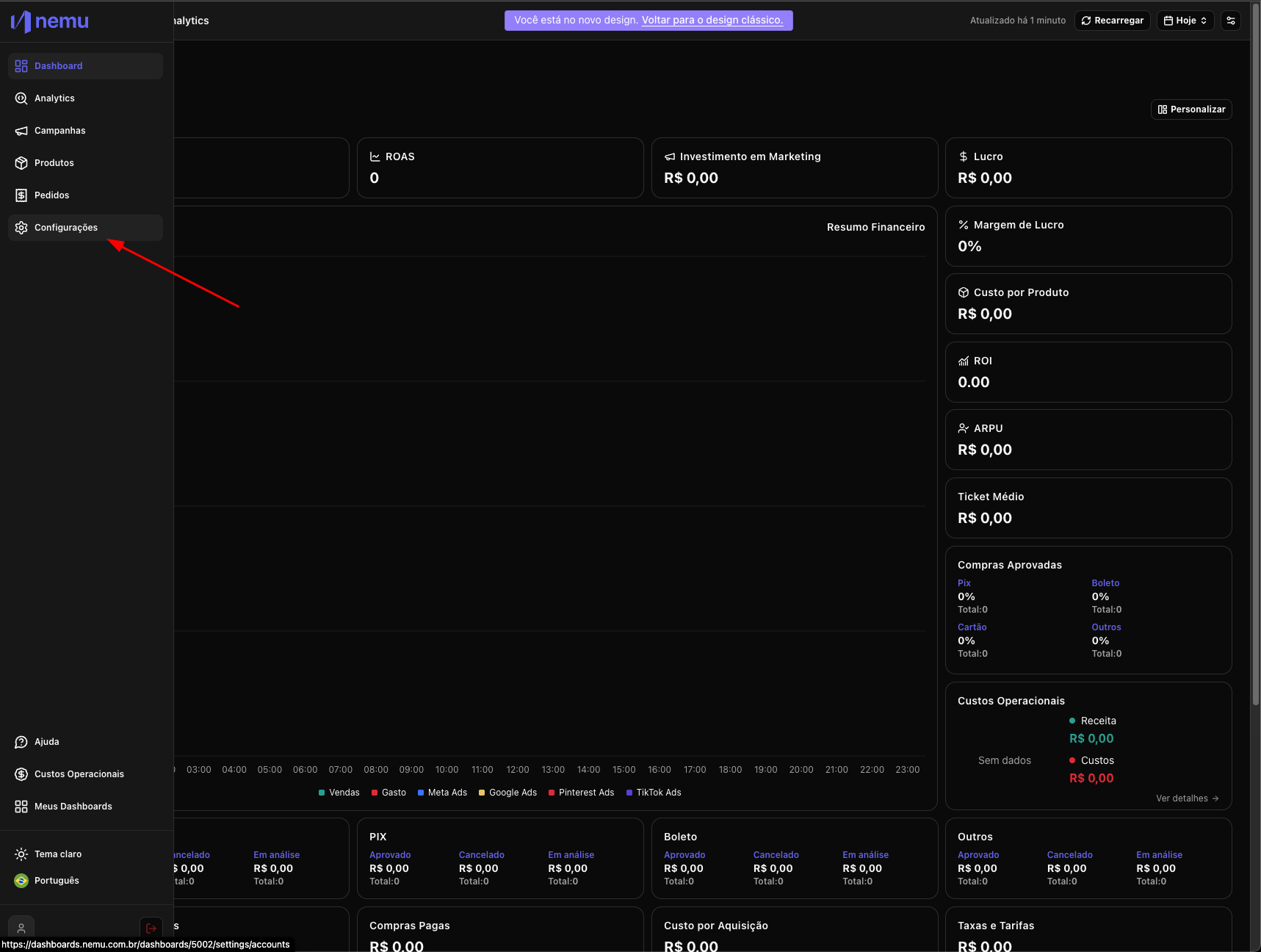
- In Nemu, go to Settings
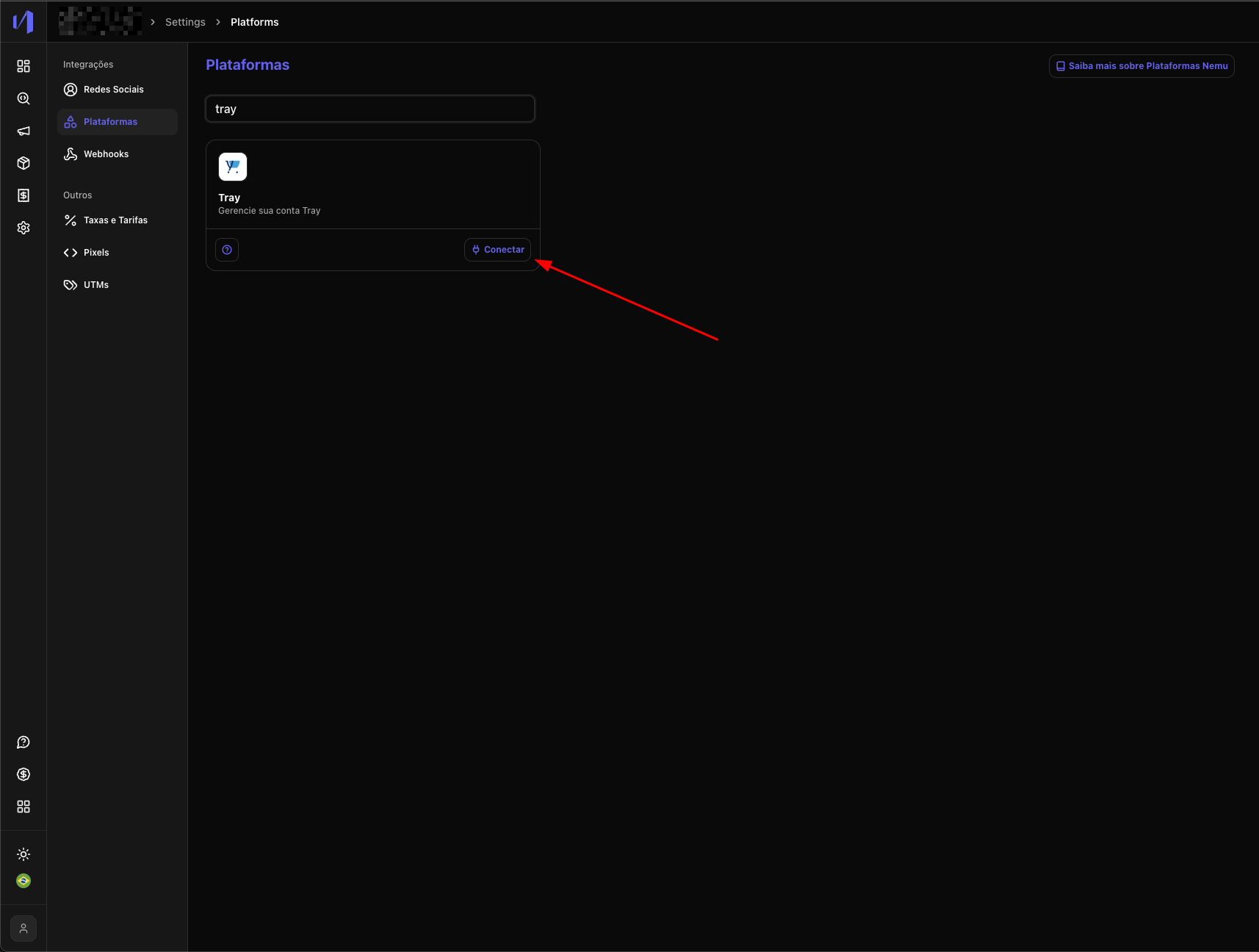
- Then click on Platforms and search for Tray and click on the Connect button
- Paste your store URL and the code copied in step 4 and click on Save