Setting Up API and Webhooks
- In the Bagy panel, click on Settings > API and Webhooks in the left sidebar of your store control panel
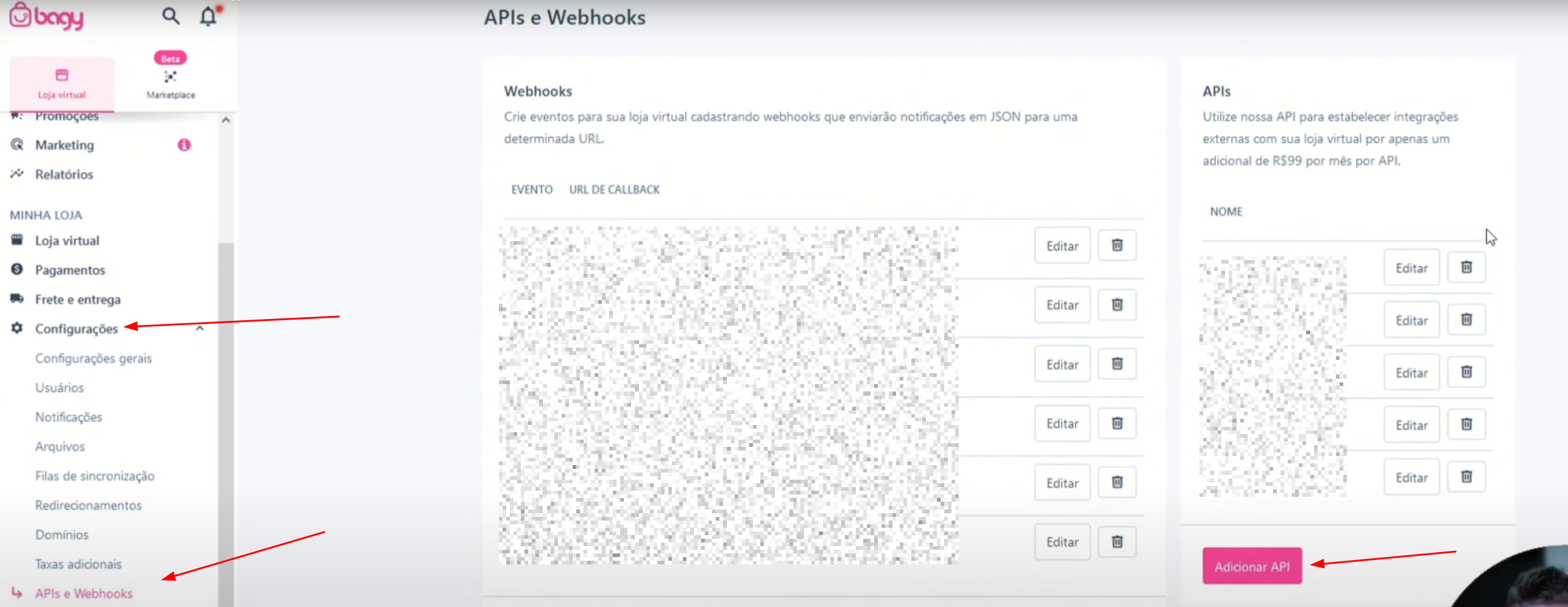
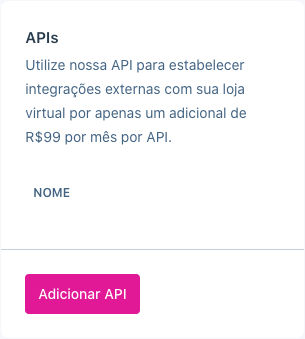
- Click on Add API
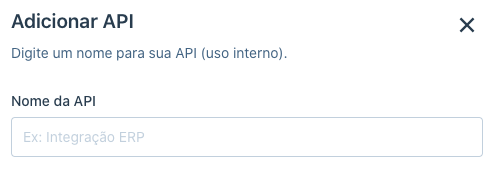
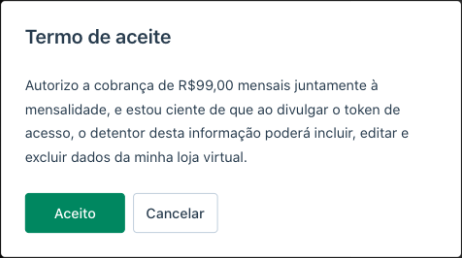
- Give a name to your integration, accept and validate the Terms of Use for the resource usage and click on Add
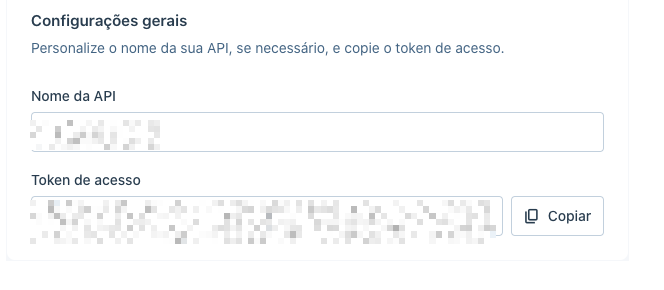
- Copy the Access Token
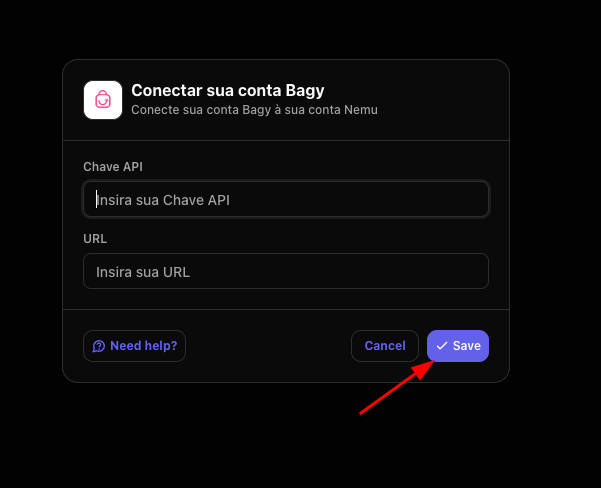
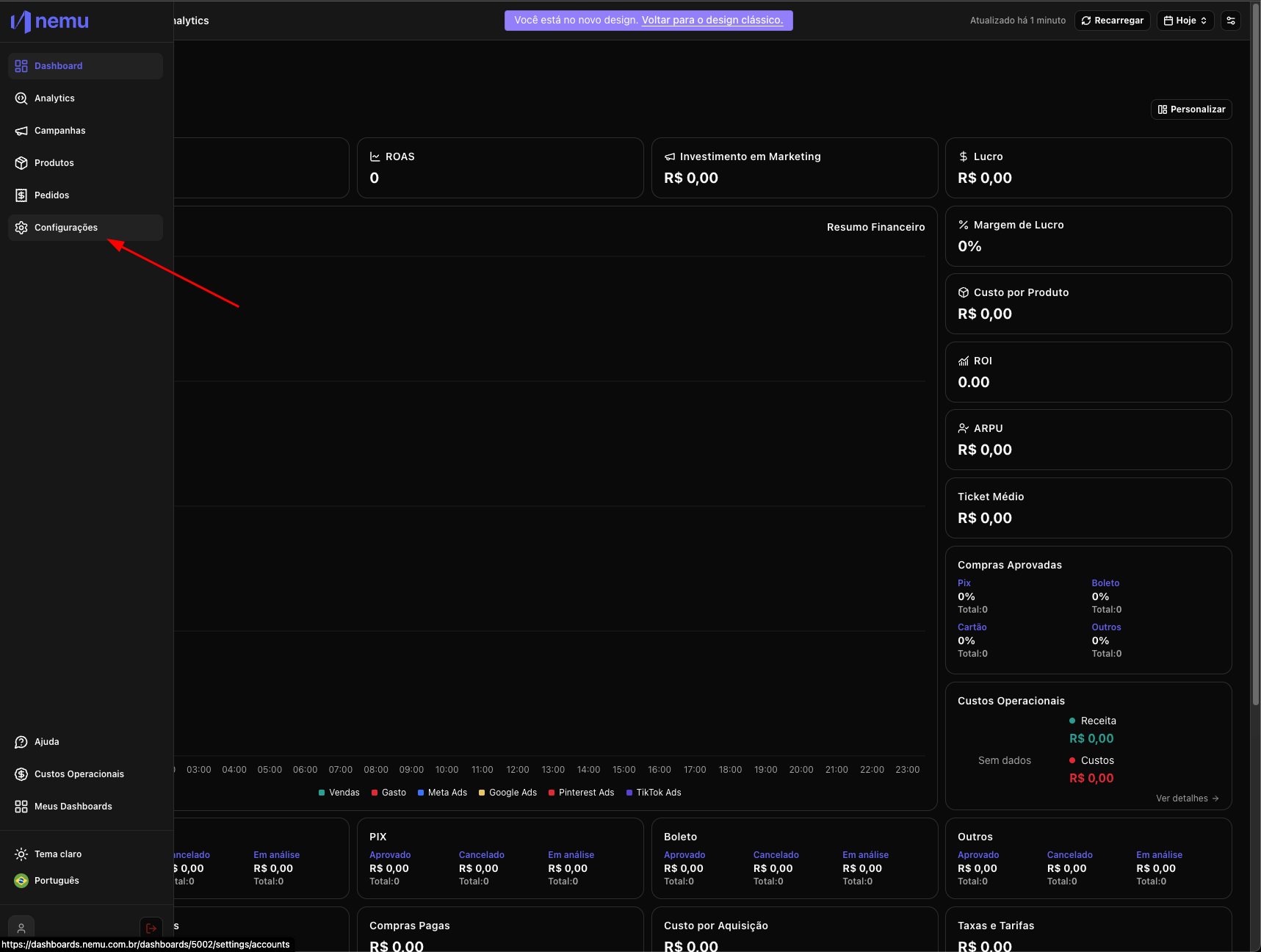
- In Nemu, go to Settings
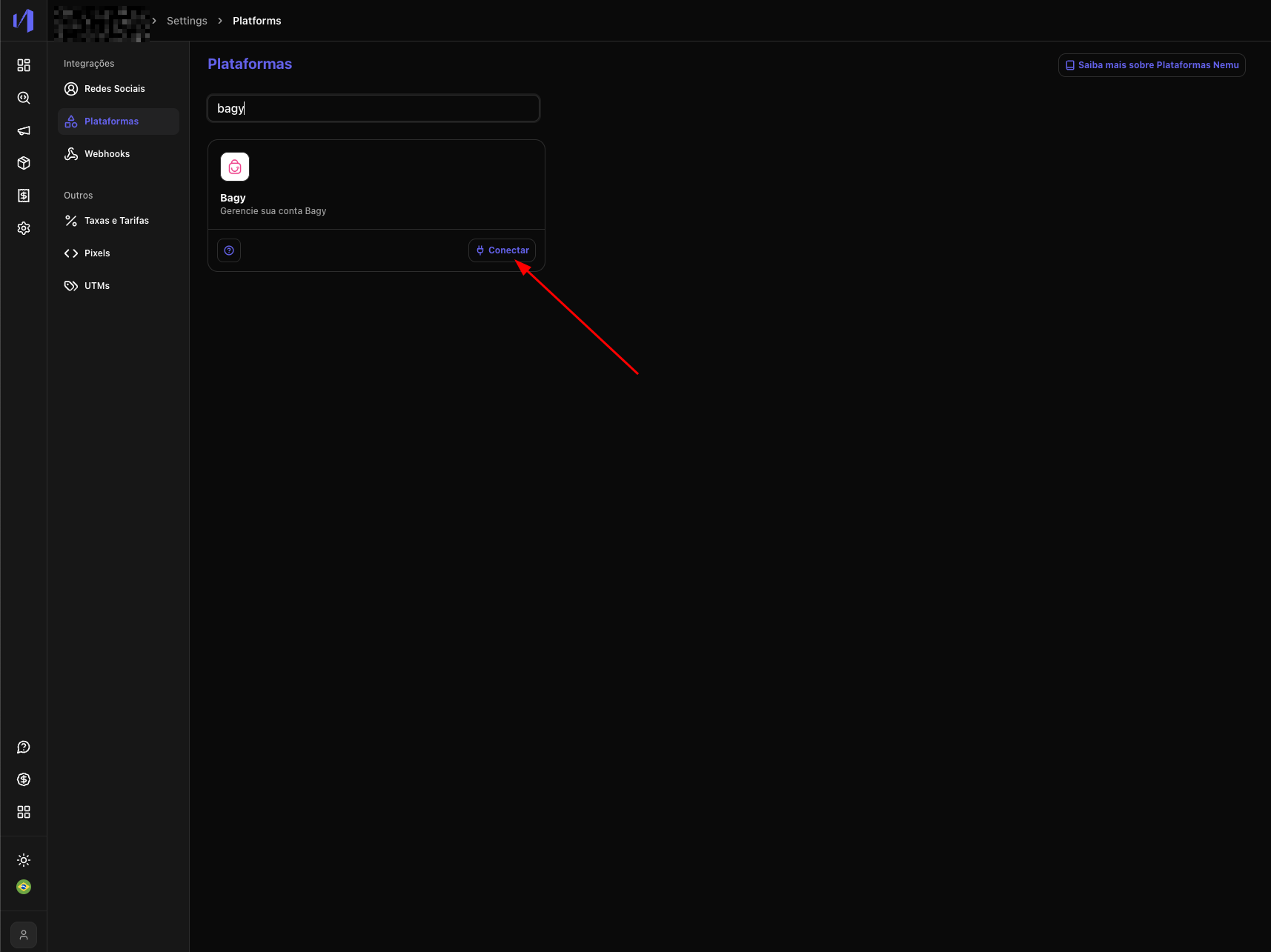
- Then click on Platforms and search for Bagy and click on the Connect button
- Paste your store URL and the code copied in step 4 and click on Save