Setting Up Webhooks in Nemu Dashboard
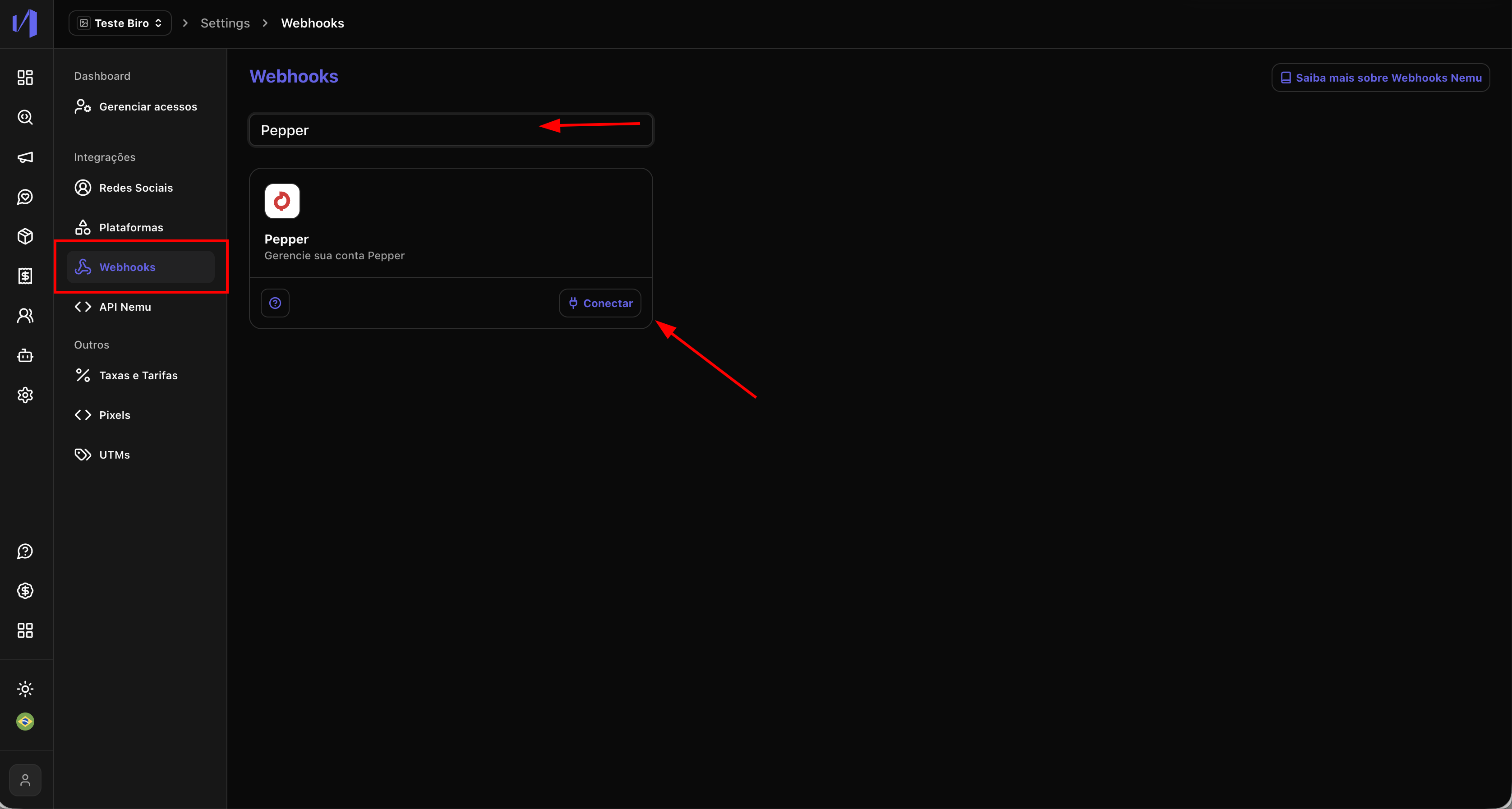
- In the Nemu panel, go to Settings > Webhooks.
- Search for Pepper and click on Connect.
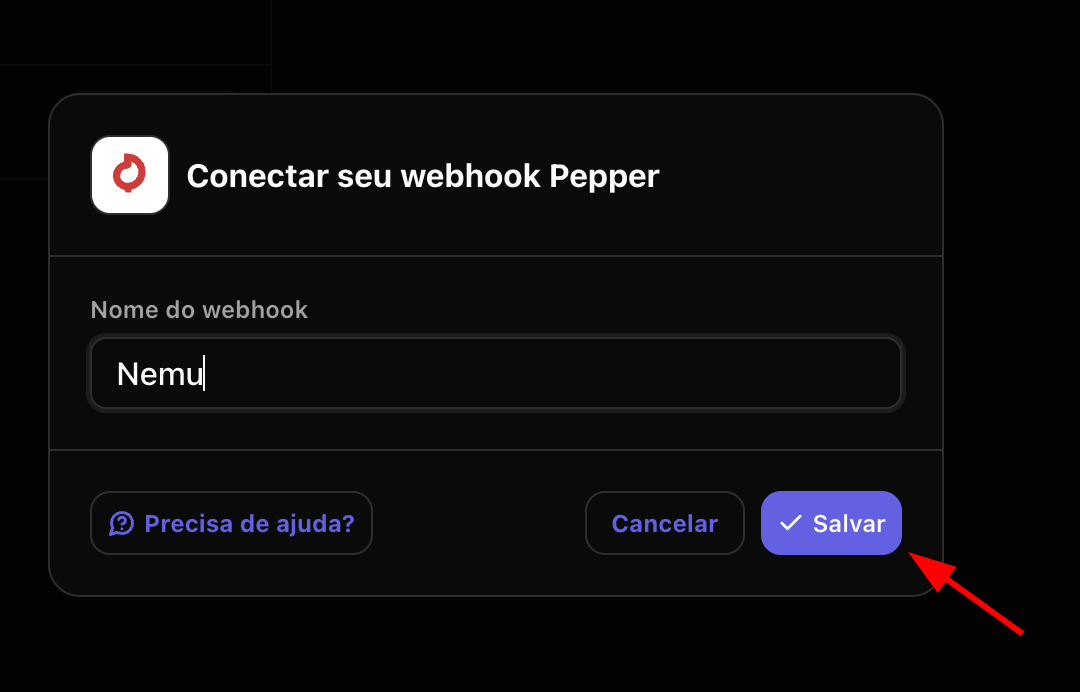
- Define a name for the webhook and click on Save.
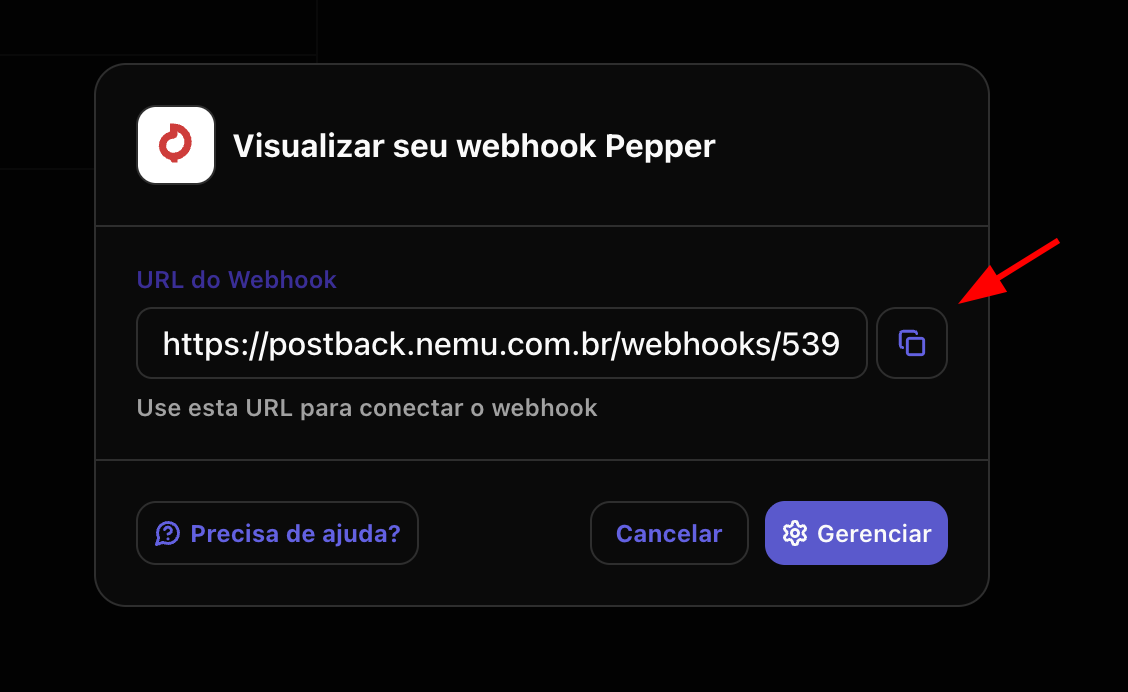
- Click the button to copy the webhook URL generated by Nemu.
Setting Up Webhooks in Pepper Panel
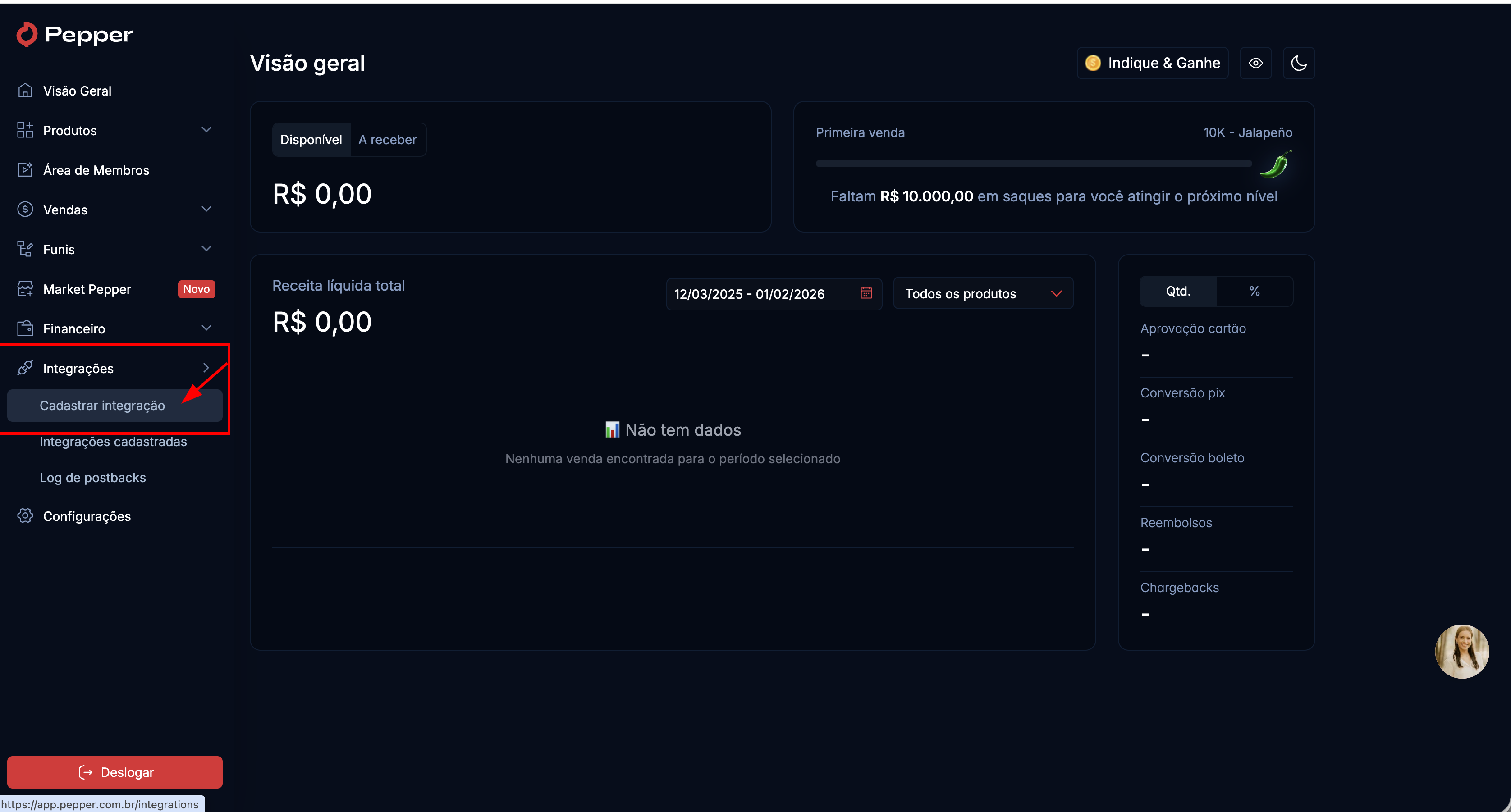
- In the Pepper panel, go to Integrations > Register Integration.
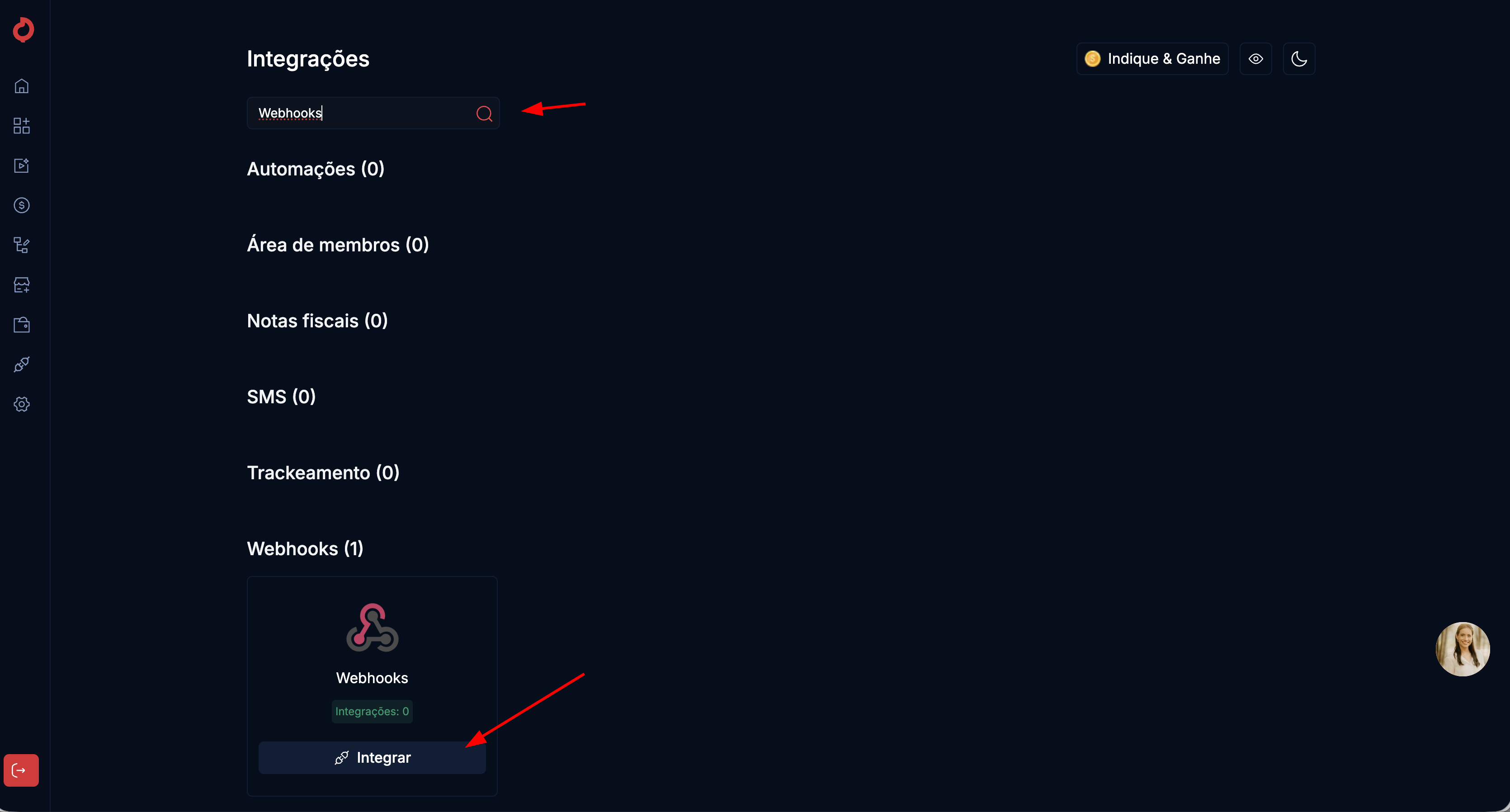
- Search for Webhooks and click on Integrate.
- Paste the URL copied in the previous step in the Postback URL field.
- Select Version 2.0, all Methods and Payment Status.
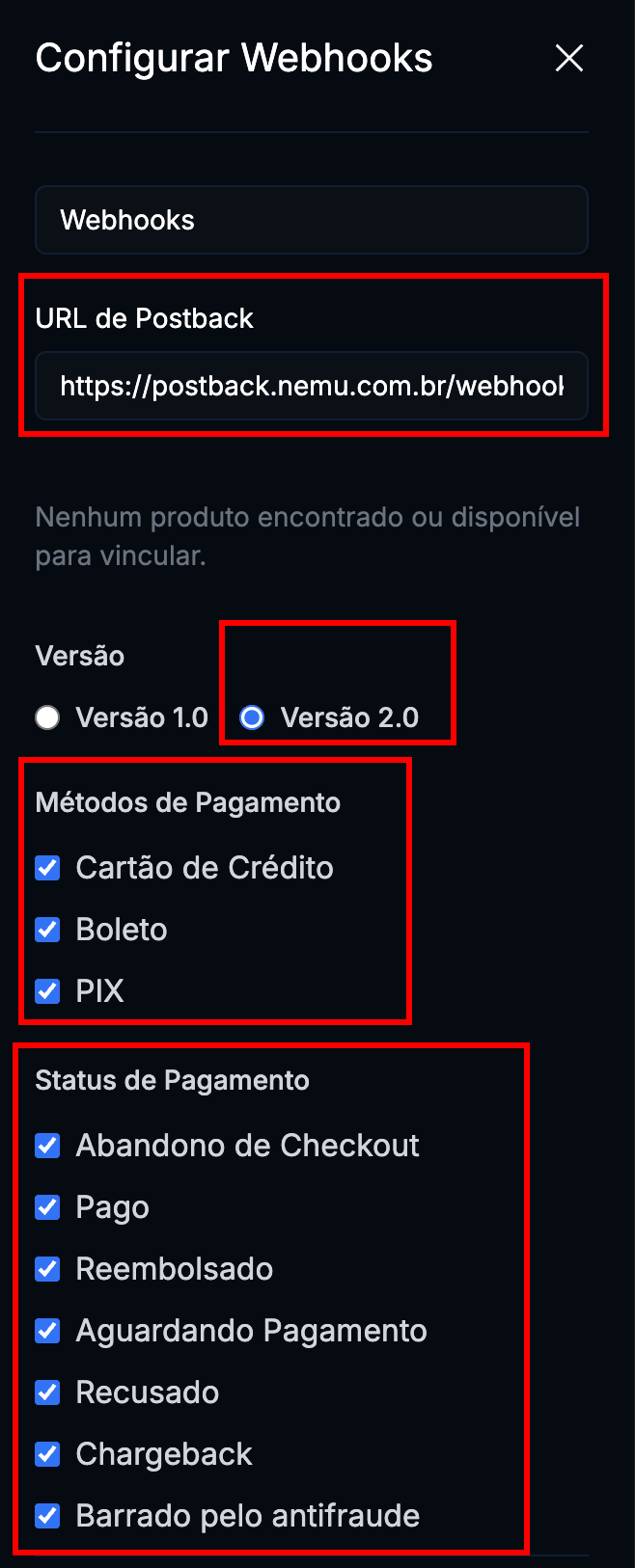
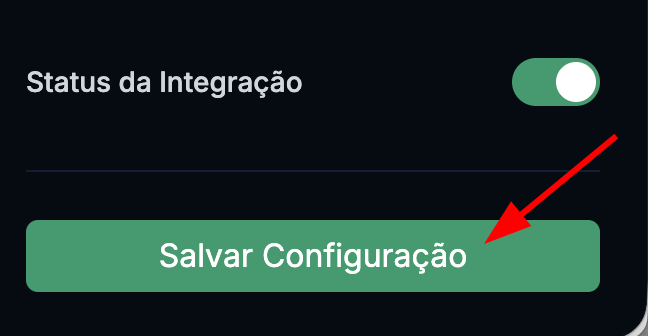
- Make sure the Integration Status is set to Active and click on Save Configuration.