

Account and Dashboard Structure
Nemu is organized in two levels:- Nemu Account: where your data and access permissions are concentrated.
- Dashboards: each Dashboard is an independent analysis unit, with its own integrations, campaigns, and data.
You can have multiple Dashboards in the same account. This is useful, for
example, if you manage different brands, stores, or projects.
How to Create a Dashboard
- Access your Nemu account. If you don’t have one yet, talk to our support team.
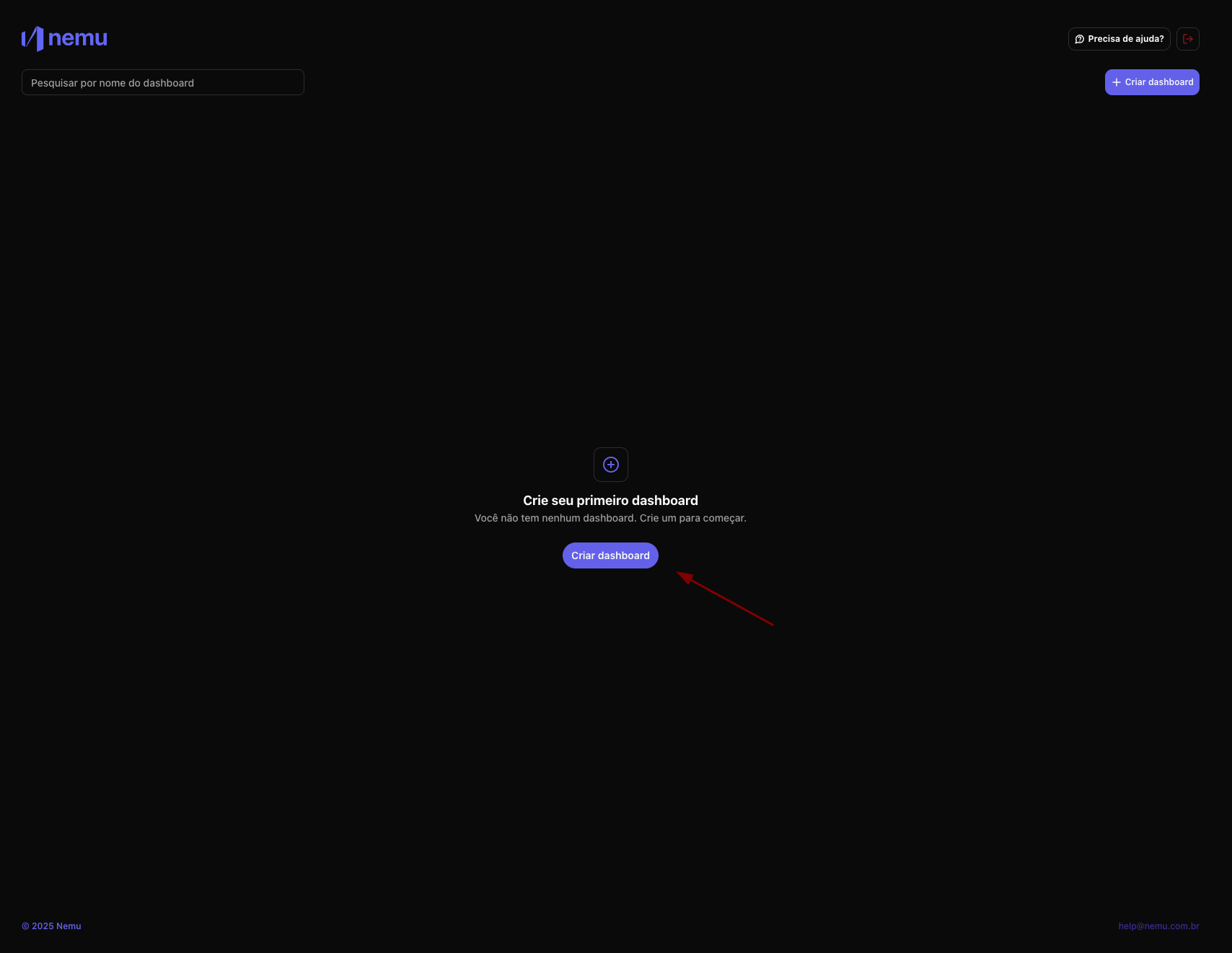
- On the home screen, you will be directed to the My Dashboards section.
- Click on “Create Dashboard”.
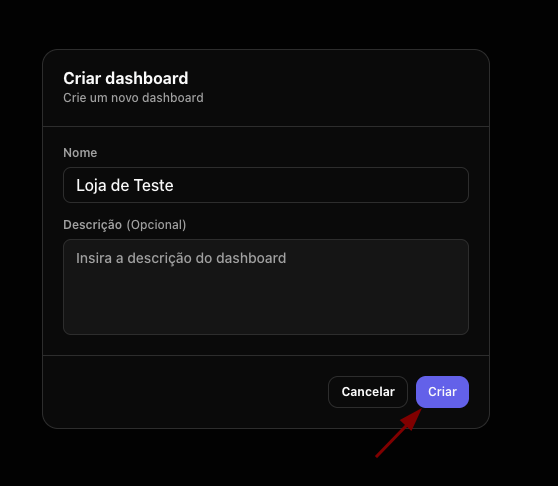
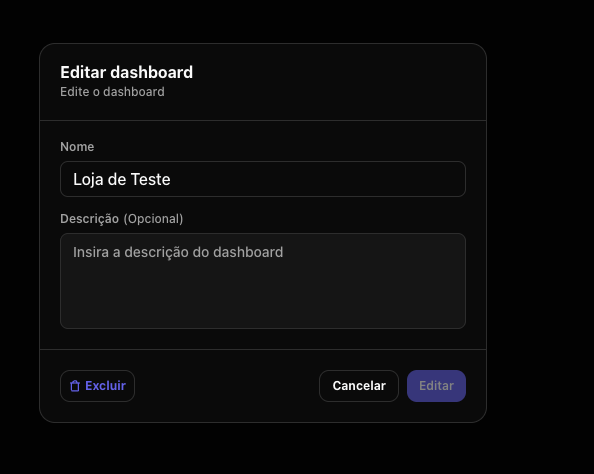
- Give your Dashboard a name (e.g., “Main Store”, “Affiliate Project”, etc.).
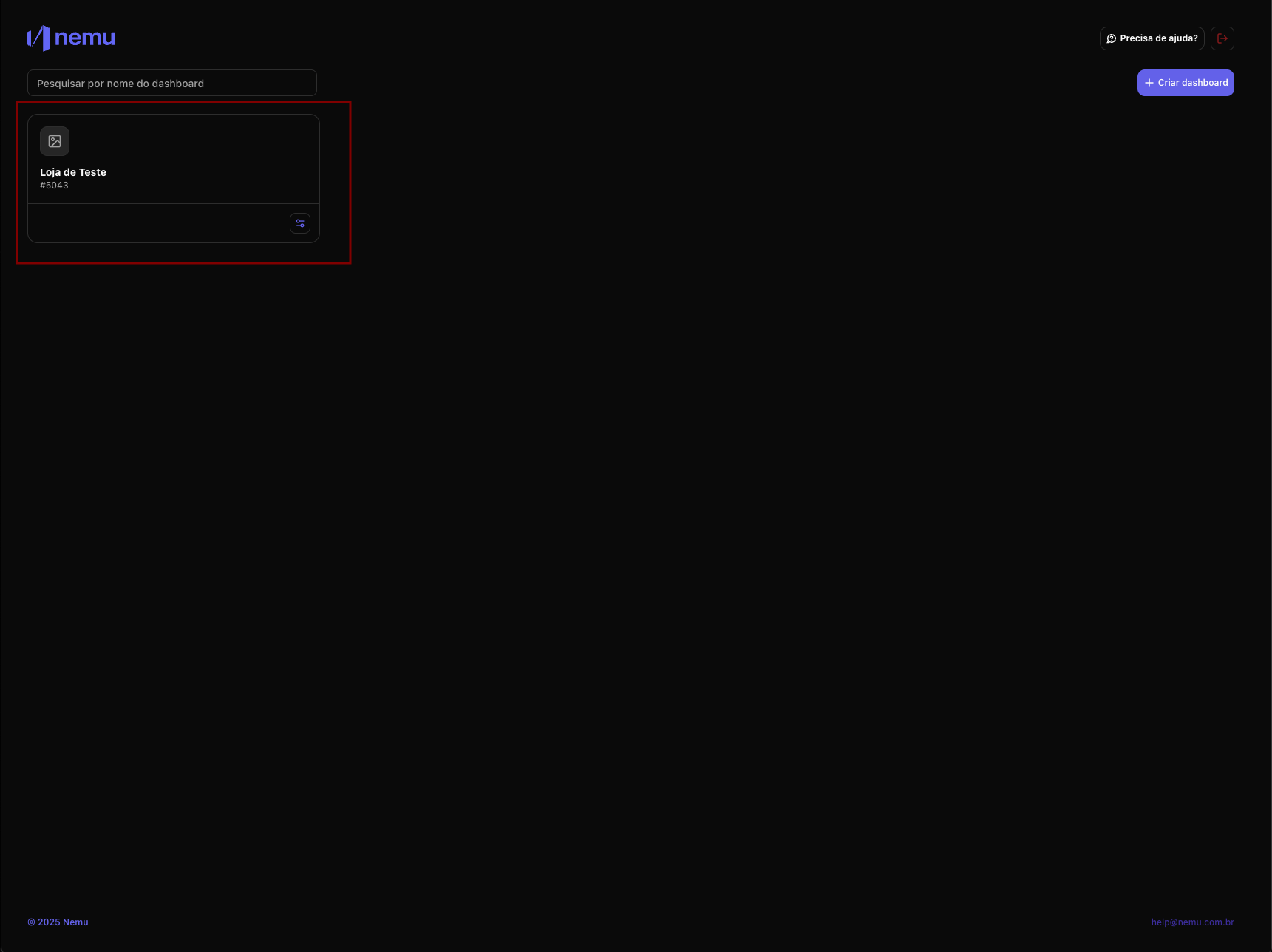
- After creating, you will see your new Dashboard listed.
Accessing Later
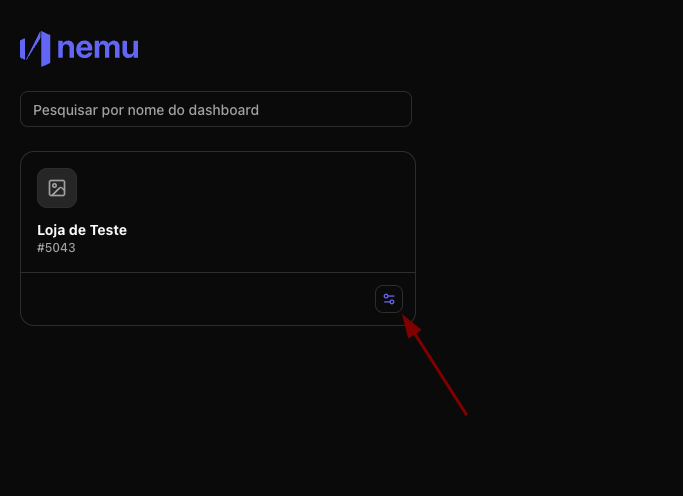
At any time, you can return to the My Dashboards screen to: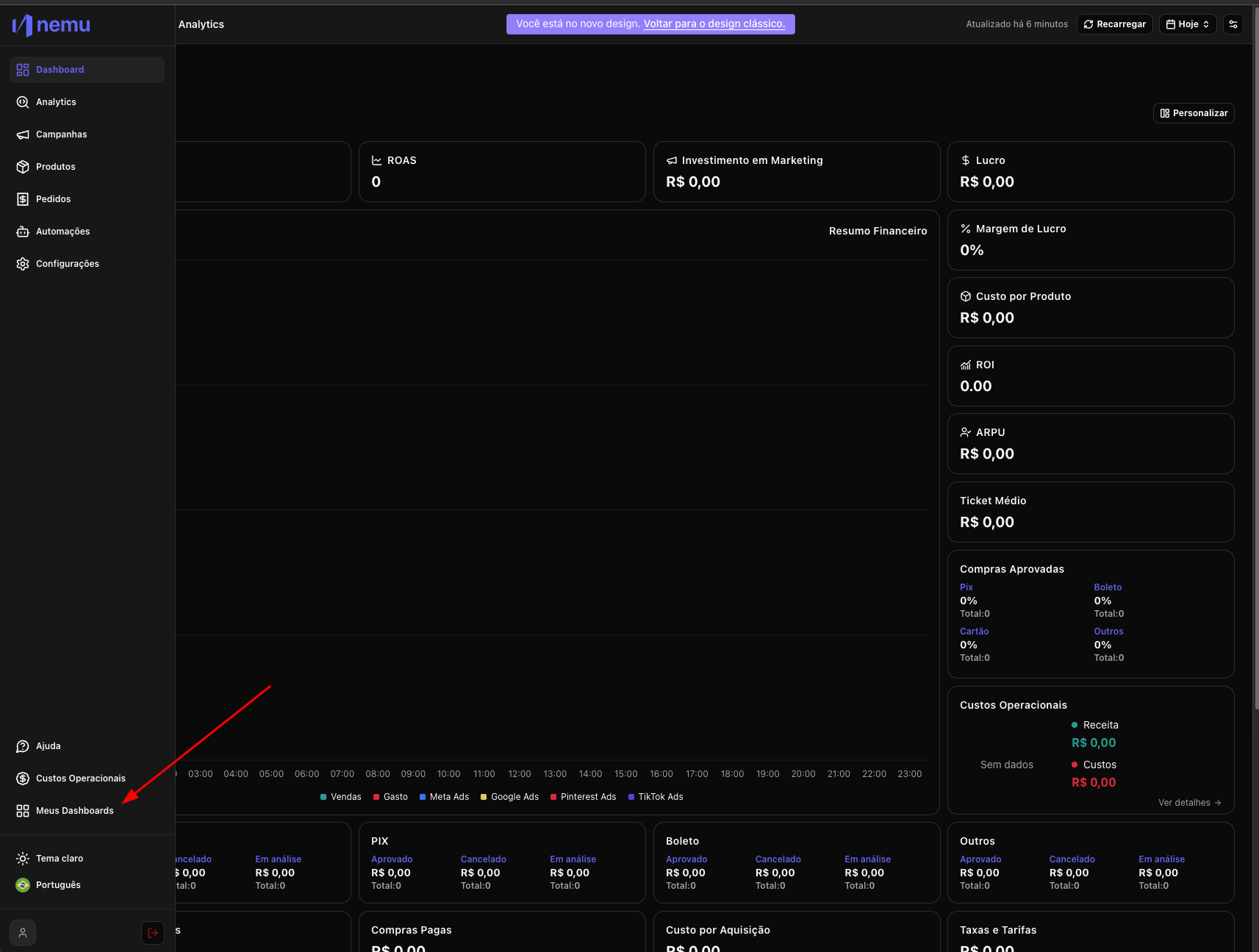
- Access your existing Dashboards
- Create new ones
- Edit your Dashboards