Configuring Webhooks in the Nemu Dashboard
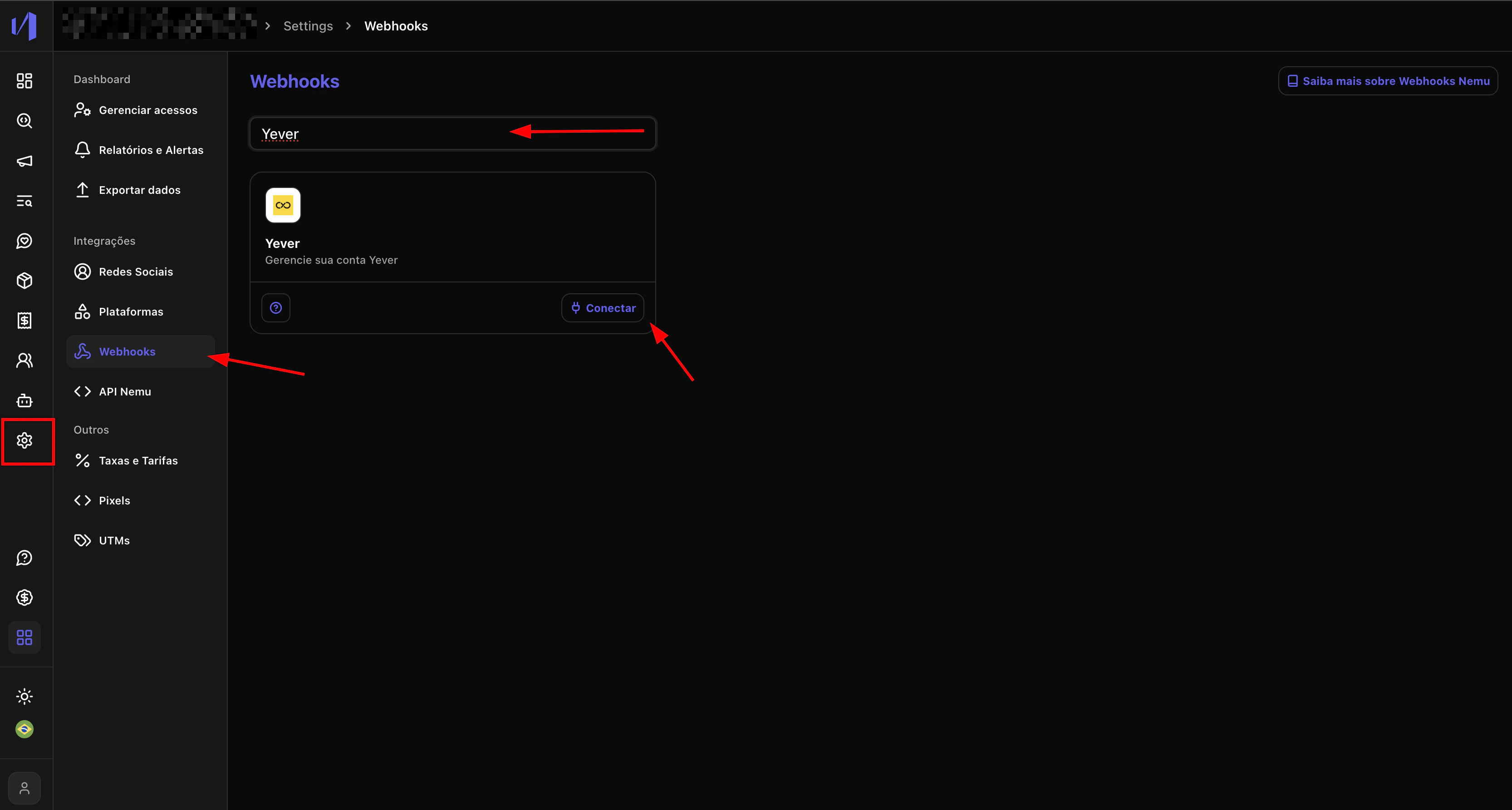
- In the Nemu panel, go to Settings > Webhooks.
- Search for Yever and click Connect.
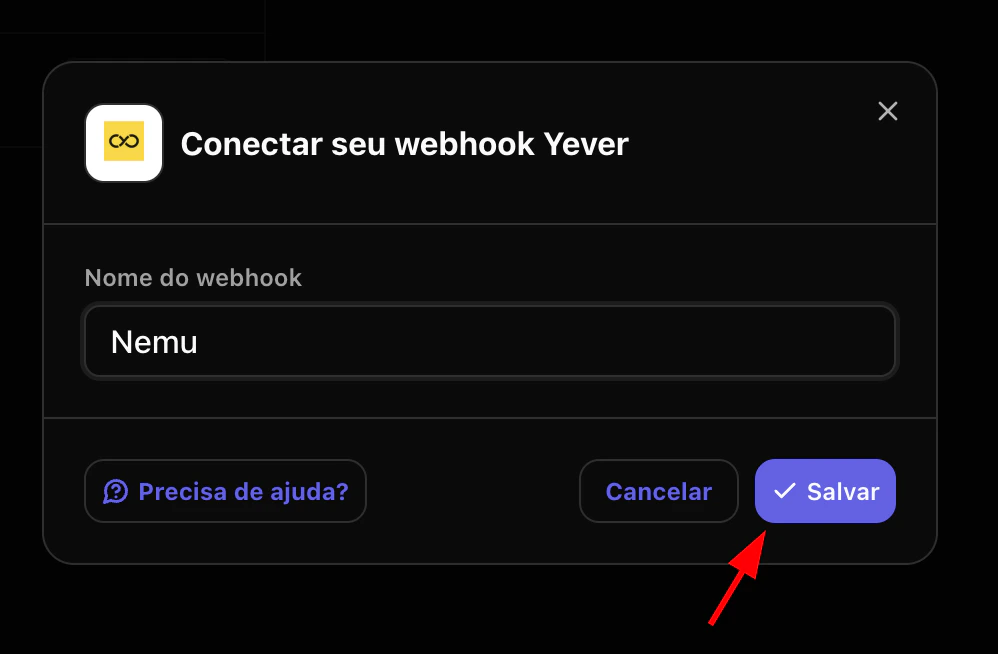
- Set a name for the webhook and click Save.
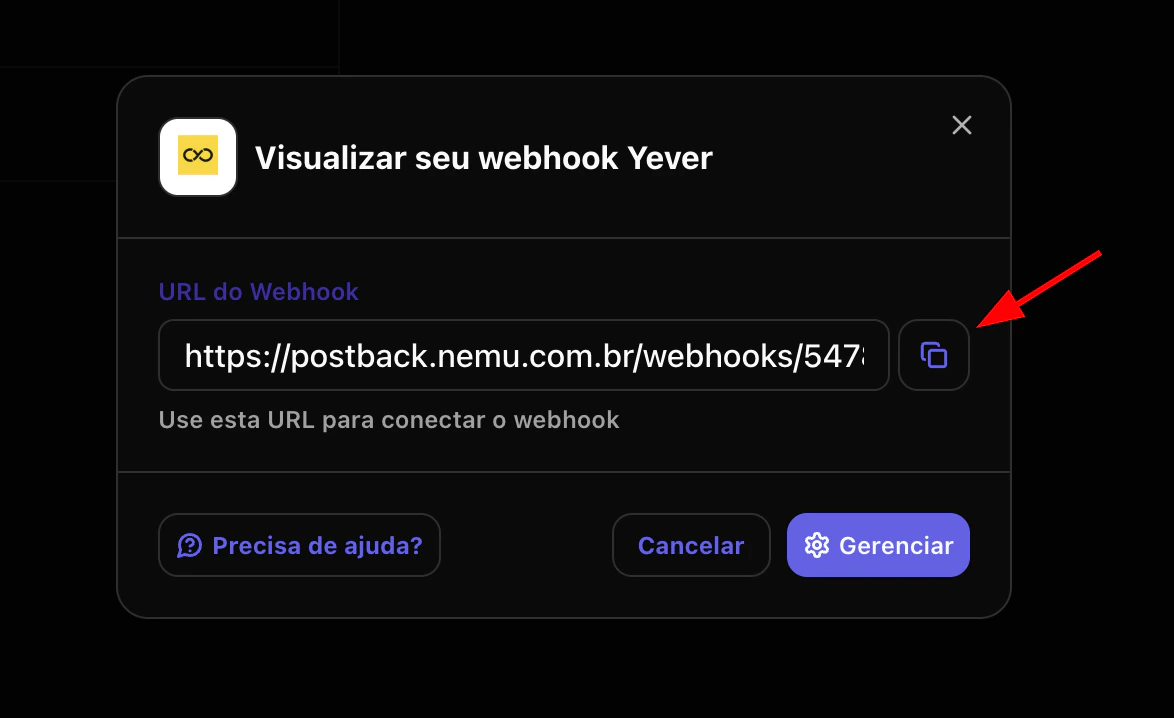
- Click the button to copy the webhook URL generated by Nemu.
Configuring Webhooks in the Yever Panel
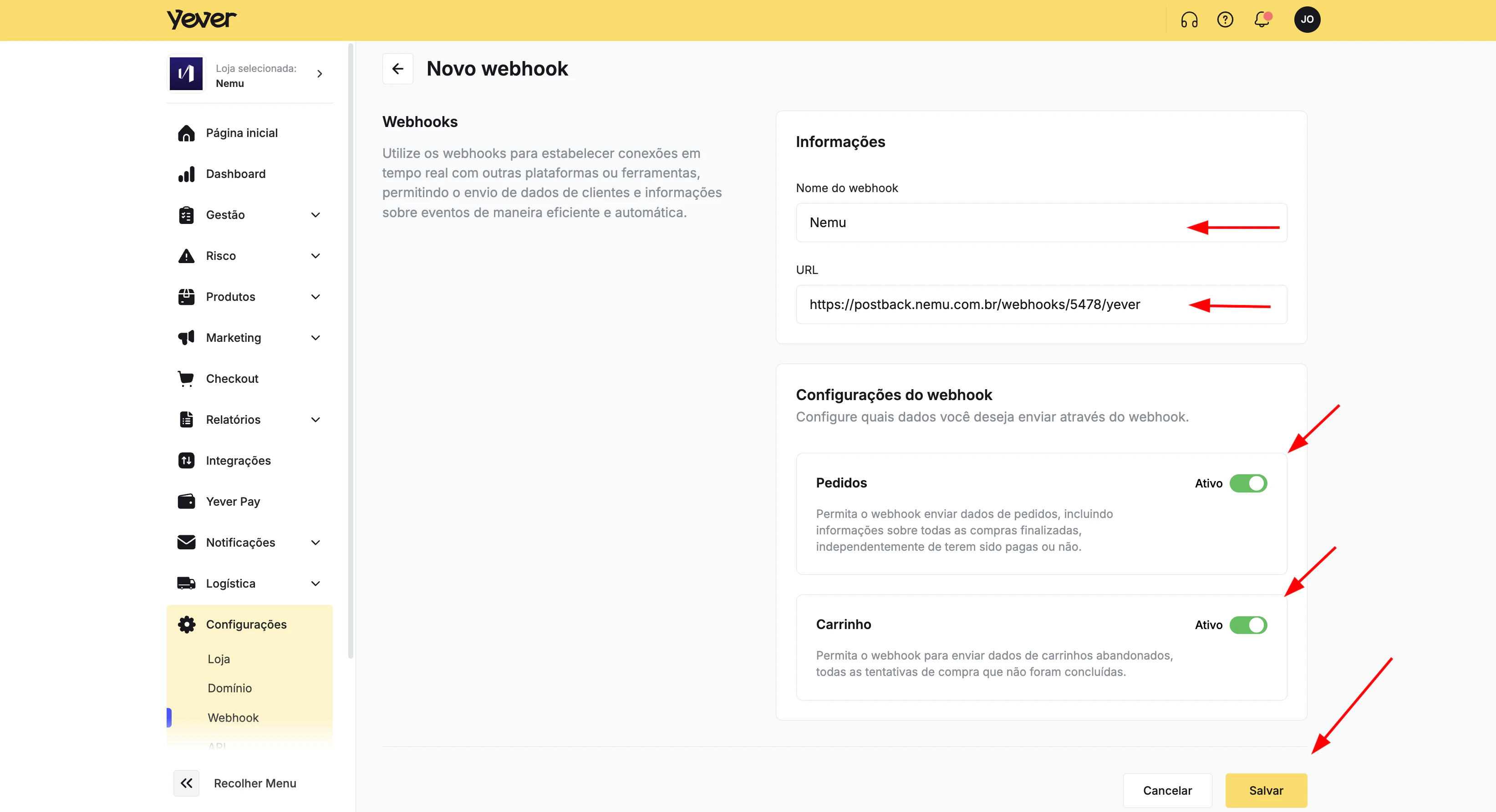
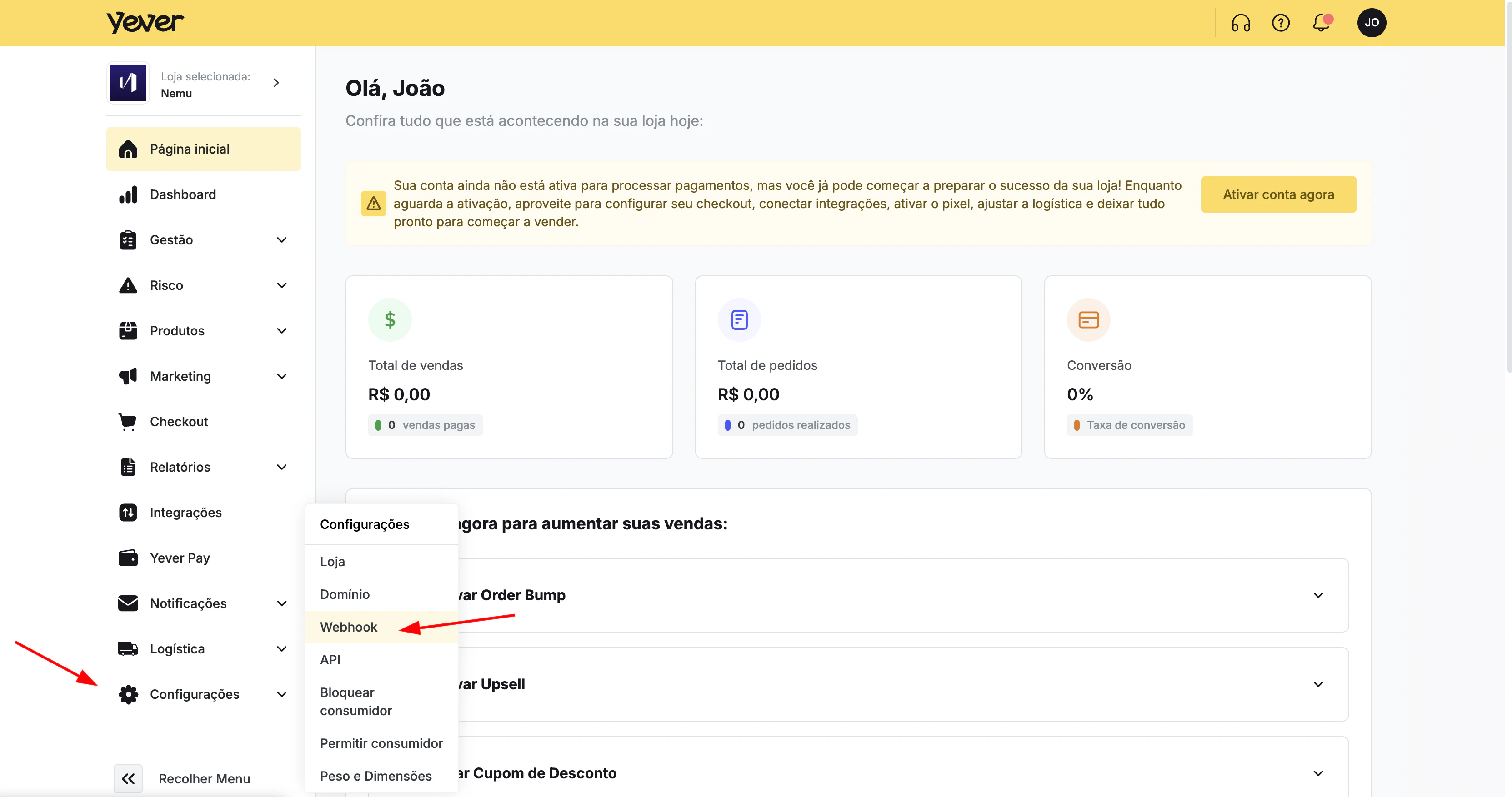
- In the Yever panel, go to Settings > Webhooks.
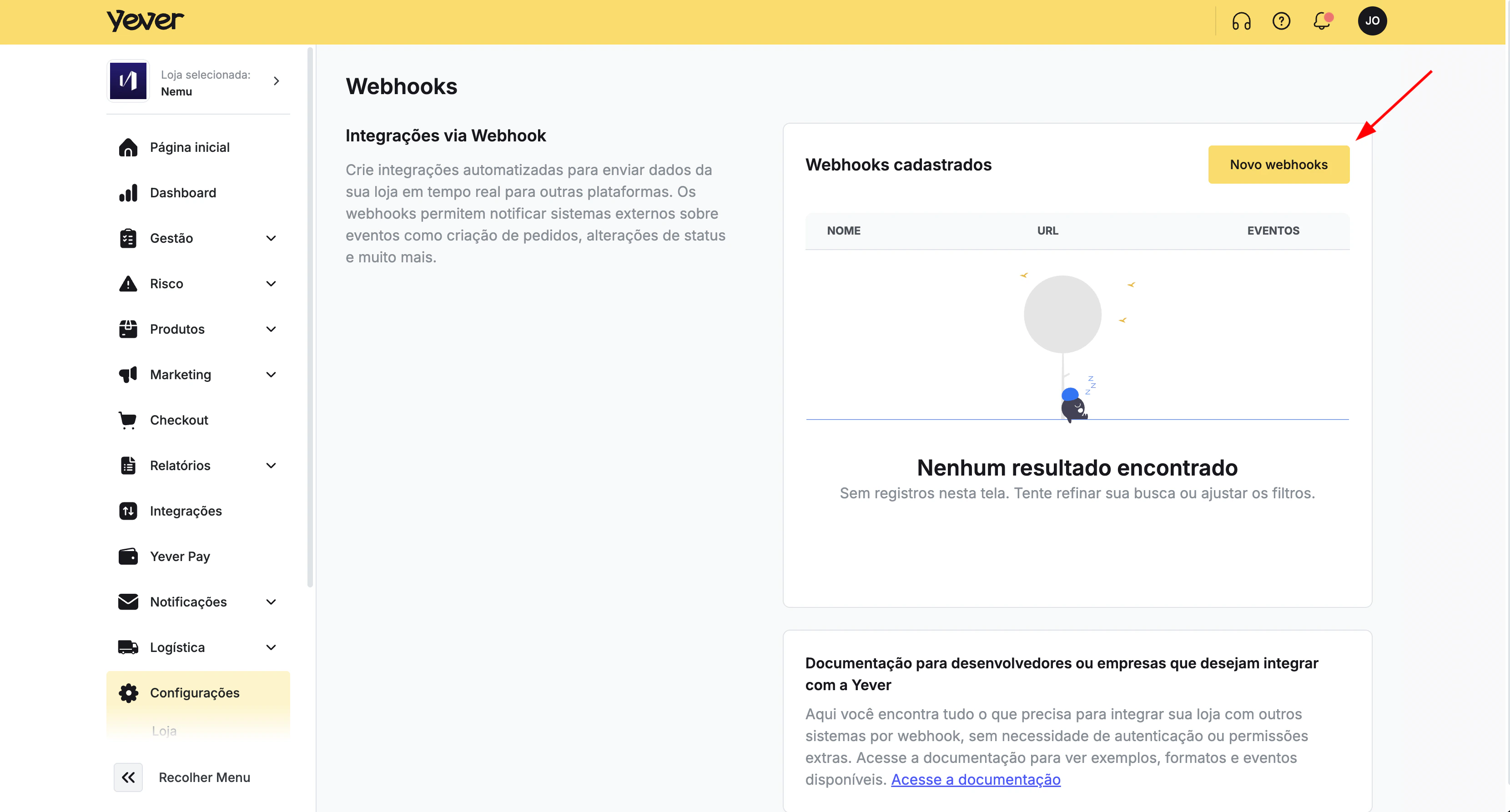
- Click New Webhooks.
- Fill in the webhook name.
- Paste the URL copied in the previous step into the URL field.
- Enable the Order and Cart events.
- Click Save to finalize the integration.